9-- 12
Powerware 9330 (10 kVA--40 kVA) Installation and Operation
164201300 Rev . N 013004
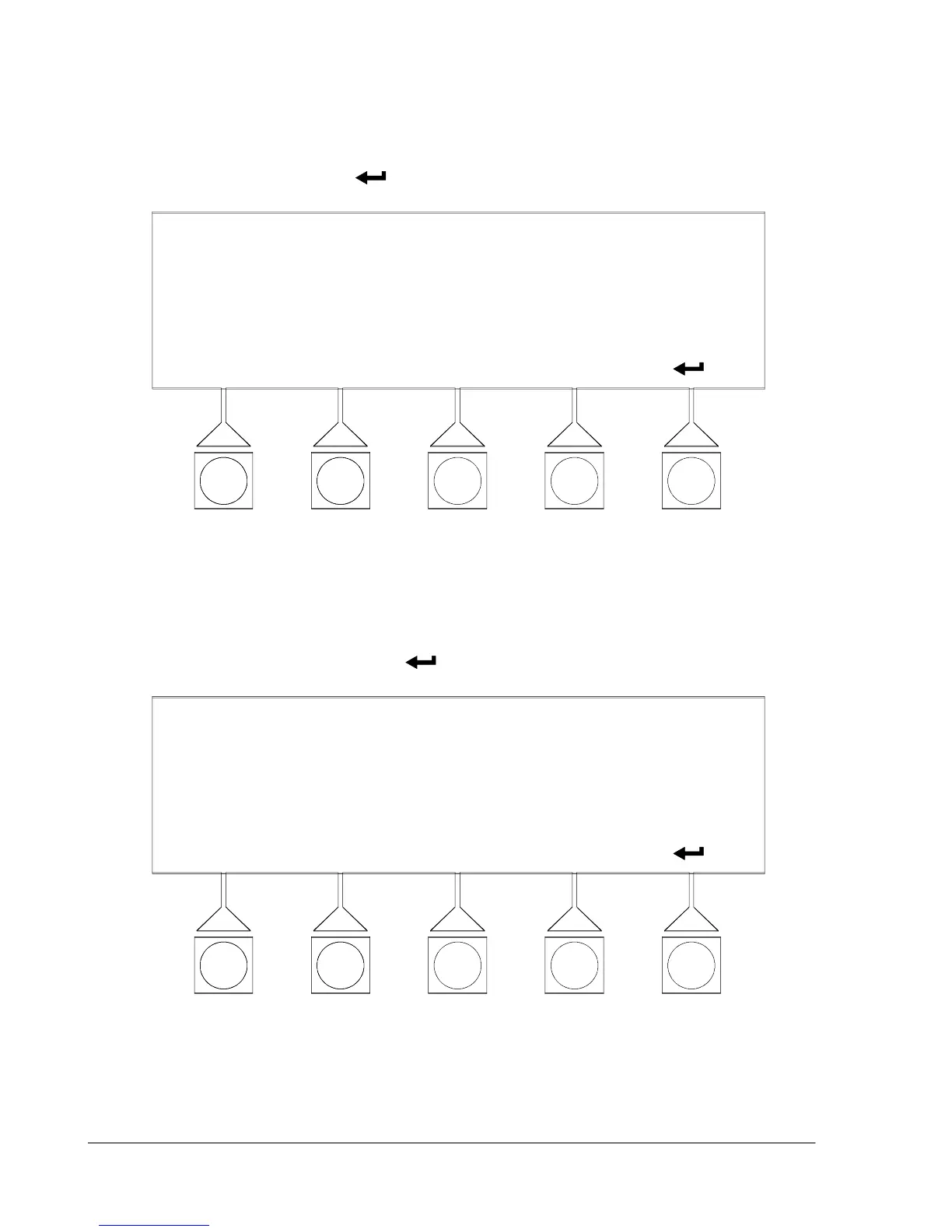
Select VERSIONS from the System Setup Level 0 menu to display the Versions
screen. The Versions screen provides the firmware version numbers installed on
the UPS. Figure 9---17 shows the Versions screen. To return to the System Setup
menu screen, select the
pushbutton.
VERSIONS
INVERTER
MACHINE CONTROL
COMM SERVER
2.04
3.06
DISPLAY
3.06
3.02
Figure 9---17. Versions Screen
Select UNIT TYPE from the System Setup Level 0 menu to display the U nit Type
screen. The Unit Type screen provides the model, CTO, and serial numbers of the
UPS unit. Figure 9---18 shows the Unit Type screen. To return to the System
Setup menu screen, select the
pushbutton.
UNIT TYPE
MODEL:
CTO:
POWERWARE 9330
SERIAL:
000000000000000
0000000000000000
F i g u r e 9 --- 1 8 . U n i t Ty p e S c r e e n












 To Next Page