9-- 9
Powerware 9330 (10 kVA--40 kVA) Installation and Operation
164201300 Rev . N 013004
9.3.4 System Meter Screens
The System Meter screens show the UPS system readings when multiple UPS
units are used.
Select SYSTEM from the screen menu to display the System Meter screens.
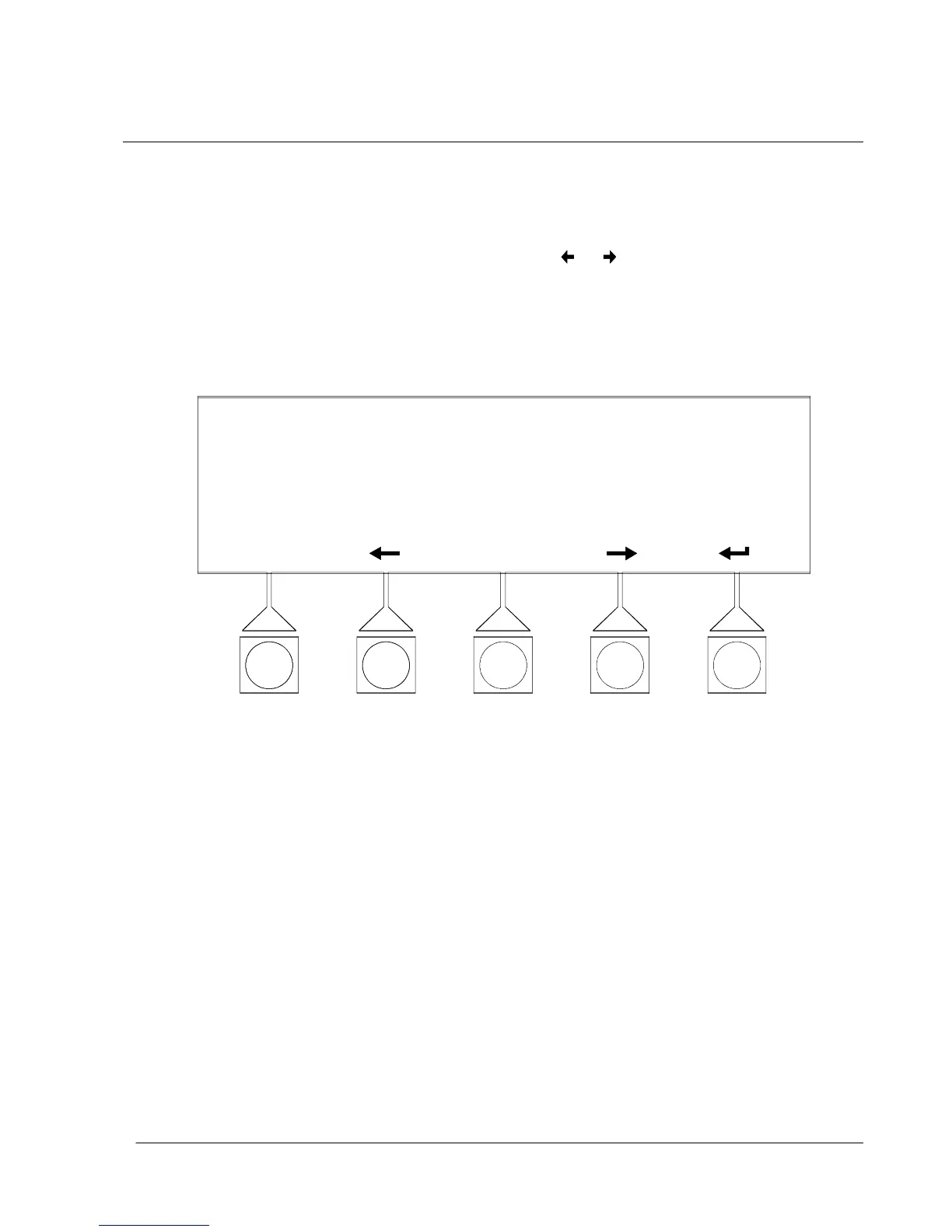
Figures 9---12 through 9---14 show the System Meter screens.
To scroll through the meter screens, select the
or pushbuttons from the
display menu. The current UPS System readings are displayed in the information
area of the screen. To return to the Unit Meter screen, select UNIT from the screen
menu.
The Input screen shows the phase-to-phase voltage, phase current, and frequency,
of the incoming utility, followed by the KVA, KW, and power factor measurements.
SYSTEM INPUT
VAB
VBC VCA
KVA KW PF
IA IB IC
***
*** *** ***
******
*** ******
FREQ
***
UNIT
Figure 9 ---12. System Input Meter Screen












 To Next Page