9-- 13
Powerware 9330 (10 kVA--40 kVA) Installation and Operation
164201300 Rev . N 013004
9.3.6 Setup Menu Level 1 Screens
A password is required to access the Level 1 functions. To enter the password,
select ENTER PASSWORD from the System Setup Level 0 menu to display the
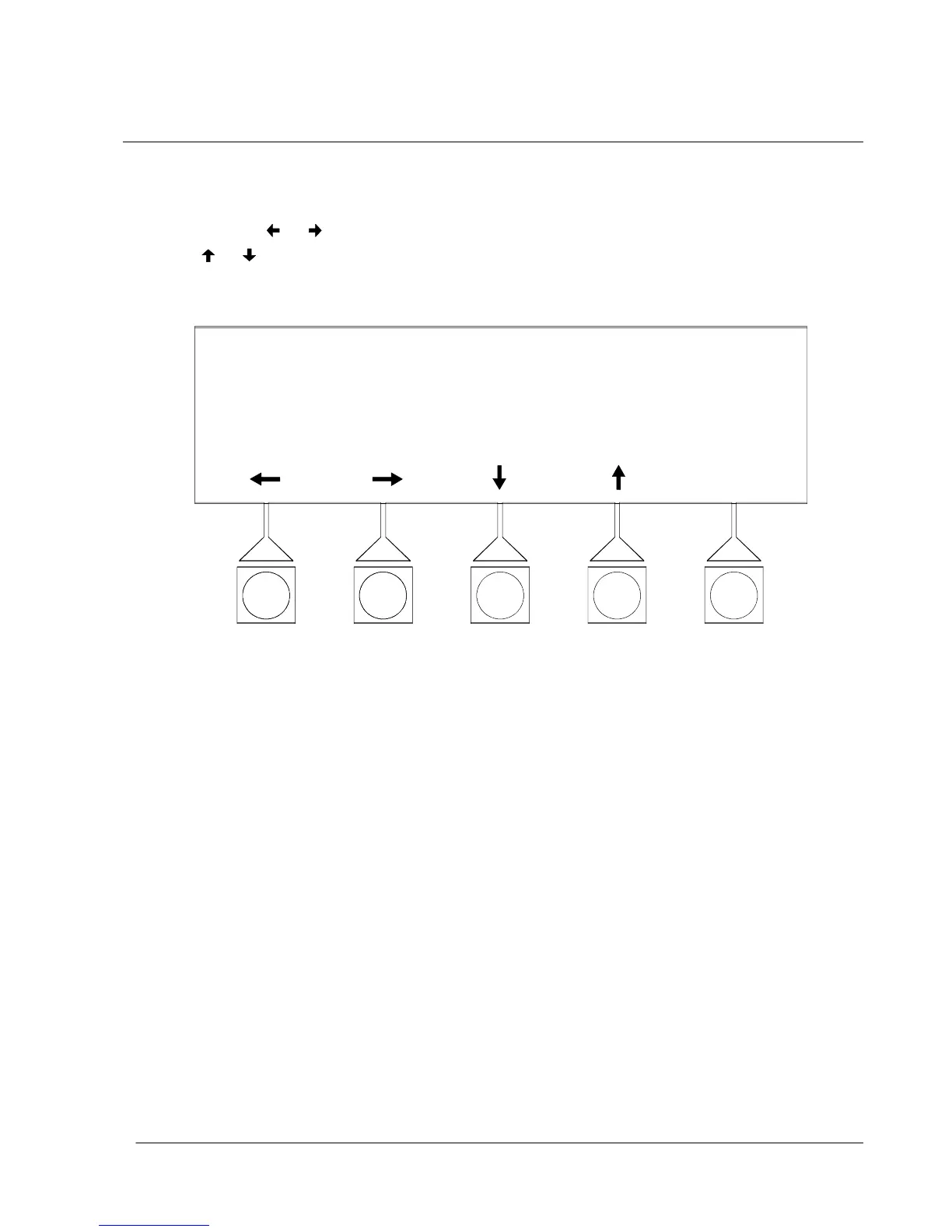
Enter Password screen. Figure 9---19 shows the Enter Password screen.
Use the
or pushbuttons to select the password character position. U se the
or pushbuttons to change the password character. Once the password is
entered, select the ENTER pushbutton. The System Setup Level 1 menu screen is
displayed. The default password is L1.
ENTER PASSWORD
ENTER
IF NO PASSWORD THEN PRESS ENTER
L1
Figure 9 ---19. Enter Password Screen












 To Next Page