9-- 19
Powerware 9330 (10 kVA--40 kVA) Installation and Operation
164201300 Rev . N 013004
9.4 System Controls Screen
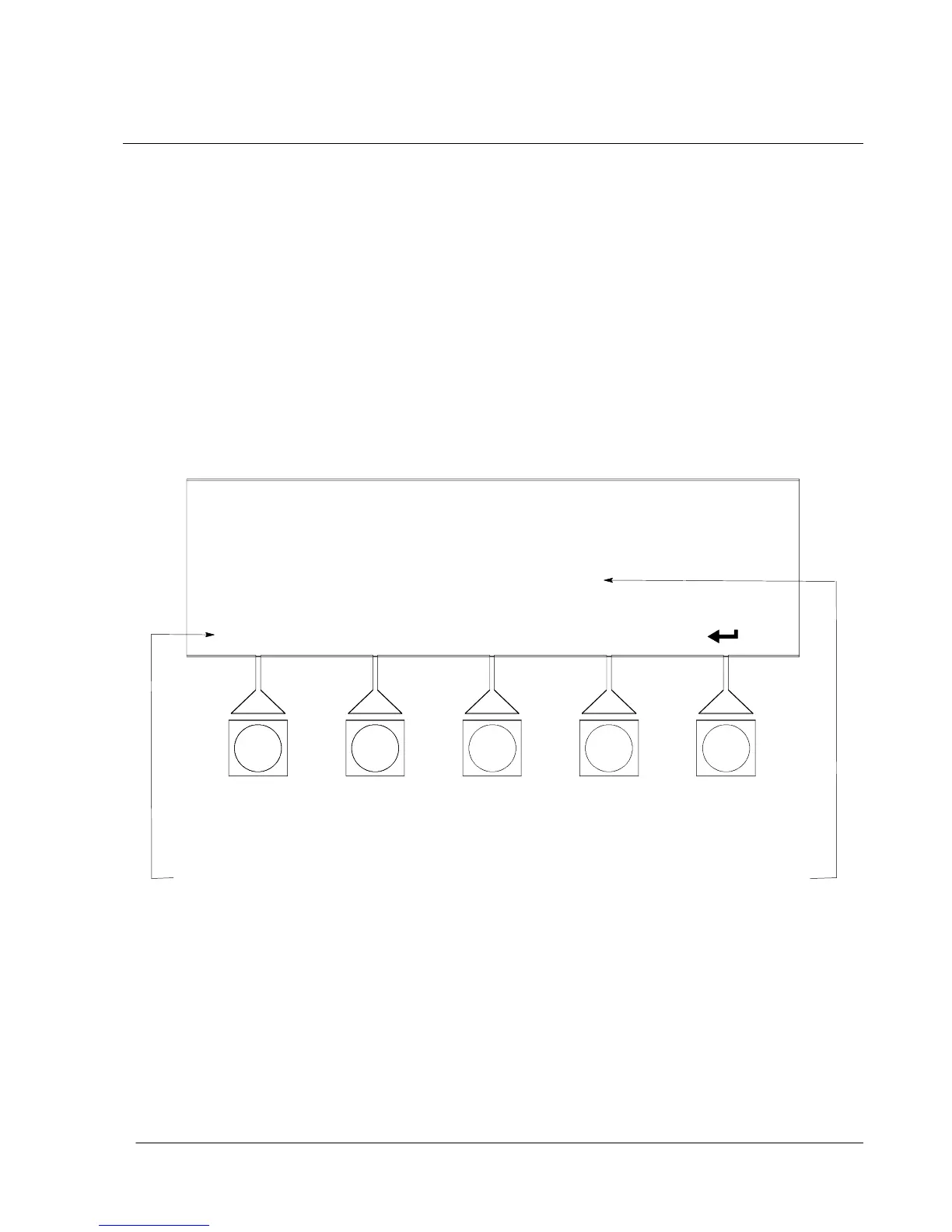
Select CONTROLS from the Main menu screen or use the SYSTEM CONTROL
pushbutton on the right side of the control panel to display the System Controls
screen. Normal operation, transfer to bypass, charger control, and PPU startup
and shutdown are controlled from this screen. The PPU pushbutton switch, on the
System Controls screen, toggles the PPU On and Off. In addition, the screen
displays the current status of the UPS and indicates whether the UPS is in
Maintenance Bypass or Bypass, and the state of the Power Processing Unit (PPU).
F i g u r e s 9 --- 2 5 a n d 9 --- 2 6 s h o w t h e S y s t e m C o n t r o l s s c r e e n s . F o r d e t a i l e d
information about using the System Controls, refer to Chapter 10, “UPS Operating
Instructions”.
NOTE: High Efficiency Mode control option only appears if it has been set by a
Customer Service Engineer.
SYSTEM CONTROLS
CHARGERBYPASS PPU ONHI-EFF
MAINTENANCE BYPASS
BYPASS
PPU
OFF:
OFF:
ONLINE:
TOGGLES BETWEEN
HI-EFF AND NORMAL,
DEPENDING ON MODE
TOGGLES BETWEEN
ONLINE AND HI-EFF,
DEPENDING ON MODE
NORMAL MODE REQUESTED
Figure 9---25. System Controls Screen in Normal Mode












 To Next Page