9-- 18
Powerware 9330 (10 kVA--40 kVA) Installation and Operation
164201300 Rev . N 013004
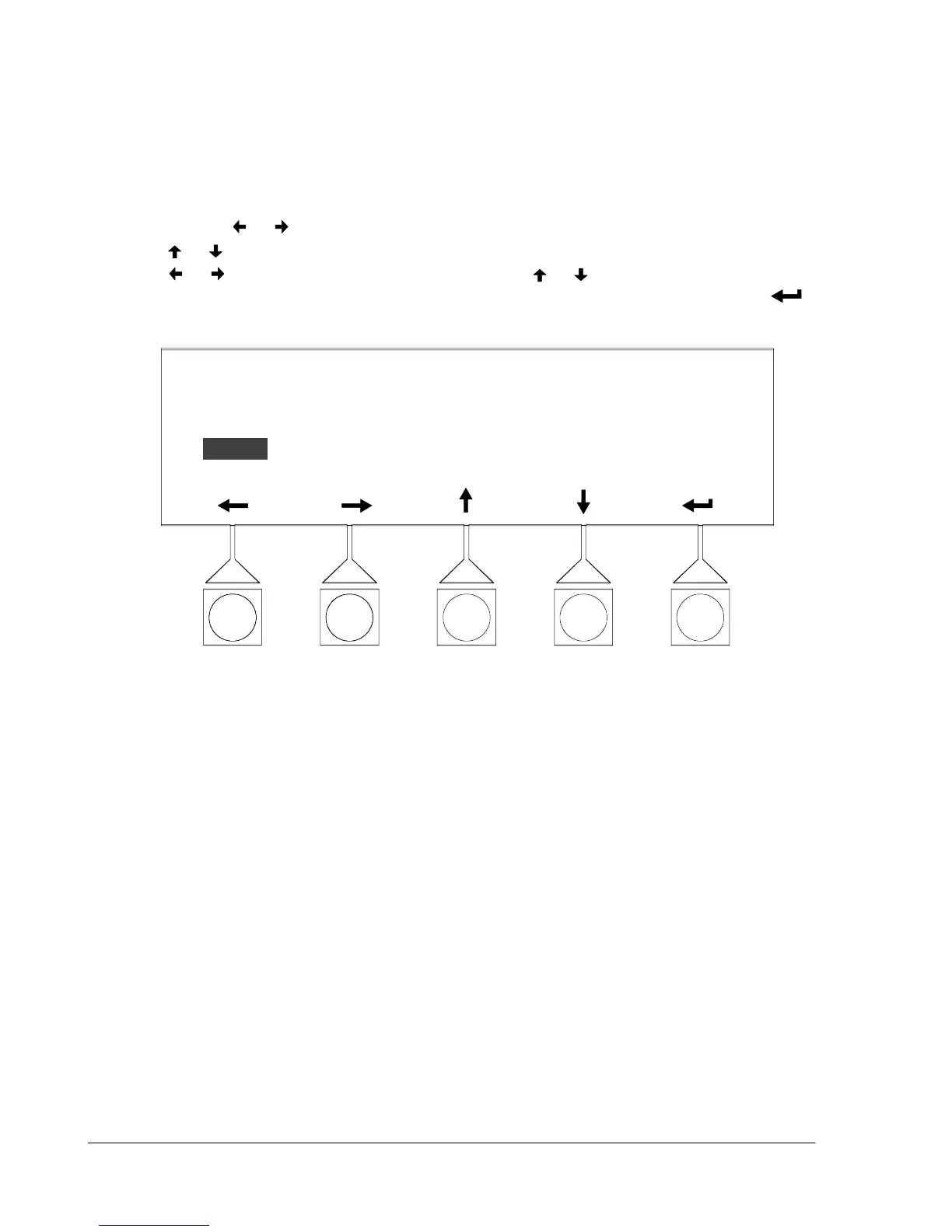
Select SERIAL PORTS from the System Setup Level 1 menu to display the Serial
Port screen. The Serial Port screen allow you to specify settings for the serial
communication ports on the UPS. Figure 9---24 shows the Serial Ports screen. For
detailed information about configuring the serial ports, refer to Chapter 13,
“Communications.”
Use the
or pushbuttons to highlight the setting to be changed. Use the
or pushbuttons to make the change. When finished making changes, use the
or pushbuttons to highlight SAVE and the or pushbuttons to select YES
To complete the save function and return to the Setup Menu screen, select the
pushbutton.
COM1
SERIAL PORTS
PORT BAUD PARITY DA TA STOP SAVE
9600 NONE 8 1 YES
Figure 9---24. Port Setup Screen












 To Next Page