9-- 17
Powerware 9330 (10 kVA--40 kVA) Installation and Operation
164201300 Rev . N 013004
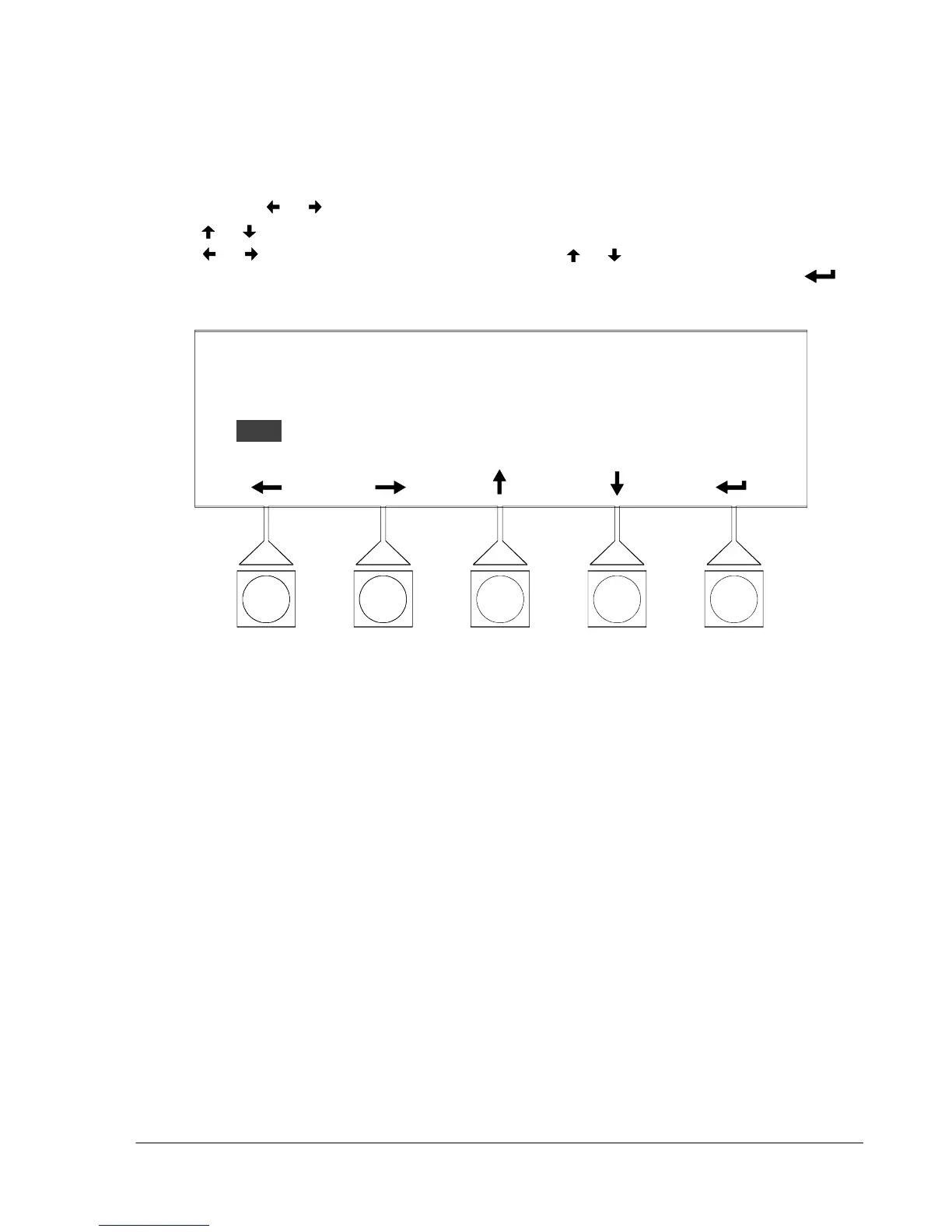
Select DATE &TIME from the System Setup Level 1 menu to display the Date &
T i me screen. The Date & Time screen allows the internal date & time stamp of the
UPS to be set. The stamp is used for logging events in the Event History Log.
Figure 9---23 shows the Date & Time screen.
Use the
or pushbuttons to highlight the setting to be changed. U se the
or pushbuttons to make the change. When finished making changes, use the
or pushbuttons to highlight SAVE and the or pushbuttons to select YES
To complete the save function and return to the Setup Menu screen, select the
pushbutton.
TUE
DATE & TIME
DAY DT MONTH YEAR HOUR MINUTE SAVE
16 MAY 2000 09 42 YES
F i g u r e 9 --- 2 3 . D a t e & T i m e S c r e e n












 To Next Page