9-- 16
Powerware 9330 (10 kVA--40 kVA) Installation and Operation
164201300 Rev . N 013004
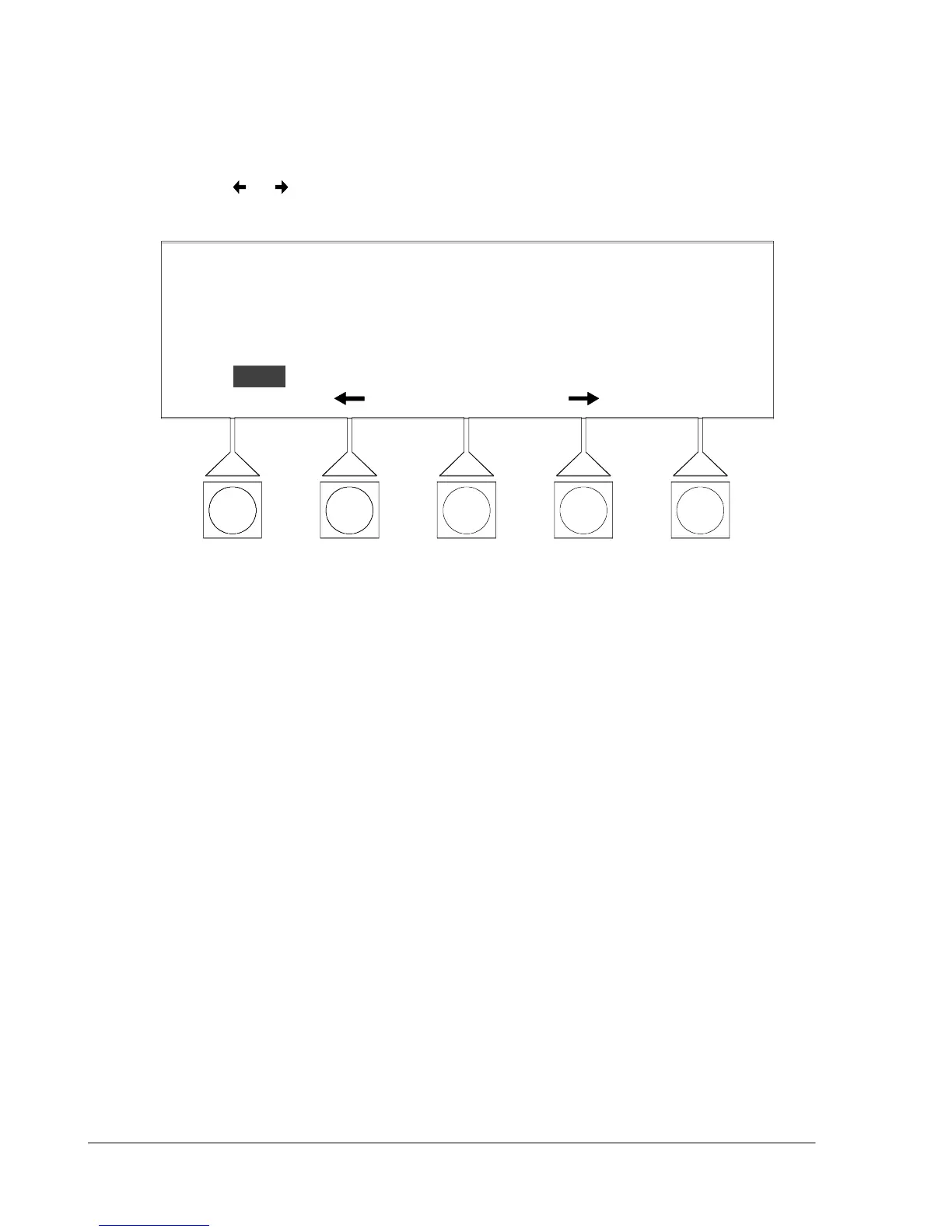
TheChangePasswordSavescreenallowsthenewpasswordtobesaved,aborted
or to retry another password. Figure 9---22 shows the Change Password Save
screen.
Use the
or pushbuttons to select the action to be performed, then choose the
action using the SELECT pushbutton.
NEW:
CHANGE PASSWORD
OLD: L1
L1
RETRYABORT
SELECT
SAVE
Figure 9 ---22. Change Password Save Screen












 To Next Page