9-- 14
Powerware 9330 (10 kVA--40 kVA) Installation and Operation
164201300 Rev . N 013004
The System Setup Level 1 screen can be used to set the UPS date and time, the
serial ports, change the Level 1 password, and logout of Level 1. In addition, the
Level 0 functions are available. The Level 1 screen will timeout after 60 minutes, or
can be logged out at any time by selecting the LOG OUT pushbutton from the
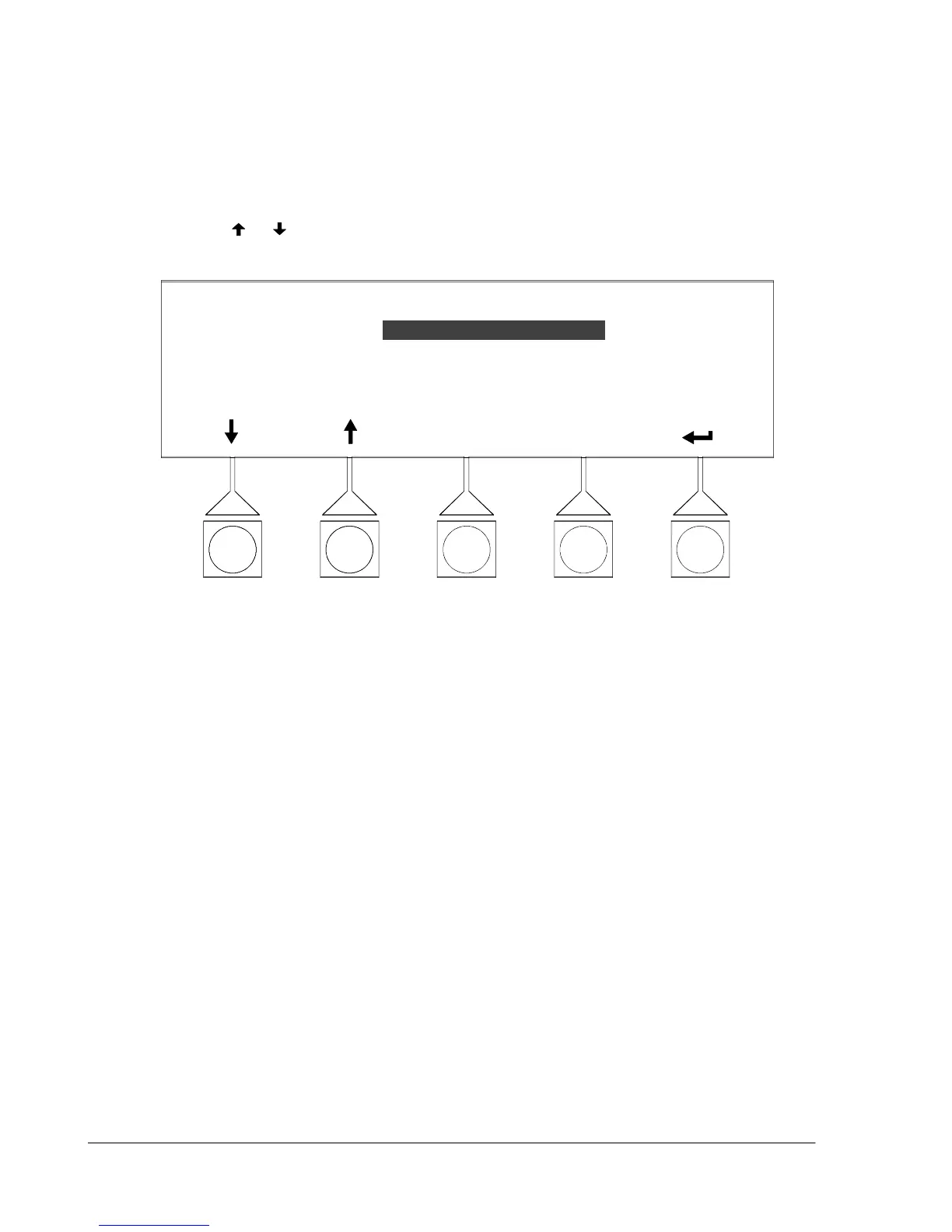
menu screen. Figure 9---20 shows the System Setup Level 1 menu screen.
Use the
or pushbuttons to highlight the setup function desired, then choose
the function using the SELECT pushbutton.
SYSTEM SETUP --- LEVEL 1
SELECT
ENTER PASSWORD
LOG OUT
CONTRAST
VERSIONS
CHANGE PASSWORD
ENTER PASSWORD
Figure 9 ---20. Setup Menu Level 1 Screen












 To Next Page