4-- 1
Powerware 9330 (10 kVA--40 kVA) Installation and Operation
164201300 Rev . N 013004
Installing a Remote Emergency
Power Off (EPO) Cont rol
4.1 Installation Procedures
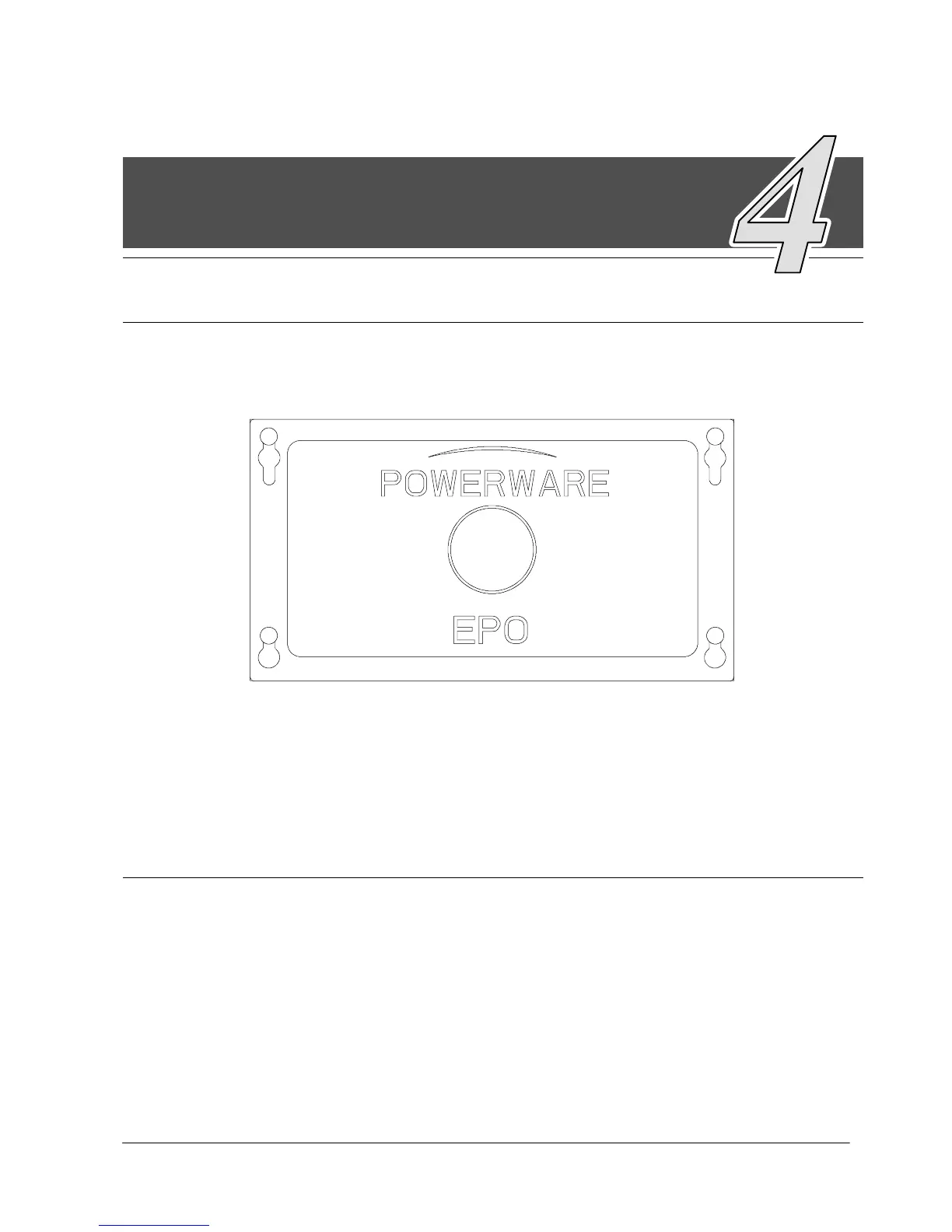
Figure 4---1. Remote EPO Control
4.2 To i n s t a l l a R e mo t e E P O :
NOTE: Before installing a Remote EPO, be sure you have prepared the UPS
according to the instructions in Chapter 2.
To install a Remote EPO control:
1. Remove cover (see Figure 4---2) from Remote EPO switch enclosure bottom.
NOTE: If mounting to a hollow wall, secure the enclosure bottom to a wood or metal
stud within the wall. Do not use hollow wall anchors.
2. Securely mount the Remote EPO switch enclosure bottom. Recommended
locations include operator’s consoles or by exit doors. Refer to Appendix A,
Drawing 164201300---18, for enclosure dimensions and wiring knockouts.
4












 To Next Page