AFV
+
Series High Power Programmable AC Power Supply
2-33
2.7 Power-on Procedure
After the installation of the AFV
+
series high power AC source, apply power and
switch on the input circuit breaker to turn on the device. The fan in the device will
start to operate, and the touch screen on the front panel will light up and enter into
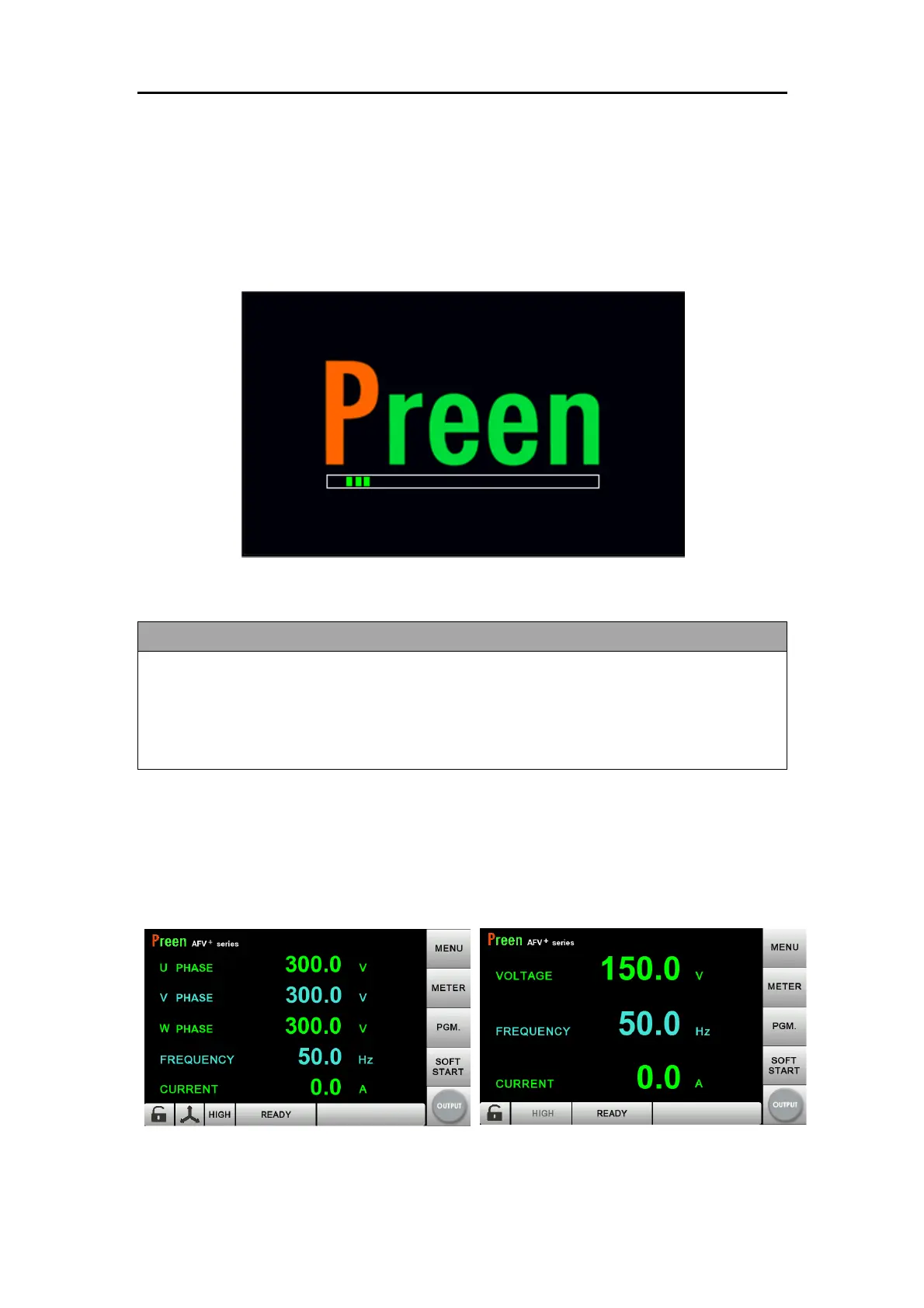
the POWER-ON page (refer to Figure 2.9) for initializing check.
Figure 2.14 POWER-ON page
Before turning on the device, all protective grounding terminals, extension cords, or
any equipment connected to it must be connected to a protective ground. Any
interruption of the protective ground could cause a potential shock hazard that
result in personal injury.
After POWER-ON page, the touch screen will enter into MAIN page (refer to Figure
2.10). Users can input programming data or set up configurations by pressing the
touch screen.
Figure 2.15 MAIN page (left: three-phase models, right: single-phase model)



 To Next Page