AFV
+
Series High Power Programmable AC Power Supply
4-80
4 Preen Program
To remotely control AFV
+
series via Preen’s control software, users should follow the
instructions in READ ME file on the attached CD for installation of the control
software and the device driver.
4.1 Introduction
With multiple communication interfaces, AFV
+
series can be controlled remotely via
RS-485 (MODBUS), RS-422 (MODBUS) and RS-232 (SCPI), and optional interfaces
Ethernet or GPIB. Additionally, AFV
+
series provides the control software Preen
Program that allows users to easily setup the remote control without further need of
programming. Please follow the instruction below to setup Preen Program.
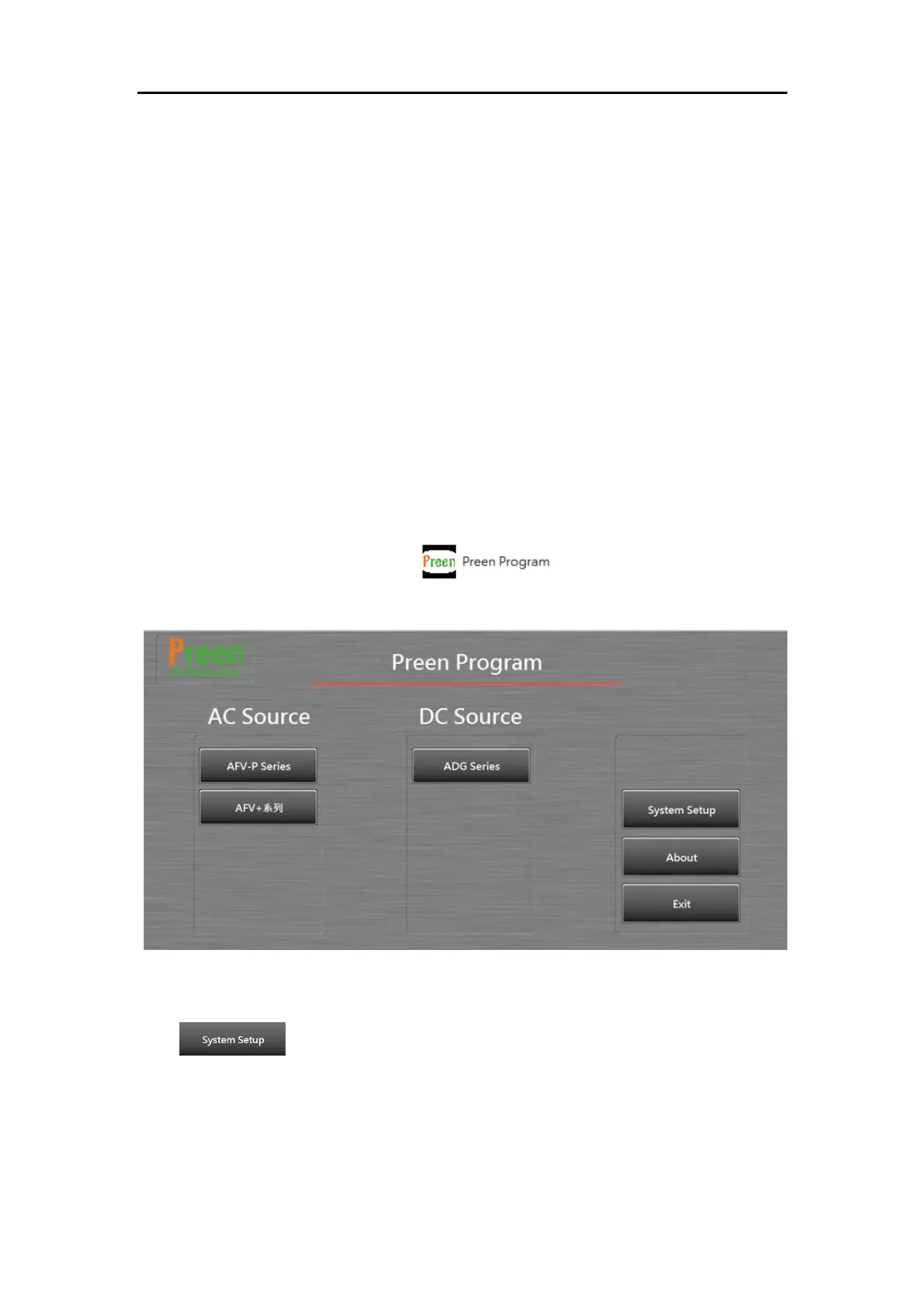
1) After installation, click the icon on the desktop or click [Start]
→ [Program] → [Preen Program] to start the software.
Figure 4.1 the start-up page of Preen program
2) :Click to enter into the System Setup page as the figure below.



 To Next Page