AFV
+
Series High Power Programmable AC Power Supply
3-66
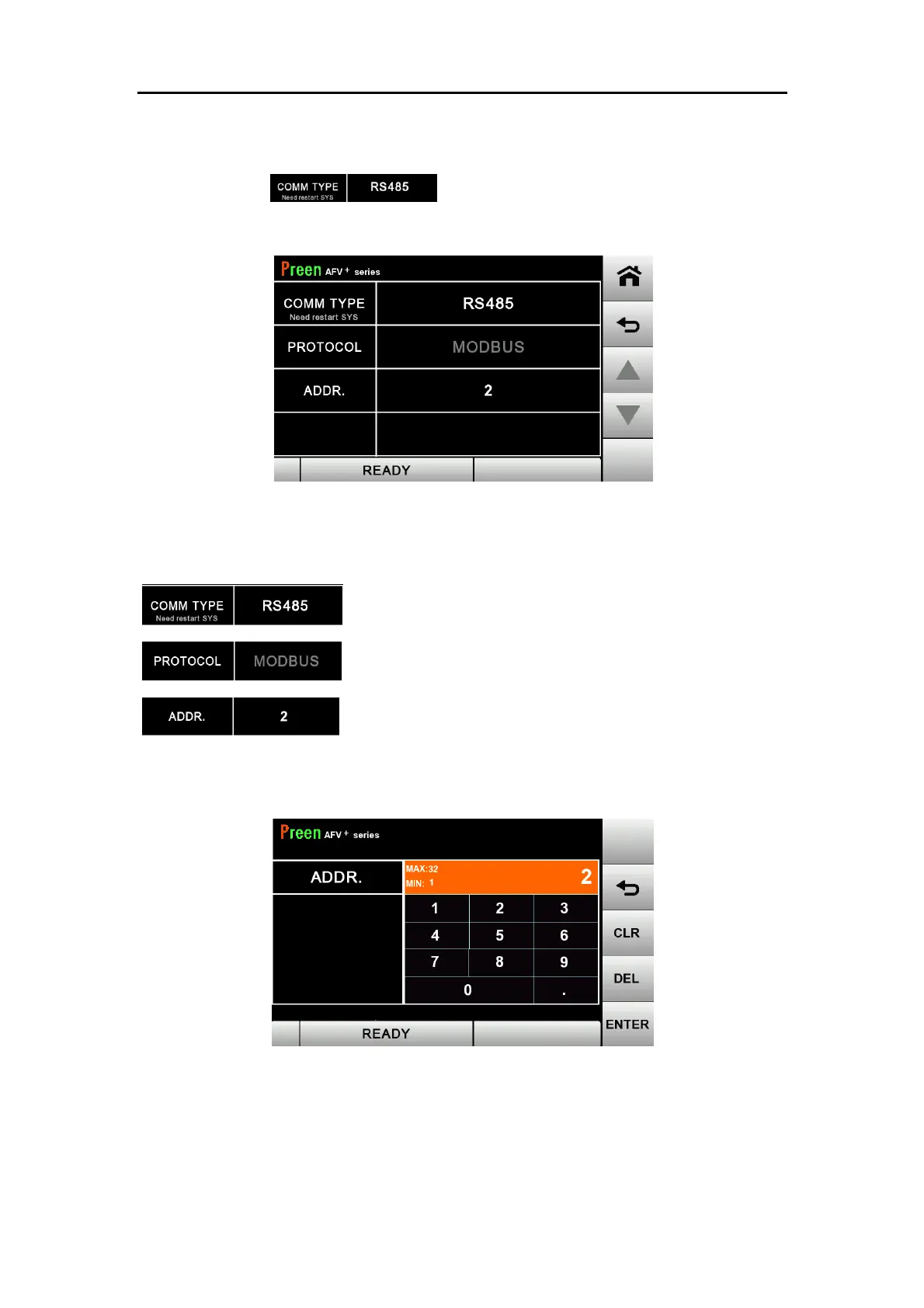
3.7.1 RS-485 Setting Page
Press the item to switch the communication interface to
RS485
Figure 3.44 RS-485 settings
The descriptions for the items and the icons in the above figure are given as follows.
:Switch the communication interface to RS-485.
:The protocol is fixed by default to MODBUS.
: The communication address can be set within the range
of 1-32. Refer to the figure below.
Figure 3.45 Communication address setting



 To Next Page