AFV
+
Series High Power Programmable AC Power Supply
3-38
3.3.2 Output Frequency Setting
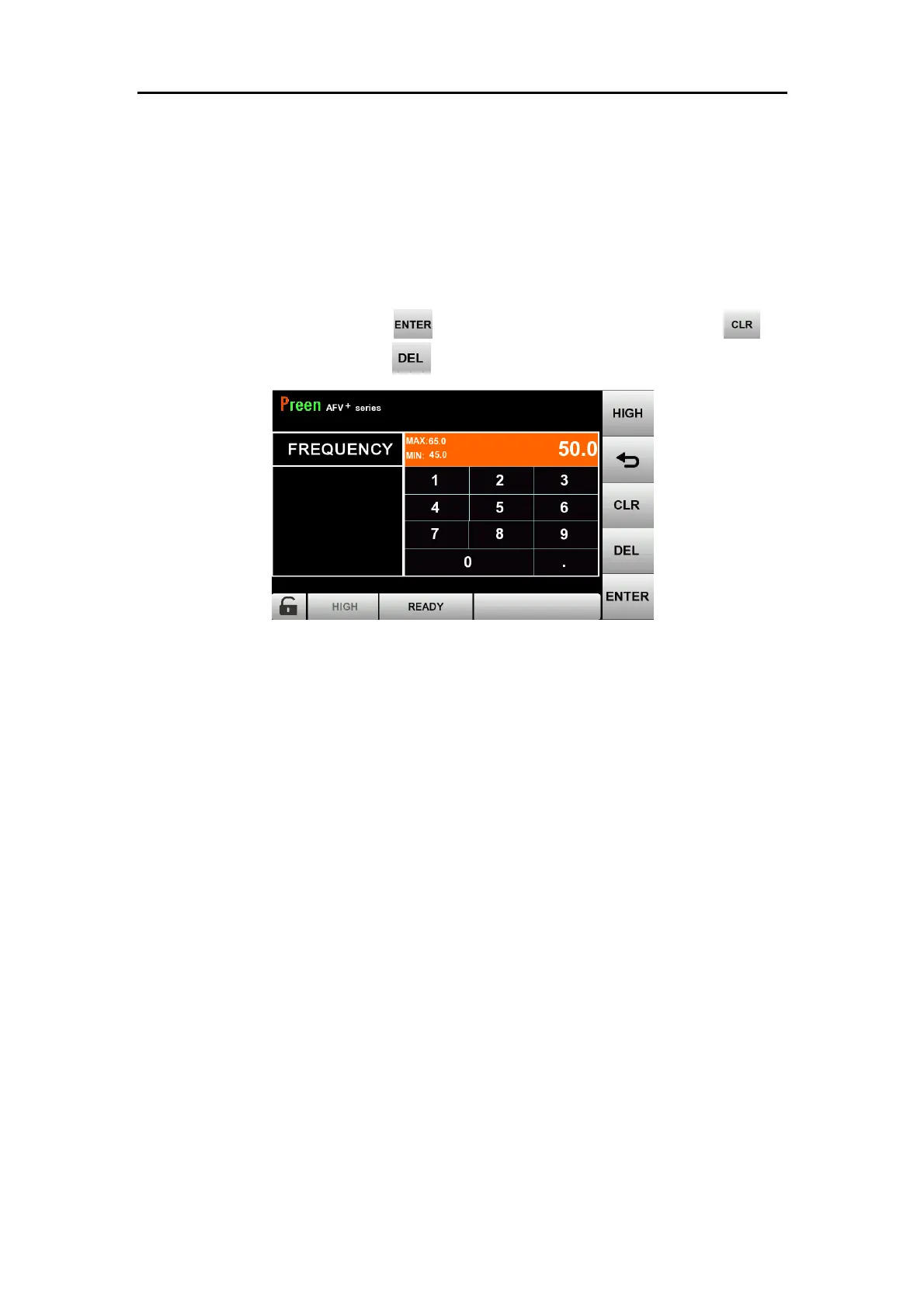
On the MAIN page (refer to section 3.3.1), press the item FREQUENCY to enter into
the output frequency setting page (refer to Figure 3.5). Users can see the set
frequency and change it by using the keypad for different testing conditions. The
output frequency setting page also shows the maximum and minimum of set value
for the output frequency. Press to confirm and finish setting. Press to
clear all the input value or press to modify setting.
Figure 3.5 Output frequency setting page



 To Next Page