AFV
+
Series High Power Programmable AC Power Supply
3-36
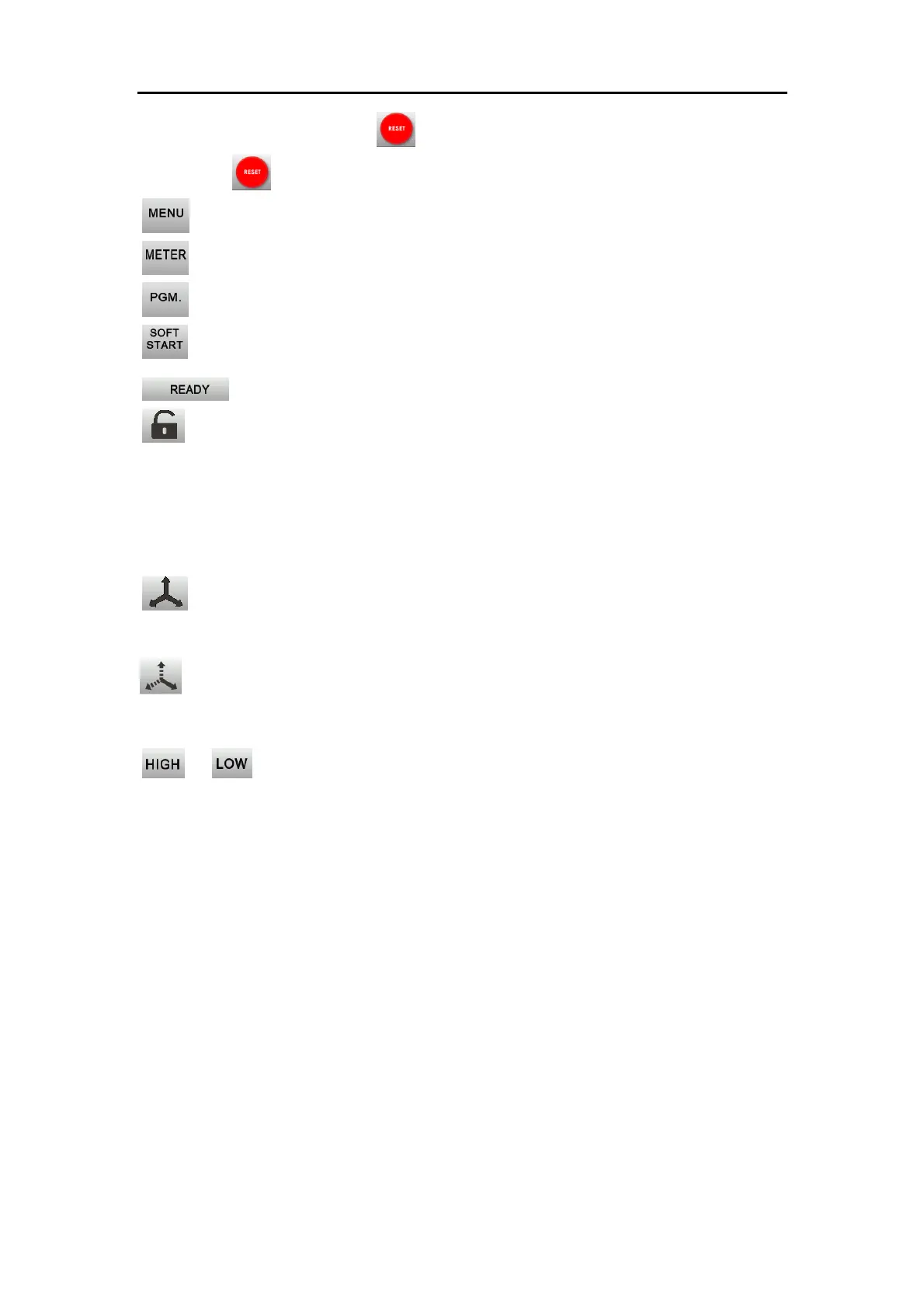
When the button turns to red , it indicates there’s an error on the device. Press
the button to reset the device from error.
:Press to enter into MENU page
:Press to enter into METER page (refer to Section 3.7).
:Press to enter into PGM. Page.
:Press to enter into SOFT START setting page.
:Show the output status of the device
:Press to lock/unlock the touch screen. The touch screen can only be switched
between MAIN page and METER page when it is locked. Automatic Screen Lock
function (refer to Section 3.5.2.6) and Screen Lock Password function (refer to
Section 3.5.2.5) are available for more advanced setting.
:Show the voltage setting of the three phases is synchronized (for three-phase
models only)
:Show the voltage setting can be set independently (for three-phase models
only)
/ :Press to switch between High level (0-300V) and Low level (0-150V)
output voltage setting range. Please note that when set the output voltage at 120V,
the maximum output current at High level is only the half of the maximum output
current at Low level.



 To Next Page