AFV
+
Series High Power Programmable AC Power Supply
3-53
3.5.2.2 Touch Sound Setting
User can set the touch sound ON/OFF at SYSTEM subpage and the default is OFF.
To set the touch sound, press the item to turn the sound
ON/OFF.
3.5.2.3 Date Setting
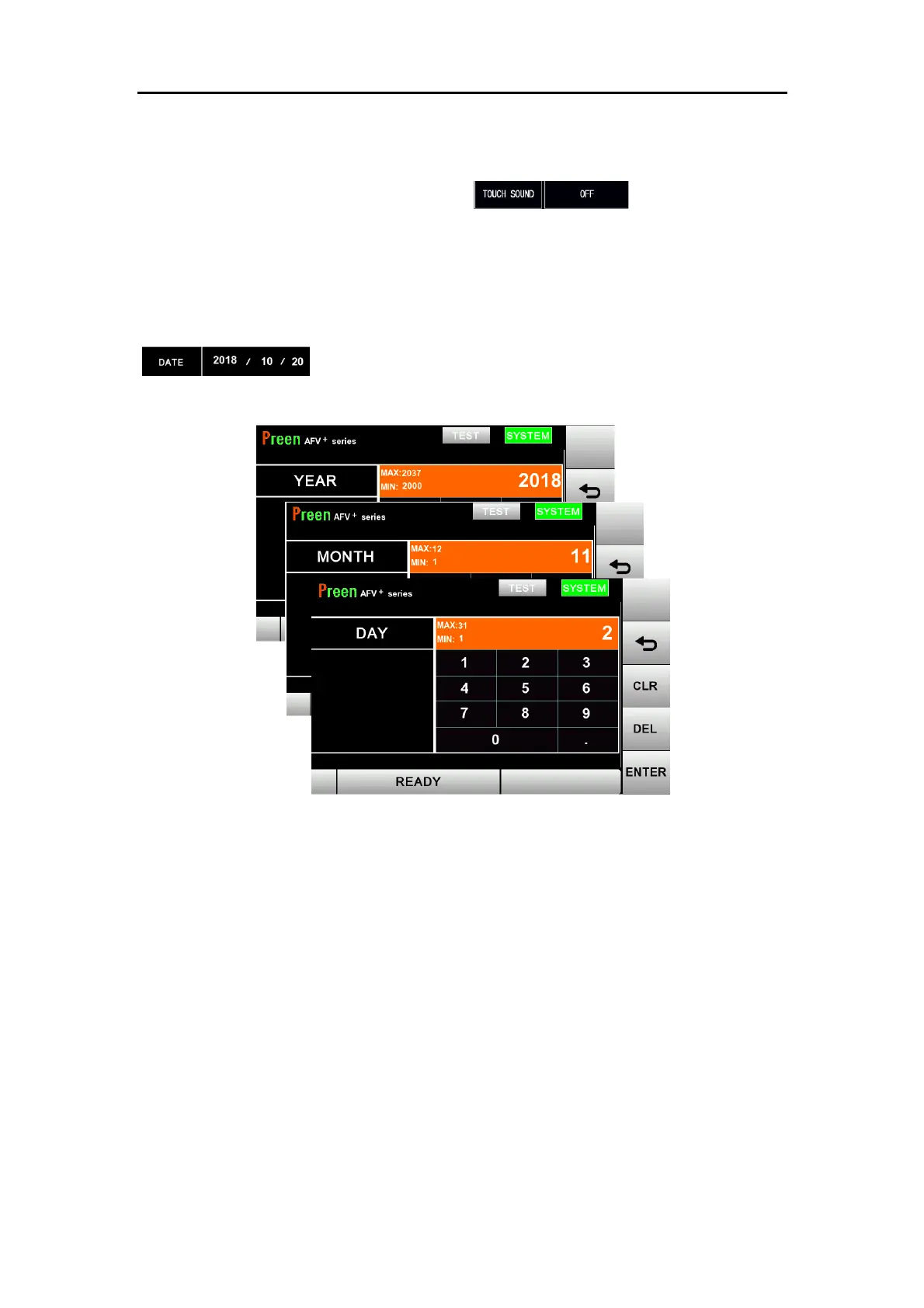
User can set the date at SYSTEM subpage. Press each figure on item
to set year/month/day individually.
Figure 3.24 Date Setting



 To Next Page