8
2 Getting Started
2.1 Level Setting Procedure
StudioLive™ Series III
Owner’s Manual
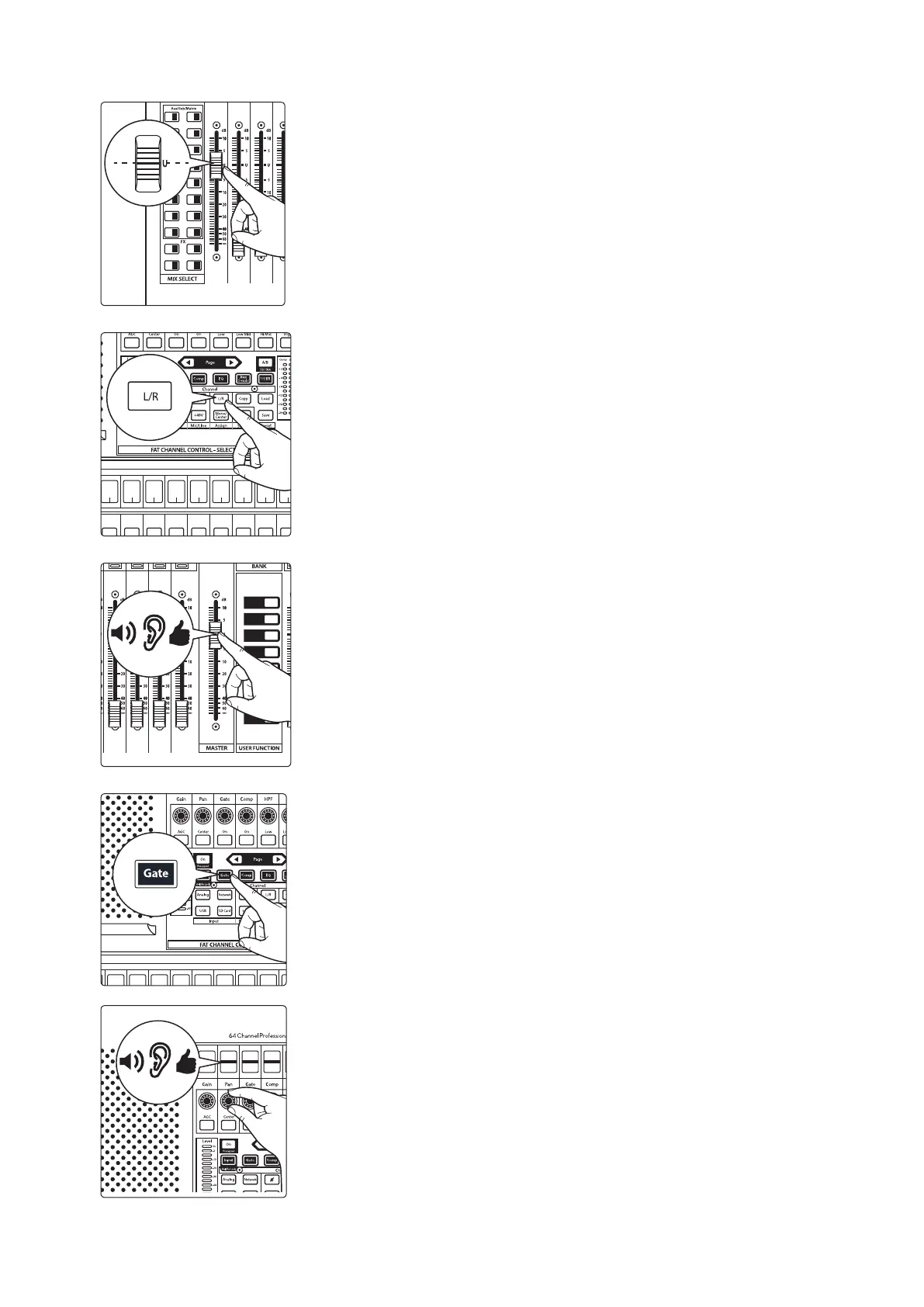
13. Raise the Channel 1 fader to its “U” setting (unity gain).
14. Press the “Main” button in the Fat Channel to assign Channel 1 to the Main
output bus.
15. Raise the Main fader while singing or speaking into the microphone until
you are satisfied with output level.
16. Select the Fat Channel processor (Gate, Compressor, or EQ) you would like
to edit first.
17. Use the controls in the Fat Channel or on the Touch Display to set the
parameters to taste.
StudioLive 32SX and 32SC Users will utilize the Touch Display to edit all Fat Channel
parameters. The controls in the Fat Channel are fixed to their designated function.
11 27
13 29
15 31
12 28
14 30
16 32
A E
C G
B F
D H
1
17 18
19 20
21 22
3
5
2
4
6
23 247 8
25 269 10
Select Select Select Select Select Select Select Select Select
9
Ch. 9
10
Ch. 10
11
Ch. 11
12
Ch. 12
13
Ch. 13
14
Ch. 14
15
Ch. 15
16
Ch. 13
17
Ch. 13
GAT E
Release
700 ms
GAT E
Attack
5 ms
GAT E
Range
-84.00 dB
GAT E
Thresh
-84.00 dB










 To Next Page