- 305 -
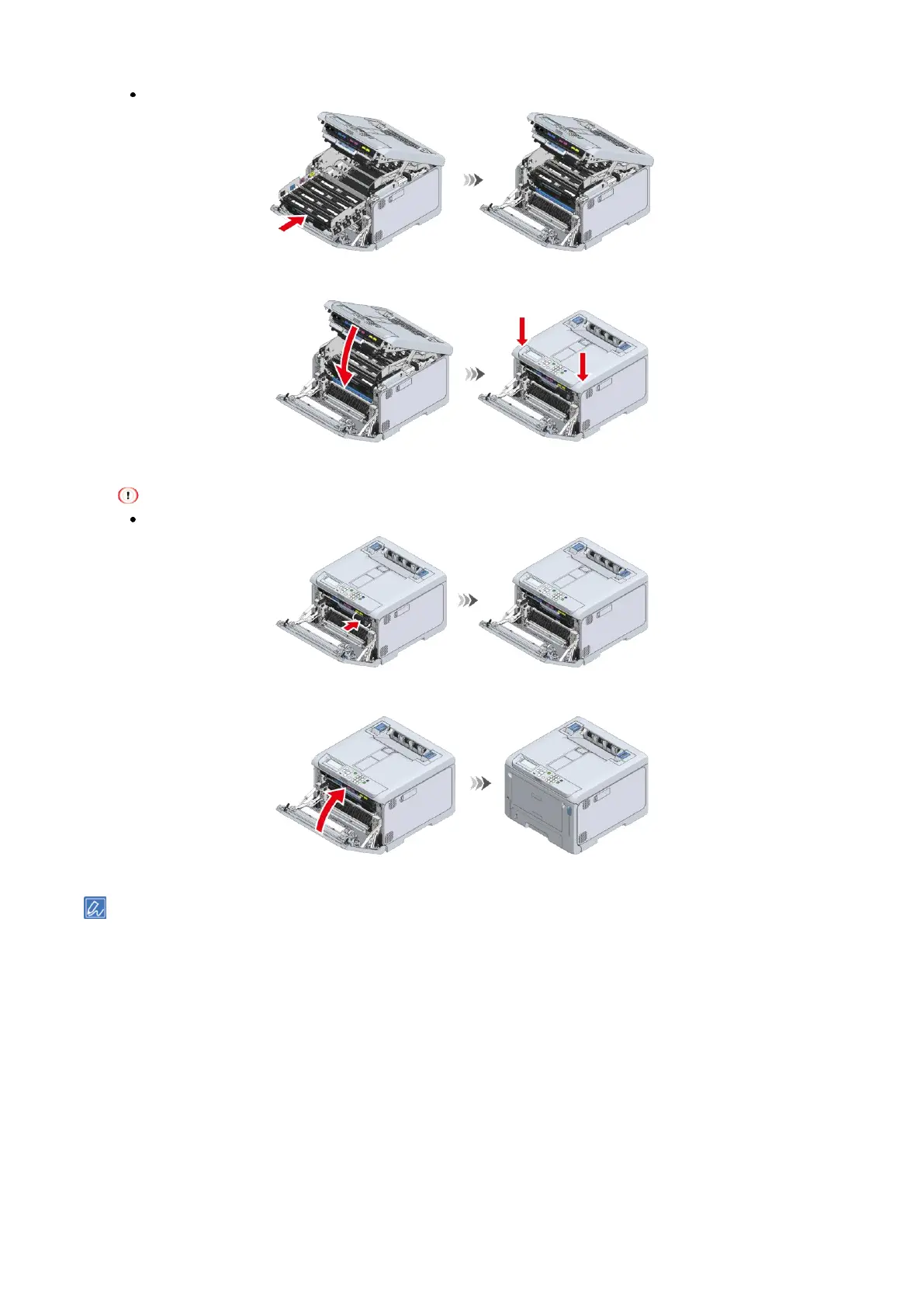
The output tray cannot be closed unless the image drum basket is pushed all the way in.
11
Close the output tray, and push both sides down from top.
12
Press the L1 lever all the way in.
The front cover cannot be closed unless all the image drums of the four colors are installed.
13
Close the front cover firmly with both hands.
Please recycle the used image drum.















 To Next Page