- 67 -
For macOS
Depending on the timing when the printer is added, the information for the expansion tray unit may have been set.
1
Select [System Preferences] from the Apple menu.
2
Click [Print & Scan].
3
Select this machine, and click [Options and Supplies].
4
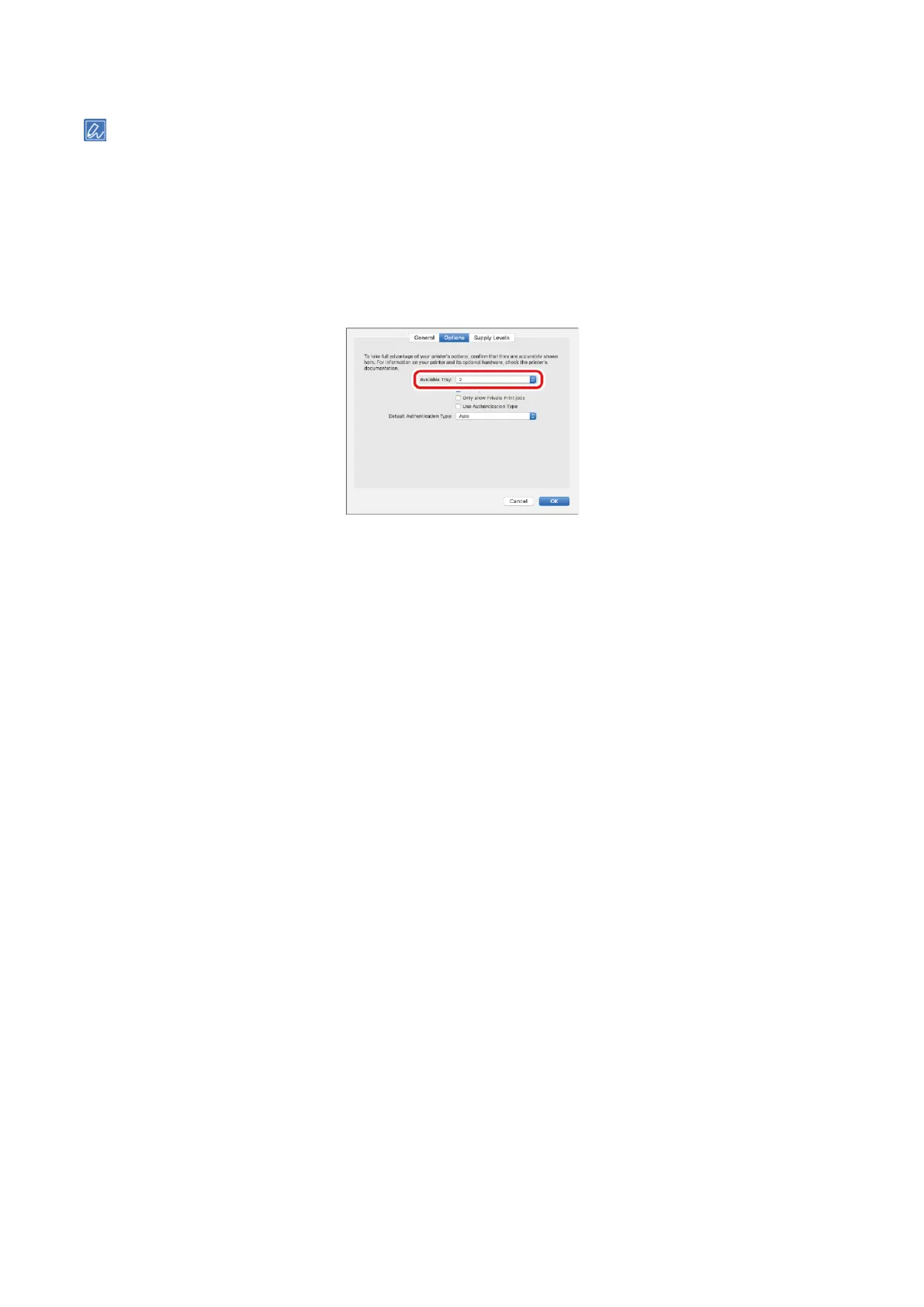
Select the [Options] tab.
5
Select the total number of trays from [Available Trays], and click [OK].















 To Next Page