Prontonet User’s Manual v410 105
ProntoNet SLAVE Backup Configuration
1.- Disable the backup operation: SYS - BACKUP – ENABLE - OFF
2.- Set the ProntoNet as MASTER: SYS – MODE – SLAVE
3.- Enable the Backp operation: BACKUP – ENABLE – ON
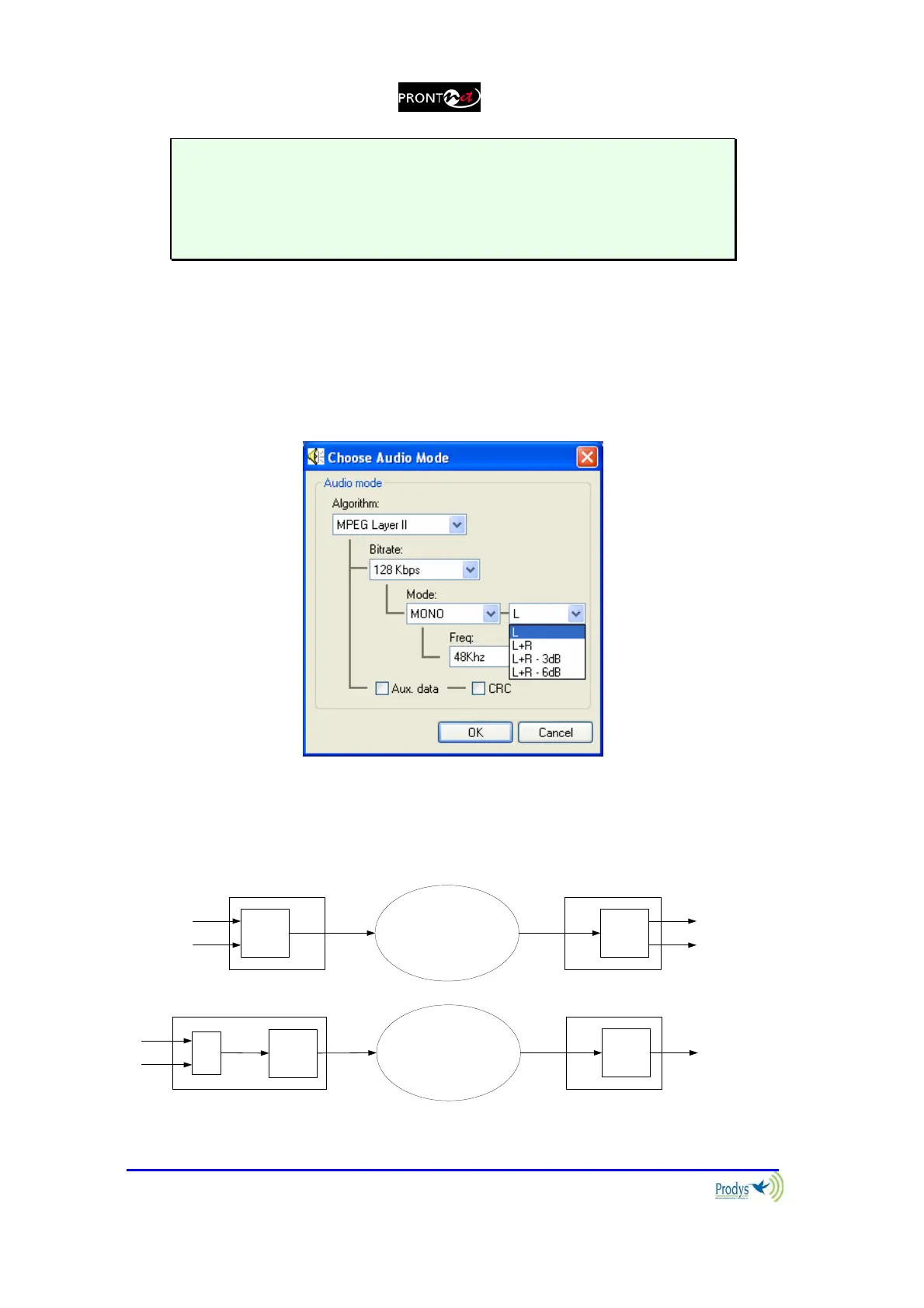
It is possible to select between the left channel L or L+R as audio source of the
encoder 1, and R or L+R as audio source for encoder 2, when mono mode is
selected for the backup (ISDN) connection. This option is available from version
4.0.1.
This option is only available from the ProntoNet web Page:
This option is very useful for an 64kbps ISDN link, where sending a stereo signal could involve a
lack in the audio quality. Thus, encoding L+R signal, as a mono signal, will provide a much better
audio quality. The diagram below explain this:
ENC
STE
L
R
IP
X21
DEC
STE
L
R
ENC
MN
L
R
RDSI backup
DEC
MN
L+R
+
L+R
ISDN
BackU



 To Next Page