Prontonet User’s Manual v410 18
o
OK
The Front Panel
The front panel of the ProntoNet has a display and keypads that allow you to
control and configure the unit. The keys are laid out in the following manner:
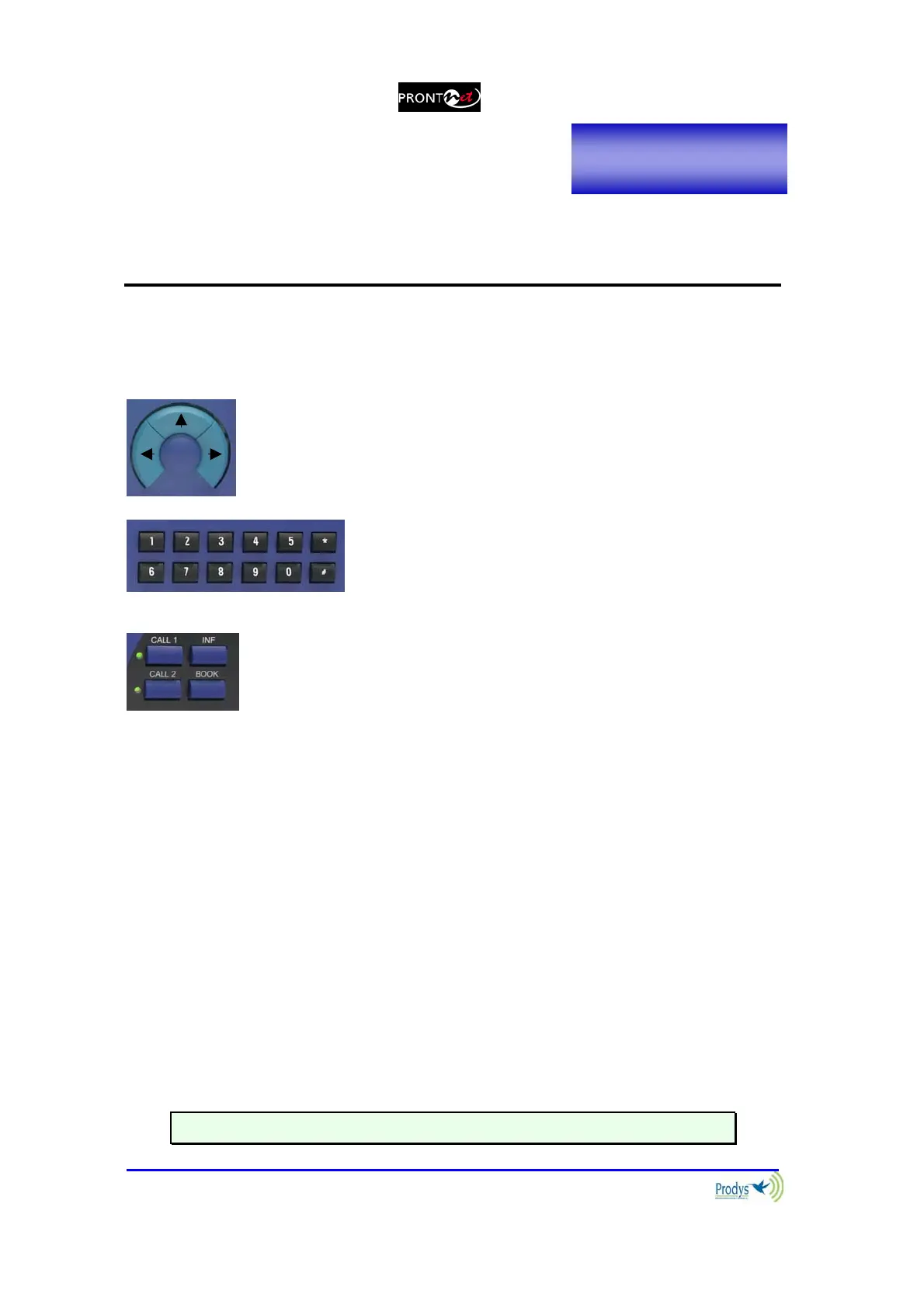
Navigation Keys: The keys ⇐ , ⇑ , ⇒ , are used for moving
around the menus and the OK is for selecting/accepting the
desired action or parameter.
Number keypad: This numeric keypad is for
entering information such as the IP address or ISDN
number that you wish to connect to.
CONTROL Keys: There are several special keys grouped
together:
CALL1 and CALL2 are for establishing and terminating
connections, and also to monitor the called/calling number.
INF is for viewing status information.
BOOK for establishing communications using a configuration
saved in the Address Book.
III.1 DISPLAY
To help explain the ProntoNet DISPLAY we should distinguish between the status
screen and the menu screen:
The status screen shows information about the communication lines and
the status of the Decoder.
The Menu screen shows the different configuration menu options and is
only displayed when you press OK on the navigation menu keys.
III.1.1 STATUS SCREEN:
This is the default screen that you will see when the ProntoNet is ‘at rest’, that is,
when you are not navigating or using the front panel keys. It reports the status
of the communications and the Decoder.
More information about this in the following sections.
Chapter III



 To Next Page