Prontonet User’s Manual v410 19
L1:IDLE (0) ISDN
L2:IDLE (0) BKUP ON
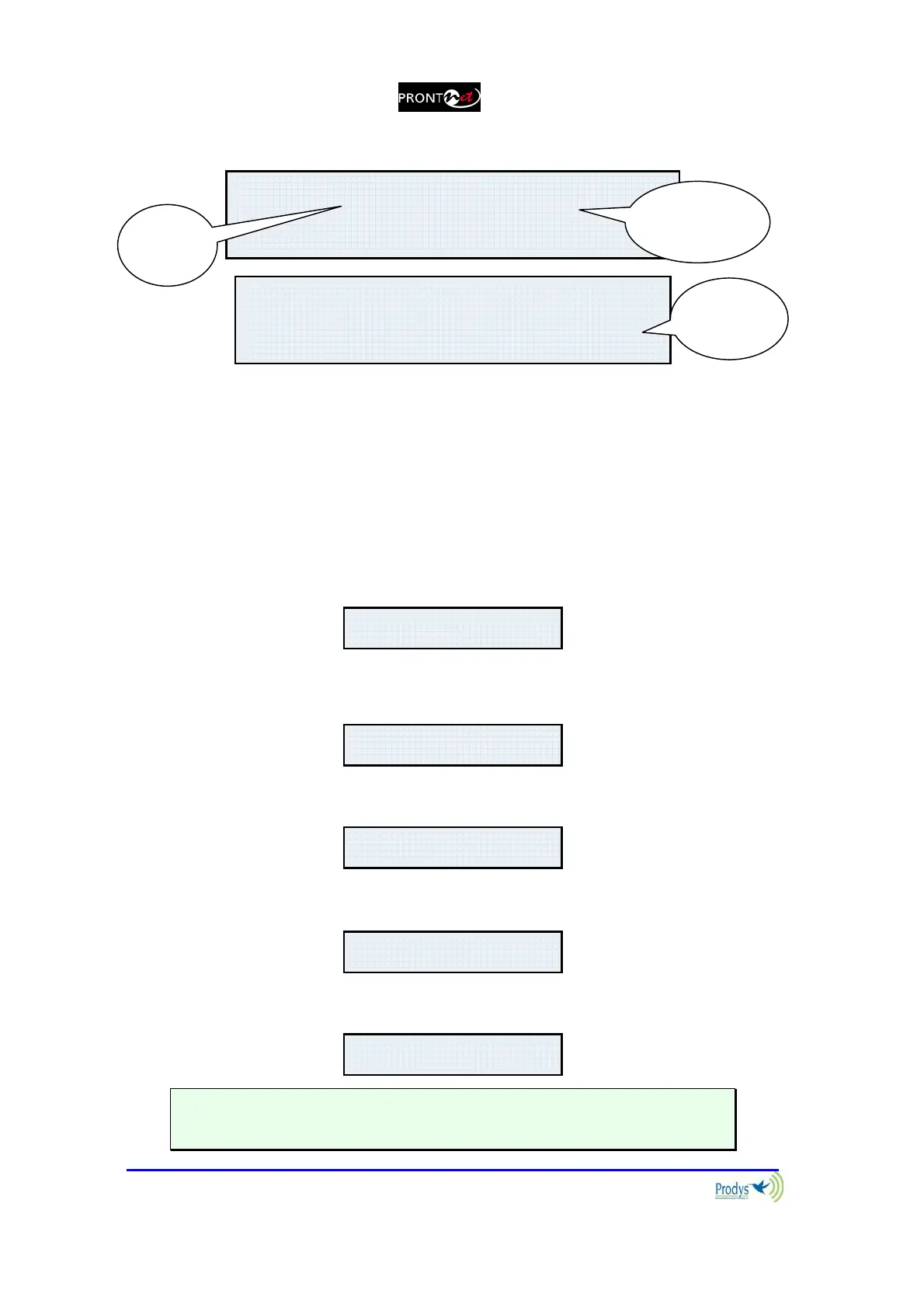
The display will show information in the following way:
The first line shows information about the status of communication Line 1.
Followed by status information of the audio Decoder.
The second line shows information about the status of communication Line 2.
(This line will only be activated when ISDN is selected as the communication
interface.)
The communication lines will be in one of the following states:
DOWN: The communication line is not physically detected. Most likely the
interface is not plugged in. The Display shows “DOWN”:
IDLE: The line is detected physically but no connection is being made. The
display shows IDLE and the disconnection code:
CONNECTED: The line is connected. The display shows “Connected” and
the Decoder status:
CALLING: In the process of making a connection. The display shows an
arrow indicating outgoing calling and the ISDN number or IP address:
RING: Receiving a call on the line. The display shows an arrow indicating
incoming calling and the ISDN number or IP address:
Each Key has an associated LED that indicates the following situations:
LED off: Line disconnected
L1¼ CONNECTED FRAMED
L2:IDLE
L1:DOWN ISDN
L2:DOWN
L1:IDLE (0) ISDN
L2:IDLE
0
L1:CONNECTED FRAMED
L2:DOWN
L1:Æ1234567890
L2:DOWN
L1:Å1234567890
L2:DOWN
Status
Line 1
Status
Decoder 1
Backup
status



 To Next Page