Prontonet User’s Manual v410 58
V.1.1 Ports:
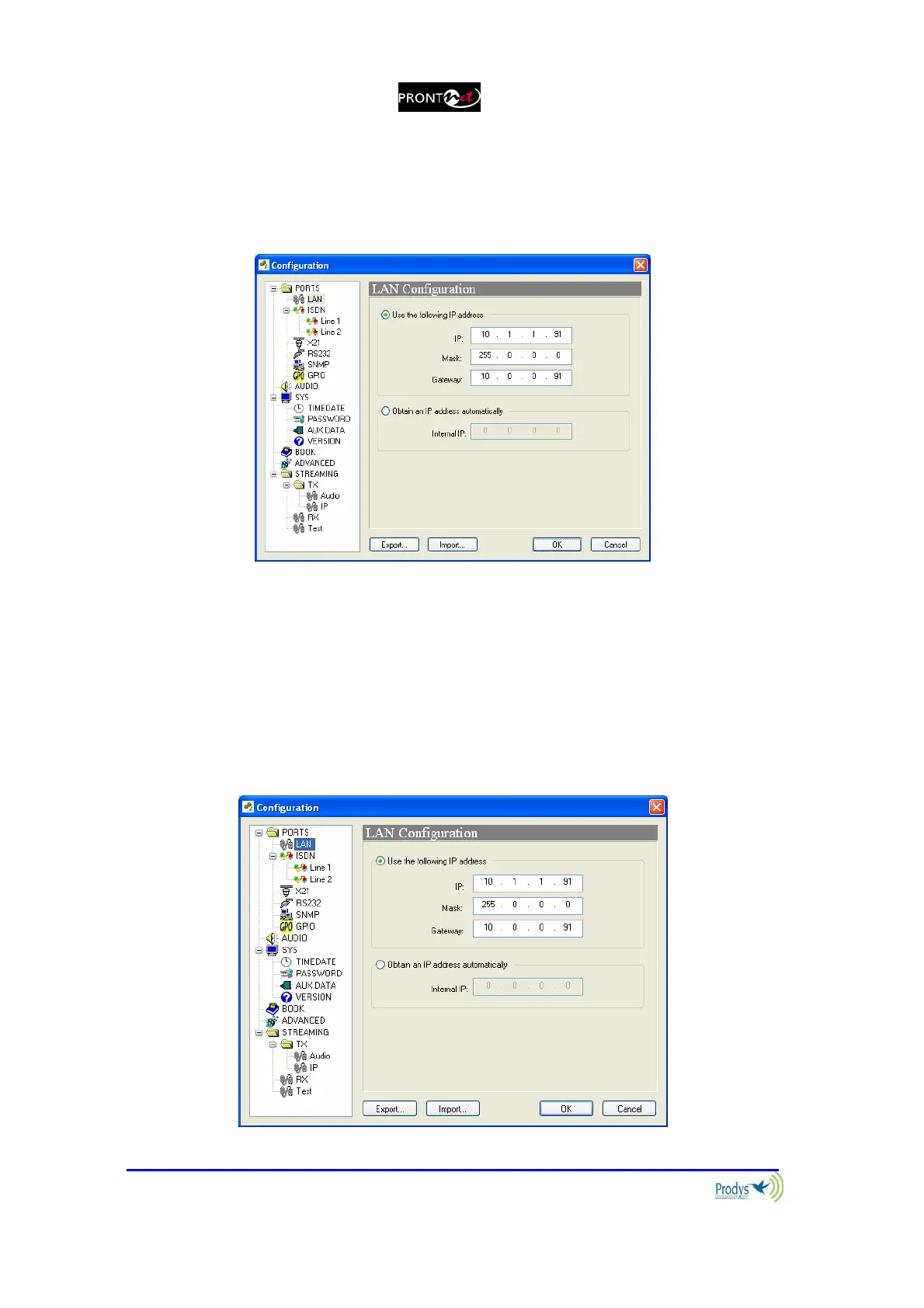
By clicking on the PORTS icon the port configuration dialog appears. In the left
side the ports can be selected. The right window shows the window dialog to
configure the selected port. For example, if we select the LAN port:
V.1.1.1. LAN port:
ProntoNet allows to assign the IP parameters both manually and automatically
(DHCP).
¾ Manually Æ User must enter the following IP parameters manually:
1. IP address.
2. Mask.
3. Gateway IP address



 To Next Page