Prontonet User’s Manual v410 14
II.3.3 RS 232 Ports
There are two RS232 ports for use as auxiliary data ports. These ports allow the
transmission and reception of data along with encoded audio. Port A is always
ready. Port B is only available if the ProntoNet is configured as a DUAL Codec,
therefore able to operate two totally independent communication channels. Note
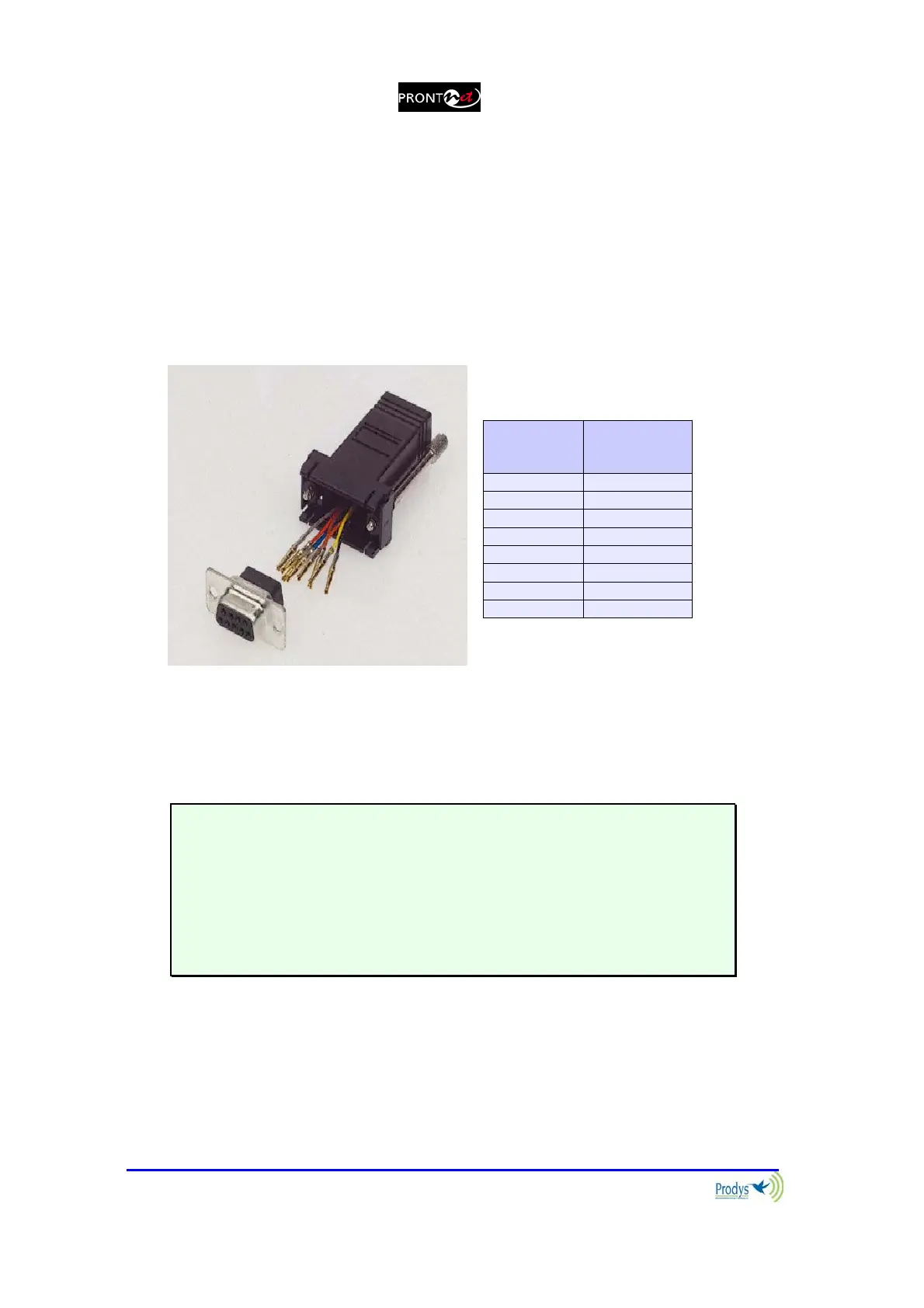
that these sockets are RJ45 connections, as opposed to the typical 9-pin subD
connections. To make the conversion between RJ45 and RS232 there are
modular connectors available that should be wired as follows:
S-Cluster
RJ45
Connector
9-pin female
D-sub
Connector
1 (NC) 1
2 (Rx) 3
3 (GND) 5
4 (NC) 4
5 (NC) 6
6 (GND) 7
7 (Tx) 2
8 (NC) 8
1
4
5
8 must be unconnected
The ports are always set to 8 DATA bits, NO parity, 1 START bit and 1 STOP bit.
The bit rate can be adjusted to between 300 and 9600 bps via software.
The ProntoNet acts as a DCE device, therefore the connection to each of the
RS232 ports is wired in the following way:
ProntoNet – Pin 7 connector RJ45.........................Pin 2 PC
ProntoNet – Pin 2 connector RJ45.........................Pin 3 PC
ProntoNet – Pin 3,6 connector RJ45......................Pin 5 PC
The ProntoNet ignores hardware handshaking signals.



 To Next Page