Prontonet User’s Manual v410 99
V.9.1 Establishing ISDN calls:
To make a call the CALL 1 and CALL 2 keys are used, or an entry from the
Address Book is selected using the BOOK key. Bear in mind that the use of an
entry in the Address Book will also reconfigure the Encoder and so is not limited
to only making calls. We need to distinguish between calls at 64 Kbps and calls
at 128 Kbps:
Making calls at 64 Kbps
The CALL 1 key is for calling on Line 1 and the CALL 2 key is for calling on Line
2. On pressing the CALL 1 key the display prompts you to enter a number. Once
the number is entered and the ENTER key is pressed, the ProntoNet will go
ahead and make the call.
The CALL 2 key operates in exactly the same way.
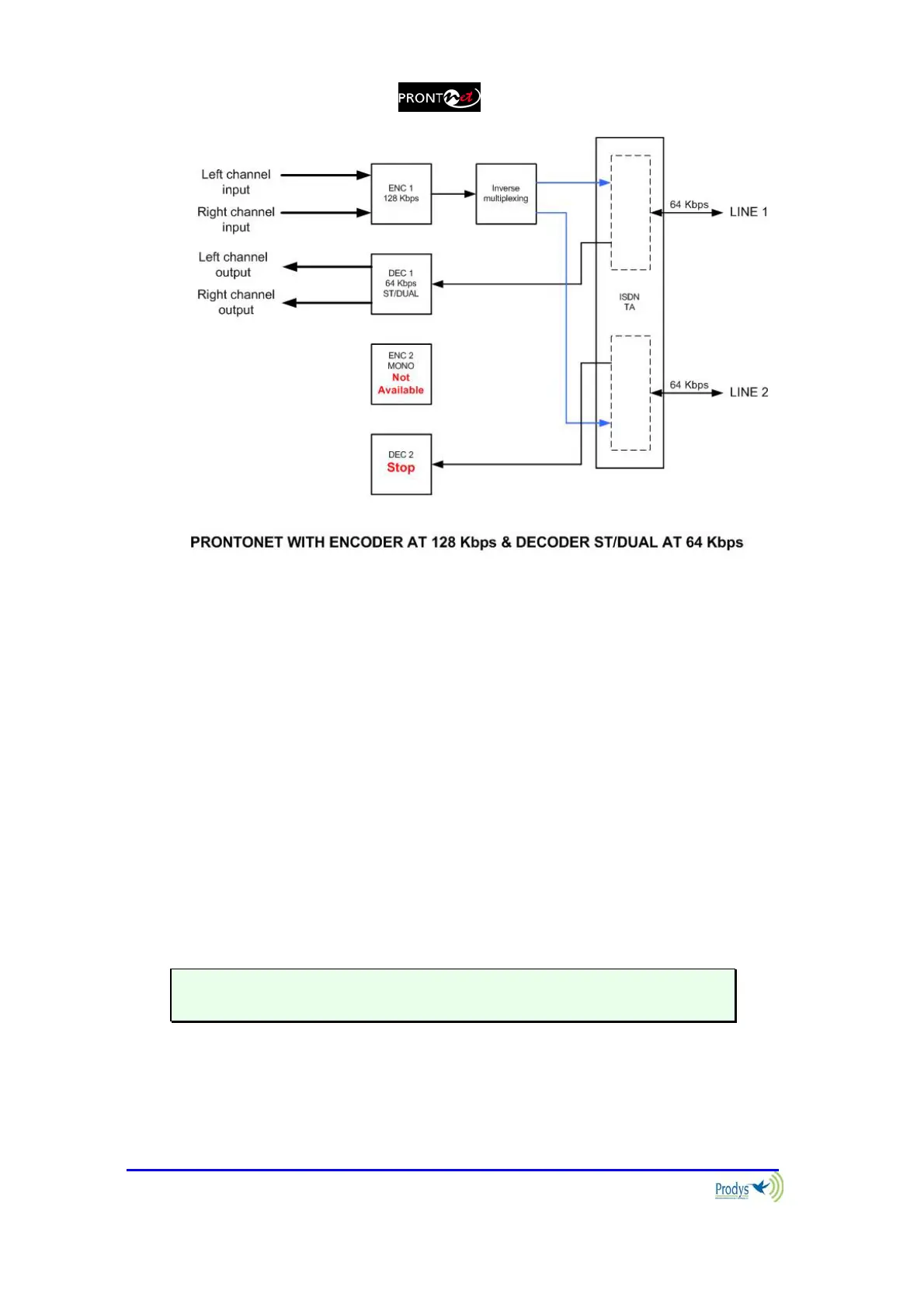
Making calls at 128 Kbps
Each line needs to be connected independently using the CALL 1 and CALL 2
keys.
To disconnect a call press and hold the appropriate CALL key for more than
one second.



 To Next Page