Prontonet User’s Manual v410 113
Updating the firmware
From version 3.3.1, It is posible to update several units at once with
the HeraFlashPlus utility. Also, from this version on, general
configuration won’t be lost when updating.
To update the firmware of a defined unit follow these steps:
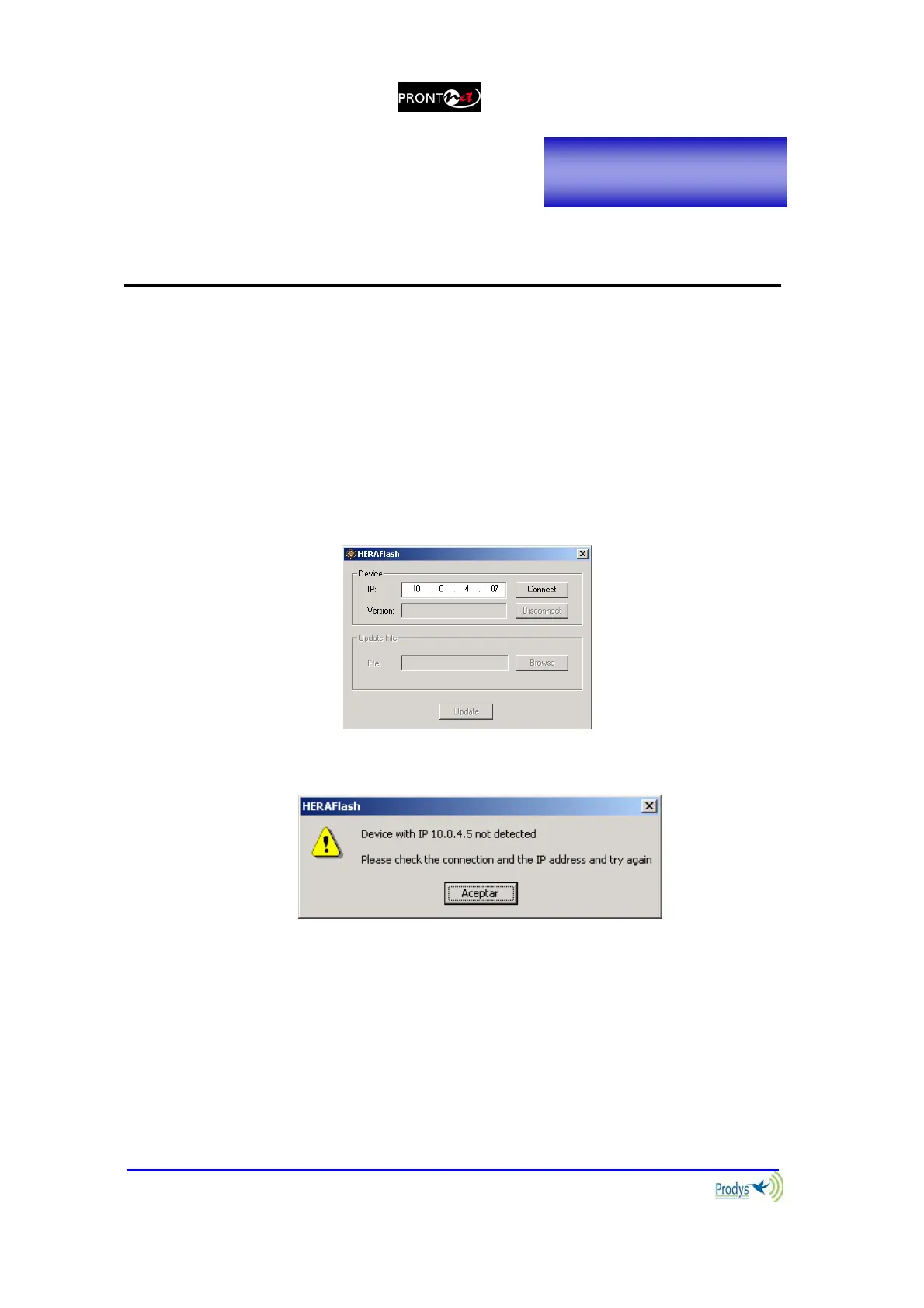
1. Start up the HERA Flash application
2. Enter the IP of a defined unit to be updated and press
Connect :
If the defined IP address is not detected correctly, you will see the
following message:
If the defined unit is correctly detected, you will see information on the
device, the current version and the button that allows you to choose
an update file to be enabled.
Appendix C



 To Next Page