Prontonet User’s Manual v410 115
5. Press
Update
to start the update process. You will see a warning
message telling you that all the contents of the Flash will be erased and
that you must back-up this data BEFORE updating the device.
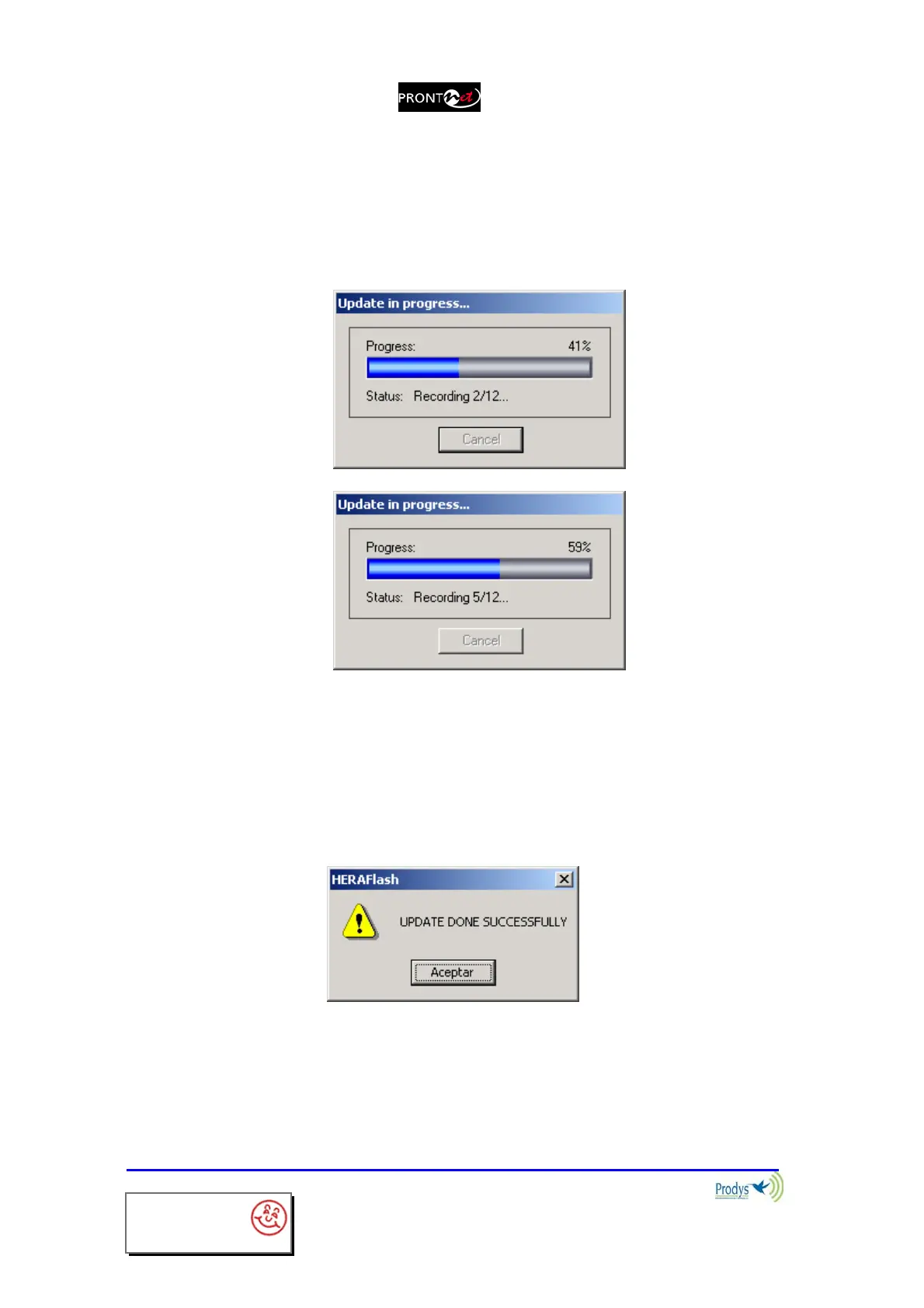
6. If you go ahead, the update process will begin, the Flash will be erased
and a progress bar will tell you more info and alert you when it is finished.
You are able to abort the update process until the recording process
begins. At this point, the cancel button is disabled. In any case, even
if a power failure or a similar failure takes place, it is always possible to
return to start the recording process again.
If everything has gone correctly, at the end of the recording, you will
be shown the following message:
interstage
Phistersvej 31, 2900 Hellerup, Danmark
Telefon 3946 0000, fax 3946 0040
www.interstage.dk
- pro audio with a smile



 To Next Page