ProntoNet
What’s New
57
Selecting Alarms
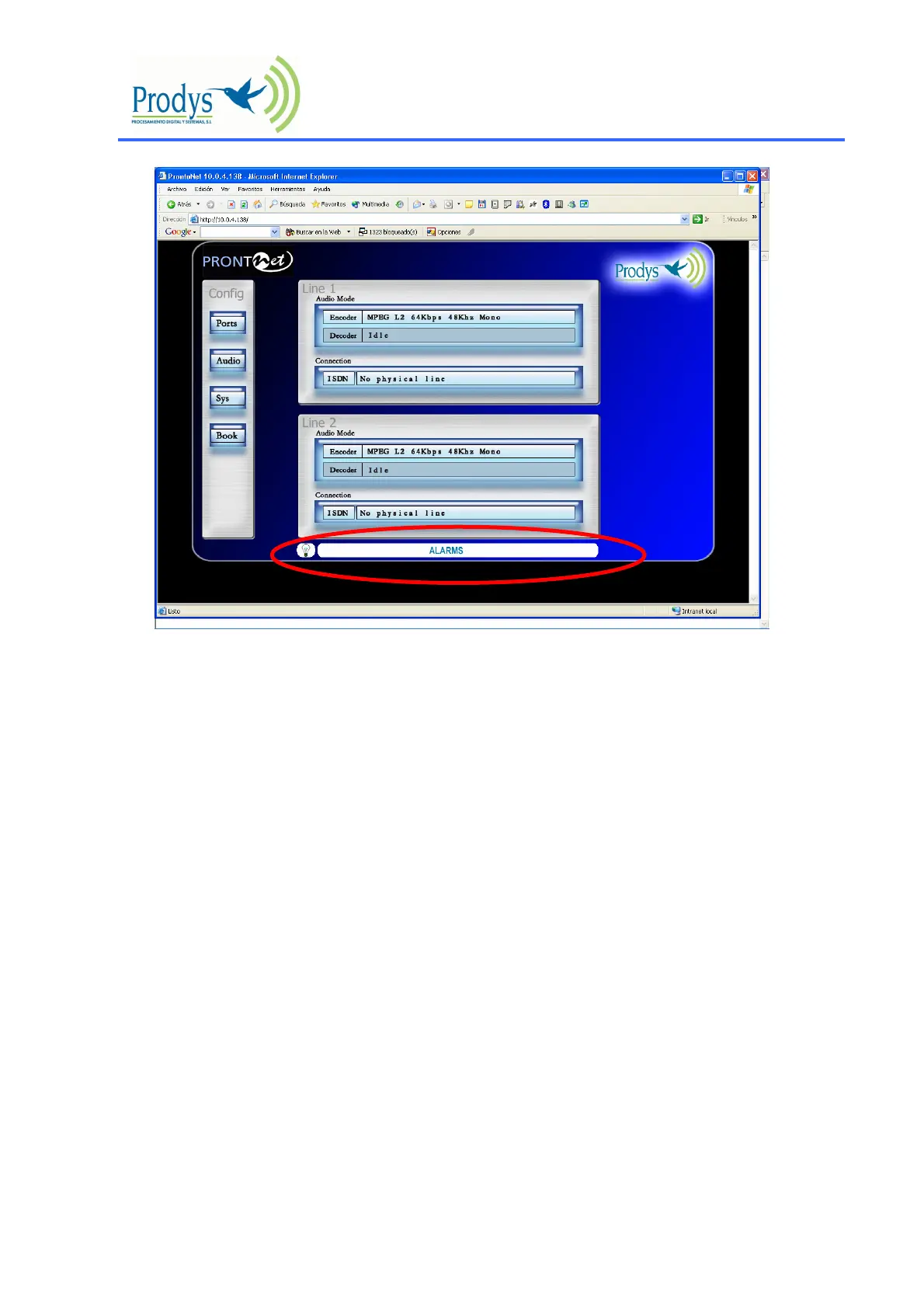
The unit allows many different alarms. The selection menu is opened by clicking over the Alarm
area.
Voltage Out of Range 12 v Main: The voltage from the main power supply (AC/DC) is out of
range.
Voltage Out of Range 12 v Backup: The voltage from the backup power supply is out of
range.
Voltage Out of Range 3.3 v System: The voltage from the 3.3 DC/DC converter is out of
range.
Voltage Out of Range 5 v System: The voltage from the 5 DC/DC converter is out of range.
Temperature Out of Range: The temperature is out of range
Fan Failure: The fun is activated if the internal temperature is over 35º. The Fan Failure
alarm will be activated if the fun doesn’t work when the temperature is over this threshold.
LAN NOT Present: Not physical level detected in the LAN port.
LAN Traffic: The LAN traffic is higher than the 90% of the capacity of the network.
No Audio input level detected: No hay audio en las entradas. Se define un umbral y un
tiempo durante el cual el audio deberá permanecer por debajo de dicho umbral antes de
saltar la alarma.
ISDN NOT Present: Not physical level detected in the ISDN port.
X21 Line Not Present: Not physical level detected in the X21 port.
Decoder 1 Framed Lost: The Line 1 is connected but the decoder 1 is not framed, that is it
is not able to receive audio.



 To Next Page