ProntoNet
What’s New
60
Decoder 2 Framed Lost: The Line 2 is connected but the decoder 2 is not framed, that is it
is not able to receive audio.
Line 1 Disconnected: Line 1 has been disconnected in a non appropriate way.
Line 2 Disconnected: Line 2 has been disconnected in a non appropriate way.
Backup Active: The ISDN backup line is working.
Monitoring Alarms
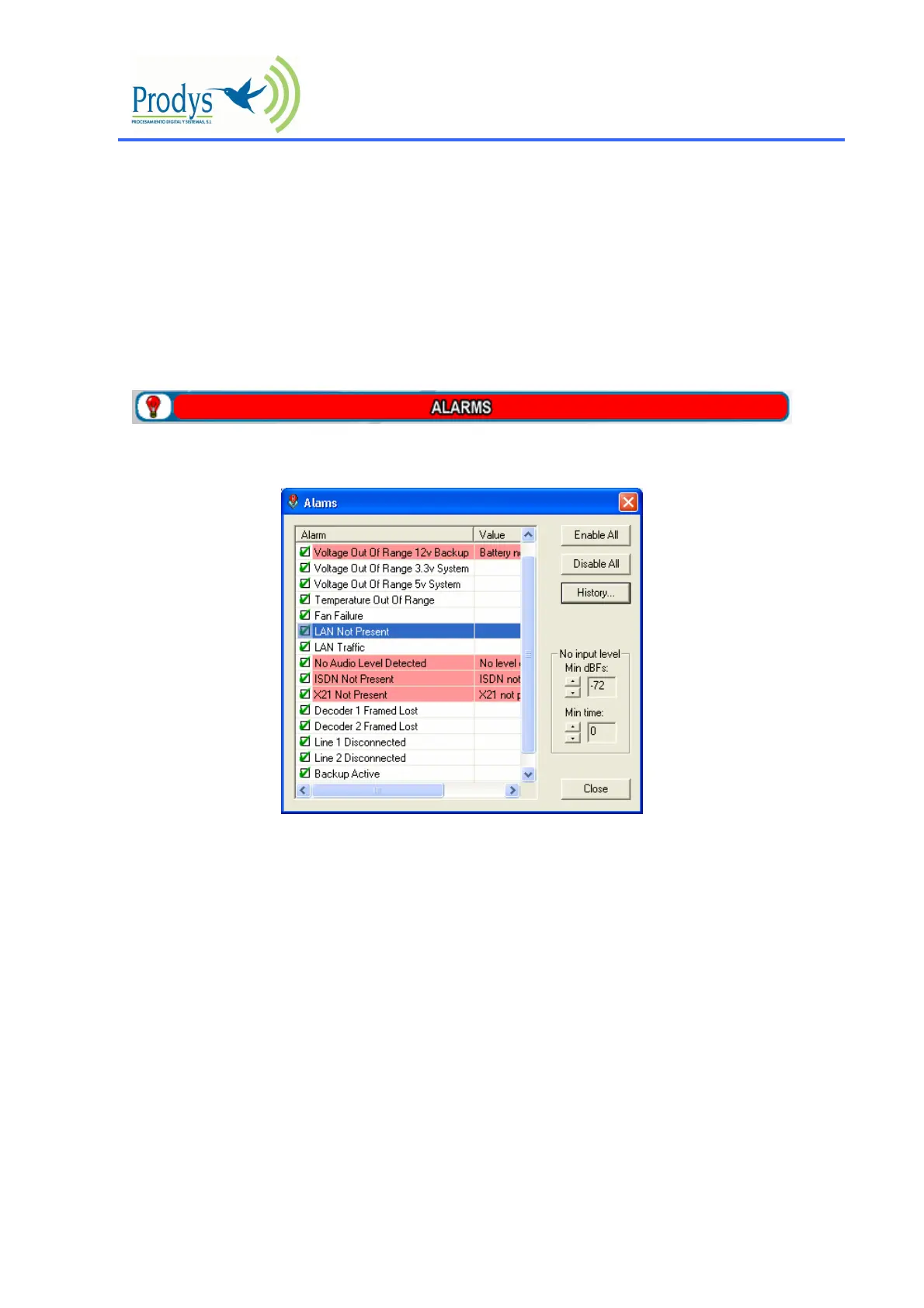
When one of the selected alarms is detected, the alarms window is highlighted
By clicking over it, the information will be showed:
Alarms History
The alarms are saved on the non volatile memory of the ProntoNet. It means, that it is possible to
know what happened on the past even if the unit was disconnected of the network. The alarms
history can be showed by clicking over the lamp or over “History” option in the alarm selection
dialogue.



 To Next Page