Prontonet User’s Manual v410 74
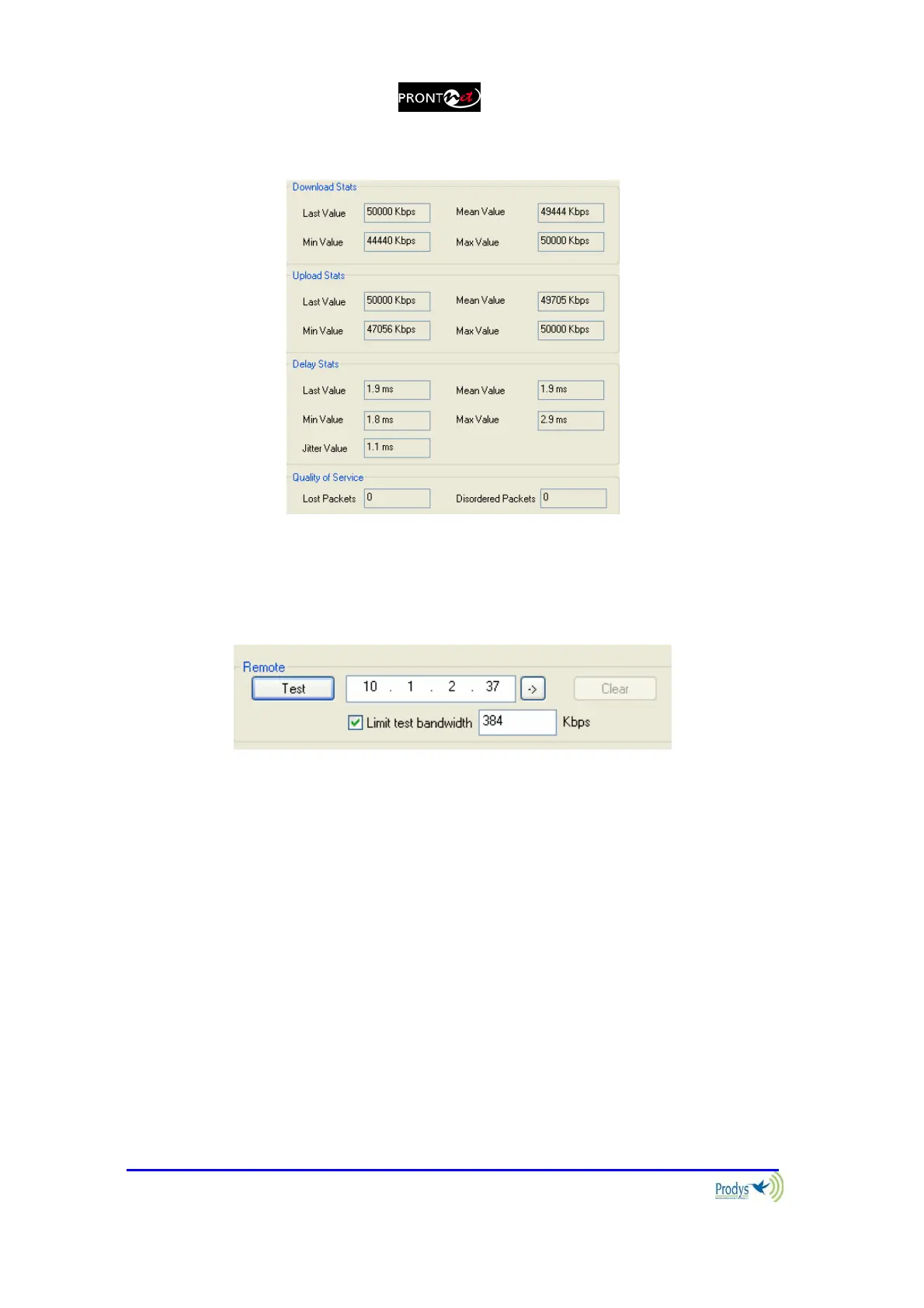
3.- The dialog will show the values:
4.- Press "STOP" to stop the test or "CLEAR" to reset the readings.
5.- The user can limit the bandwidth used by the test tool:
By default this test will attempt to send as much IP traffic as possible. If
you are using this test on a "live" network then it is desirable to limit the test
bandwidth to that which will actually be used. An accurate figure of total
bandwidth used (audio data + overhead) can be obtained from the "Audio
Configuaration" screen.



 To Next Page