Device Manual CANlink wireless
Getting started
PROEMION GmbH | Phone: +49 661 9490-600 | Fax: +49 661 9490-666 | info@proemion.com | proemion.com | Version 1.0 53
© 2016RM MICHAELIDES● VX.X ● Device Manual CANlink 5000 series © 2016RM MICHAELIDES● VX.X ● Device Manual CANlink 5000 series © 2016 PROEMION GMBH > 1.0 EN > Device Manual CANlink wireless 3000 series
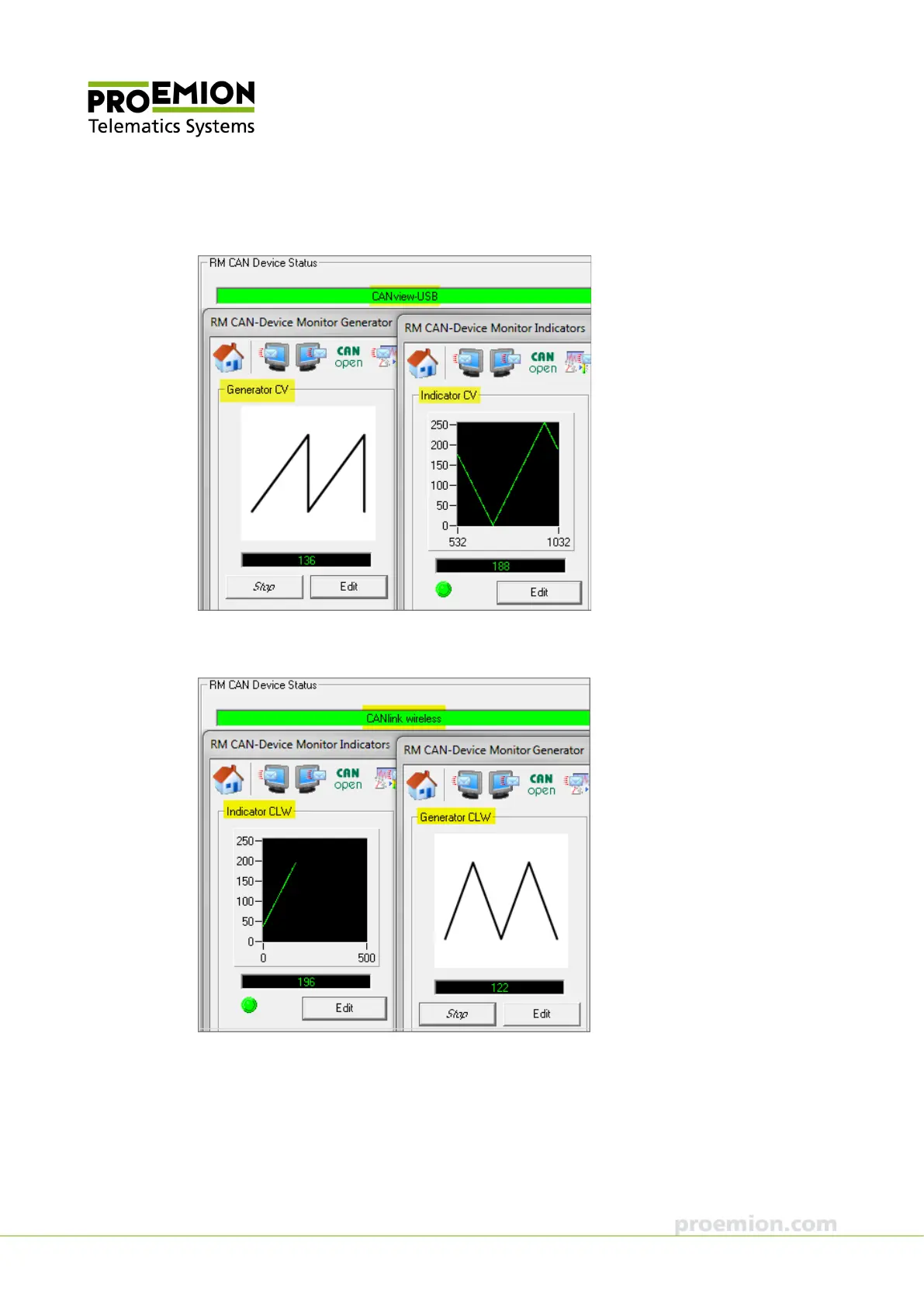
In the first instance of RM CAN-Device Monitor, GENERATOR CV and INDICATOR CV are
displayed:
In the second instance of RM CAN-Device Monitor, I
NDICATOR CLW and GENERATOR CLW are
displayed:
When the I
NDICATOR CV and the INDICATOR CLW indicate constant data transmission during an
active transmission process, the function test is completed.
If a constant data transmission is not possible, check the parameters in RM CAN-Device Monitor
software and ensure that the cabling of the devices is correct.



 To Next Page