Device Manual CANlink wireless
Getting started
PROEMION GmbH | Phone: +49 661 9490-600 | Fax: +49 661 9490-666 | info@proemion.com | proemion.com | Version 1.0 70
© 2016RM MICHAELIDES● VX.X ● Device Manual CANlink 5000 series © 2016RM MICHAELIDES● VX.X ● Device Manual CANlink 5000 series © 2016 PROEMION GMBH > 1.0 EN > Device Manual CANlink wireless 3000 series
15. In the SOCKET SERVER field, check the ENABLE BOX.
16. Under P
ORT NUMBER, enter the value 30000.
17. In the P
ROTOCOL list, select network protocol TCP.
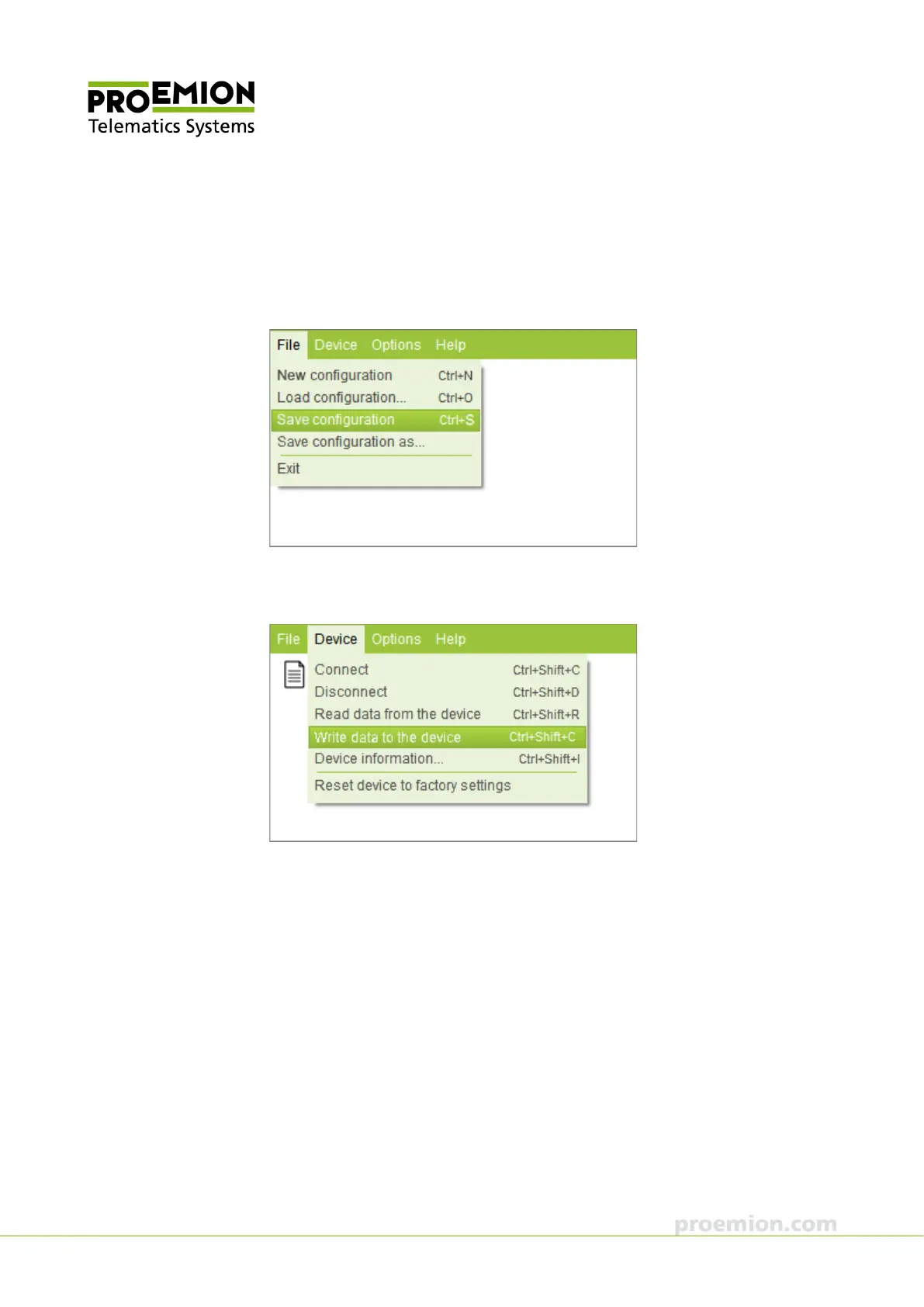
18. Choose F
ILE → SAVE CONFIGURATION from the menu.
19. Save the configuration to a file.
20. Choose D
EVICE → WRITE DATA TO THE DEVICE from the menu.
The configuration is written to the device.
21. Disconnect the device from the PC.
Now the device is integrated in the network infrastructure.



 To Next Page