Device Manual CANlink wireless
Operation
PROEMION GmbH | Phone: +49 661 9490-600 | Fax: +49 661 9490-666 | info@proemion.com | proemion.com | Version 1.0 92
© 2016RM MICHAELIDES● VX.X ● Device Manual CANlink 5000 series © 2016RM MICHAELIDES● VX.X ● Device Manual CANlink 5000 series © 2016 PROEMION GMBH > 1.0 EN > Device Manual CANlink wireless 3000 series
Help menu Description
REATE
UPPORT
ARCHIVE
Create a backup with all device information and parameters.
This function is only available when the CANlink wireless is
connected.
BOUT
CANLINK WIRELESS
CONFIGURATOR…
Show software information (version etc.).
Help menu
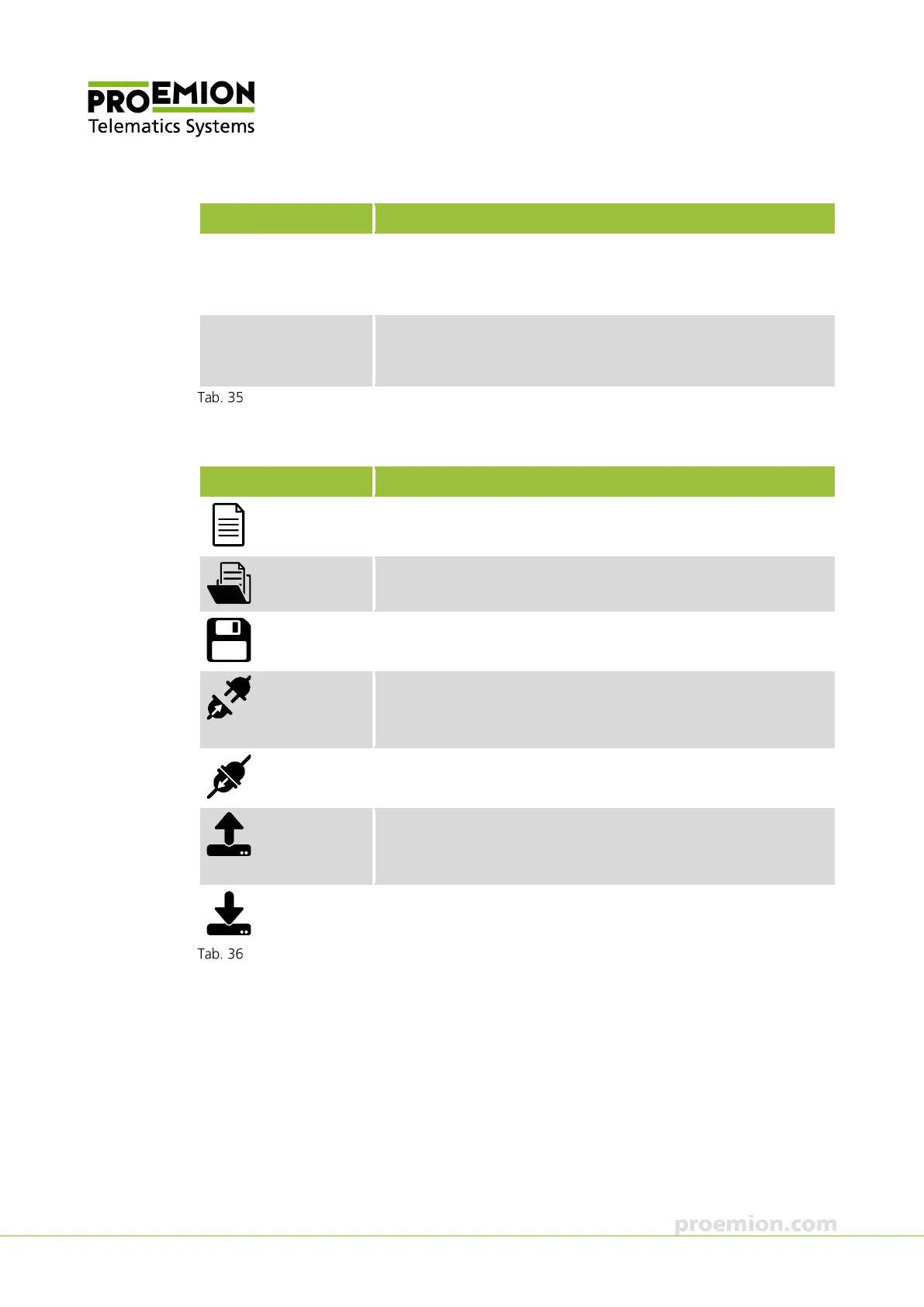
TOOLBAR
Symbols Description
Corresponds with N
EW CONFIGURATION in the FILE menu.
Corresponds with LOAD CONFIGURATION in the FILE menu.
Corresponds with
AVE CONFIGURATION
in the
ILE menu.
Corresponds with
ONNECT in the
EVICE menu.
The symbol is only visible when the CANlink wireless is not
connected.
Corresponds with
ISCONNECT in the
EVICE menu.
The symbol is only visible when the CANlink wireless is connected.
Corresponds with
EAD DATA FROM THE DEVICE in the
EVICE
menu.
The symbol is only visible when the CANlink wireless is connected.
Corresponds with
RITE DATA TO THE DEVICE in the
EVICE menu.
The symbol is only visible when the CANlink wireless is connected.
Toolbar



 To Next Page