Reference MVI56-PDPMV1 ♦ ControlLogix Platform
User Manual PROFIBUS DPV1 Master
Page 220 of 251 ProSoft Technology, Inc.
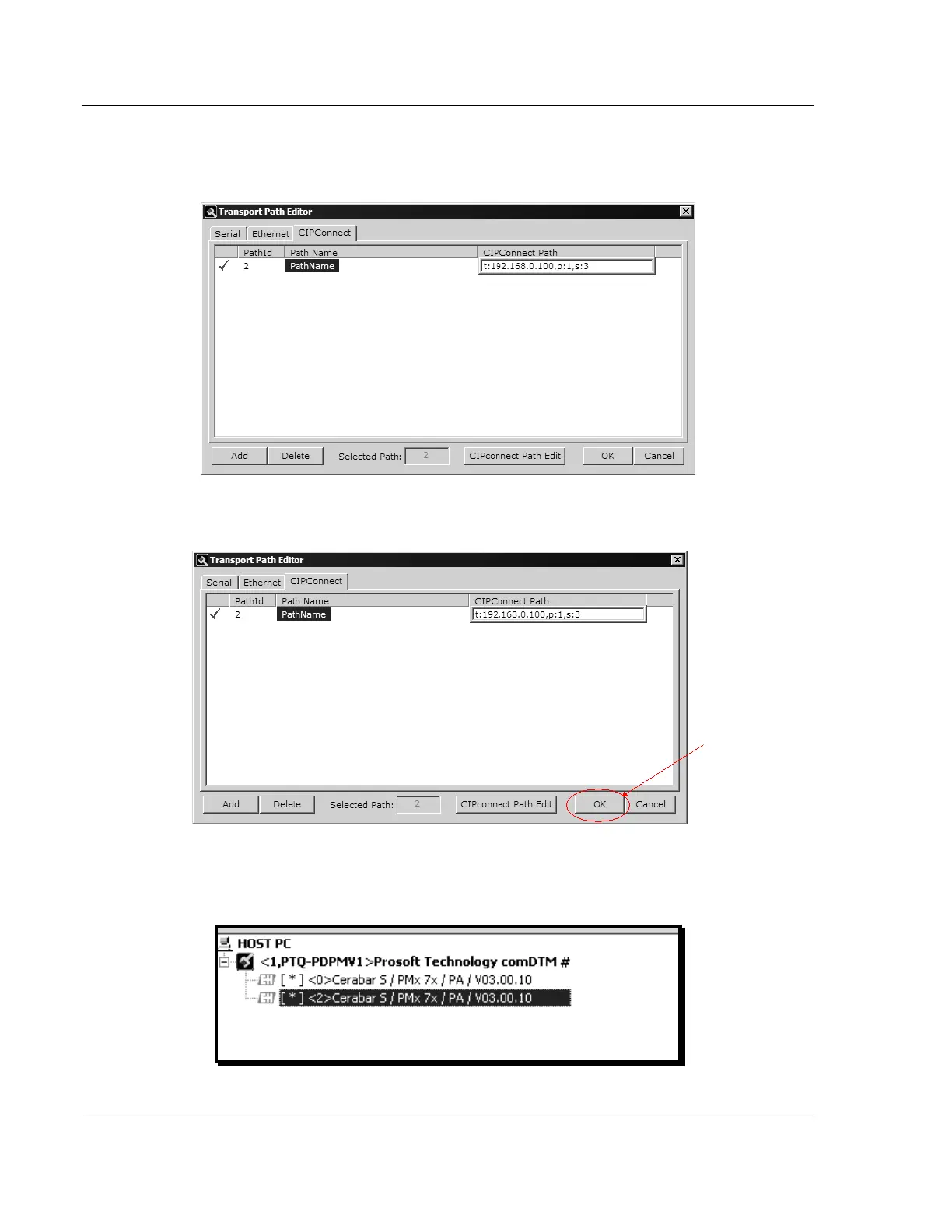
4 When you have configured the communication path, click the OK button to
confirm. The communication path will be displayed at the top grid panel as
shown in the following illustration.
5 Select the path and click the OK button to exit the Transport Path Editor
window.
6 Select the COMDTM icon and click the right mouse button to open a shortcut
menu. On the shortcut menu, choose CONNECT. If the connection is
successful, the icon will be highlighted, as shown in the following illustration.



 To Next Page