MVI56-PDPMV1 ♦ ControlLogix Platform Reference
PROFIBUS DPV1 Master User Manual
Page 221 of 251 ProSoft Technology, Inc.
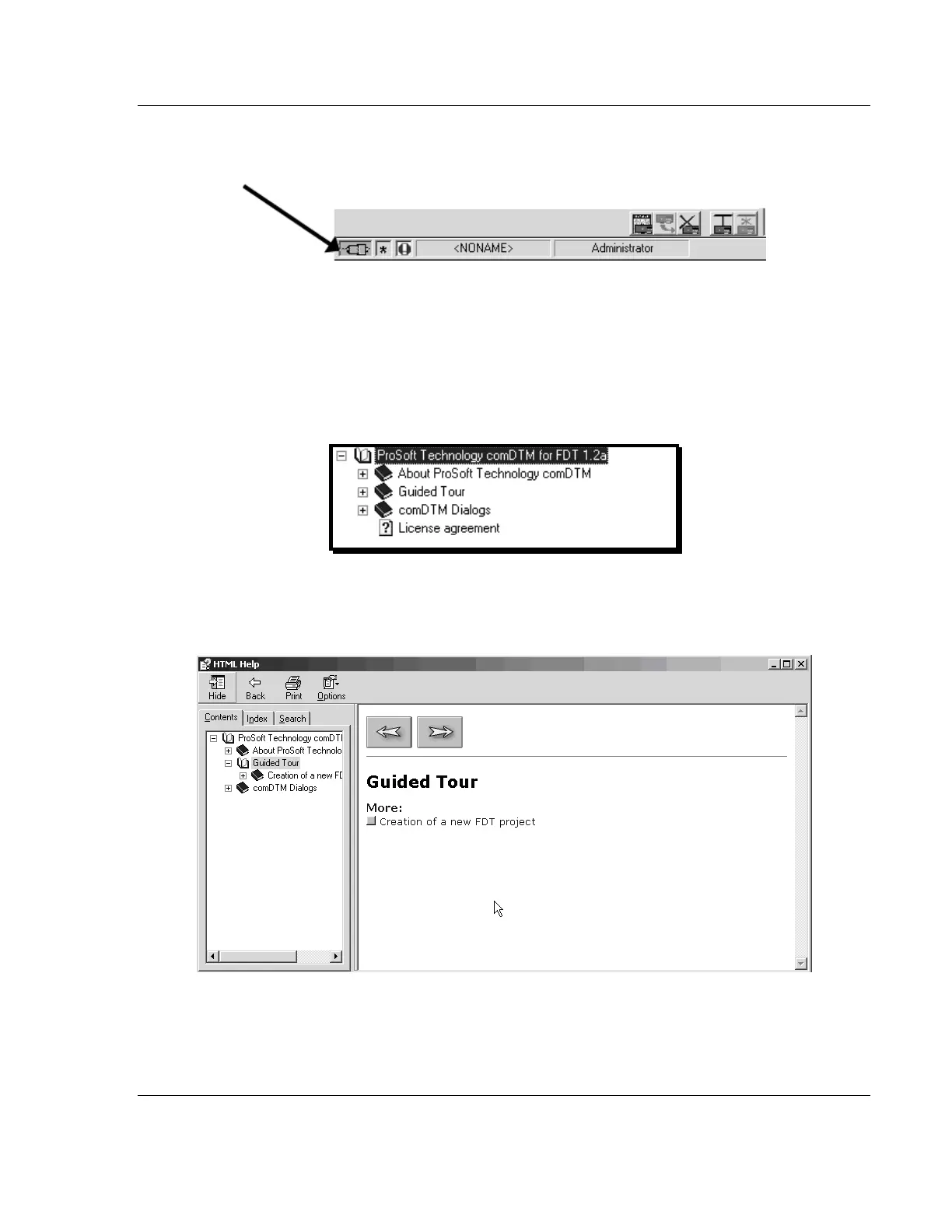
When the comDTM is connected with the Master, PACTware indicates the
connection Master by displaying a green plug in the status bar.
This completes the installation and Quick Start Guide for the ProSoft Technology
PROFIBUS comDTM. Refer to the online help and documentation additional
information on each DTM component you have installed and configured.
The comDTM provides a Guided Tour section in the online help that explains the
basic features and operation of the program. To open the online help, click the
right mouse button on PROSOFT TECHNOLOGY COMDTM, and choose ADDITIONAL
FUNCTIONS > ONLINE HELP from the shortcut menu.
Click the GUIDED TOUR icon. Use the navigation buttons on each help page to
view the help topics.
Refer to the documentation and online help for your FDT frame program for
specific FDT frame instructions.



 To Next Page