Configuring the MVI56-PDPMV1 Module MVI56-PDPMV1 ♦ ControlLogix Platform
User Manual PROFIBUS DPV1 Master
Page 98 of 251 ProSoft Technology, Inc.
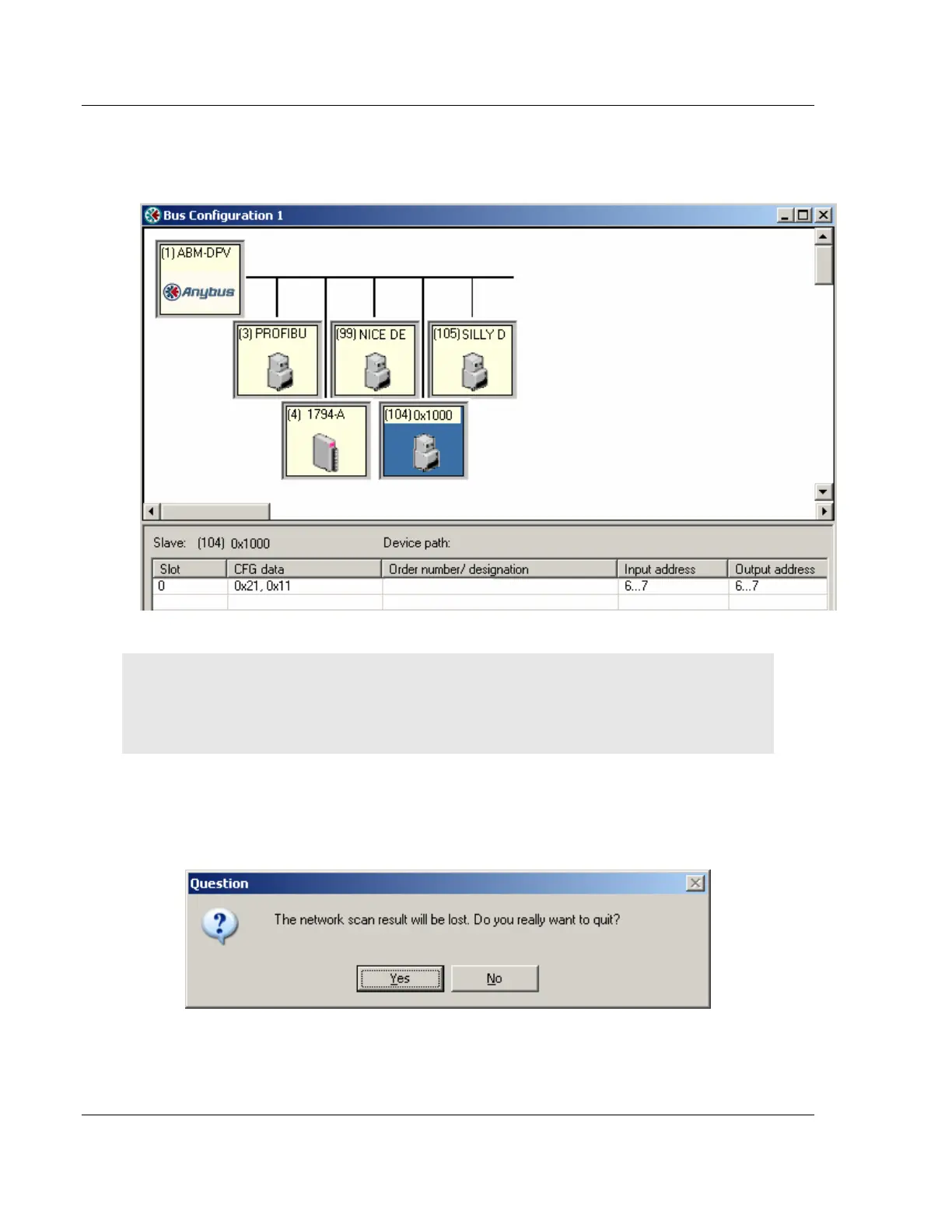
If accepted, the network scan window will close and the PROFIBUS Master
Configuration window will be populated with the slaves that were found during
the network scan.
Note: The icon for slave 104 displays the Ident number since no GSD-file exists for this device.
Also observe the configuration for the very same slave at the bottom of the screen.
Note: Slave: is equal to the Ident number and that the Device path: and Order number/designation
fields are left empty.
Cancel and Help
If the CANCEL button is pressed a message similar to the one below will appear.
If the HELP button is pressed the online help will start.



 To Next Page