Serial interface in the server end should be configured to work at 9600bps,
8bits, 1 stop, no parity and no flow control.
Server IP: Sets the IP of the server to which the PAA20+ will send input
messages.
Port Number: Sets the TCP/IP port of the server which the PAA20+ will
send the messages.
Input codes:
In these fields you can set the messages that the PAA20+ will send to the
server when any input is activated. This activation may come from rear input
connector, frontal buttons or from the Remote Control page in the PAA20+
WebAdmin interface.
See Figure 7.2.6A, it shows the Automation Input Configuration page. Every
input listed at the left column is associated with the character string inside
the textbox in the central column. When the PAA20+ detects a valid input
activation, it sends the message associated with the input using the interface
selected above.
Messages in the Figures are factory default messages compatible with Dolby
configuration files available in the FTP:
ftp://manual:proyecson@ftp3.proyecson.com/manual/paa20+. To change
messages, write down new ones in the associated textbox and press the save
button to the right side of each one.
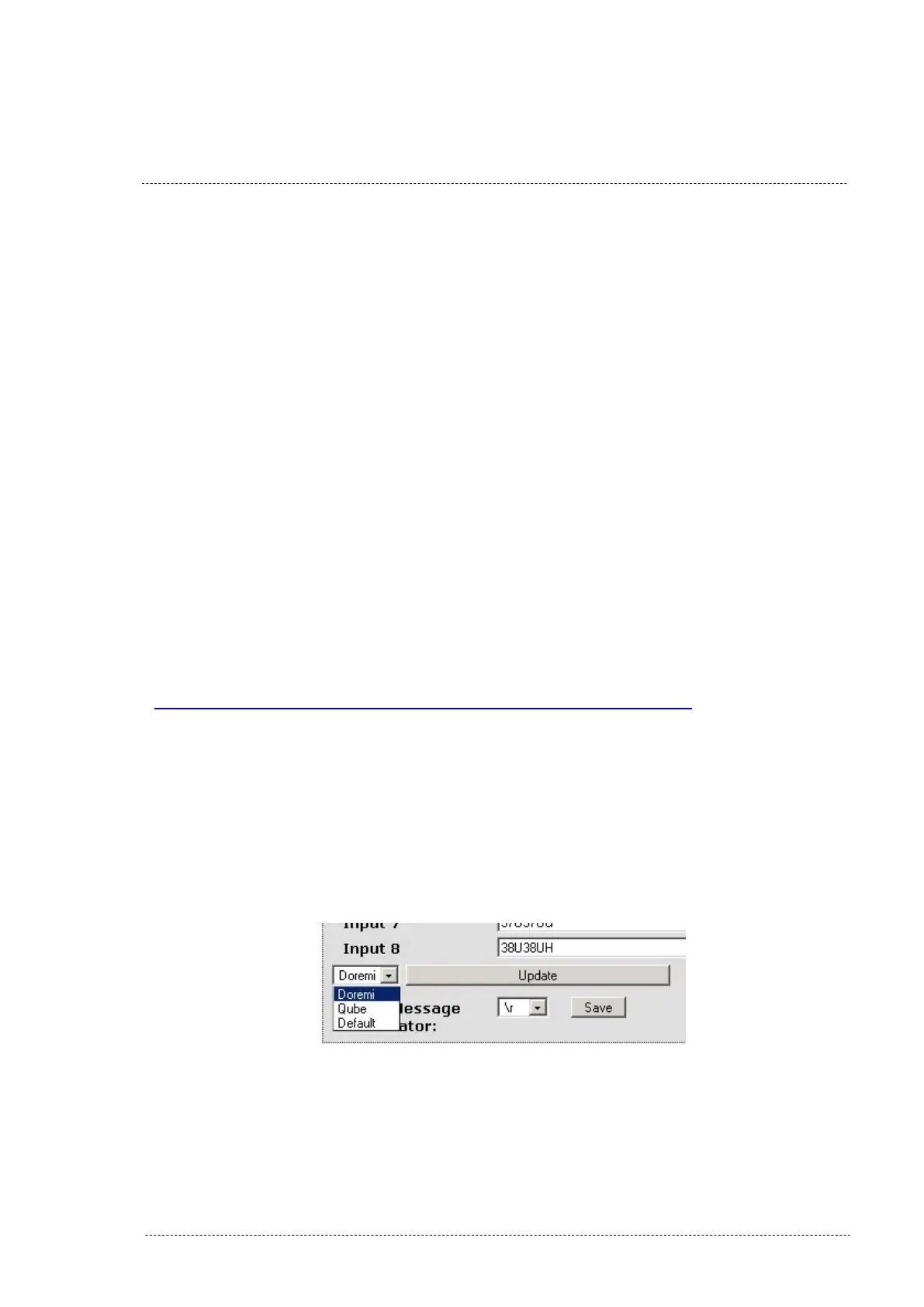
Server selection:
With the actual firmware version it is possible to load pre-configured
messages for Doremi and Qube servers input signals.
To set the input messages for your server, use the selection tab as you can
see in the Figure 7.2.6C and click on the “Update” button.
Figure 7.2.6C
INSTALLATION MANUAL: PAA20+ V 2.0 (10/2021) 34



 To Next Page