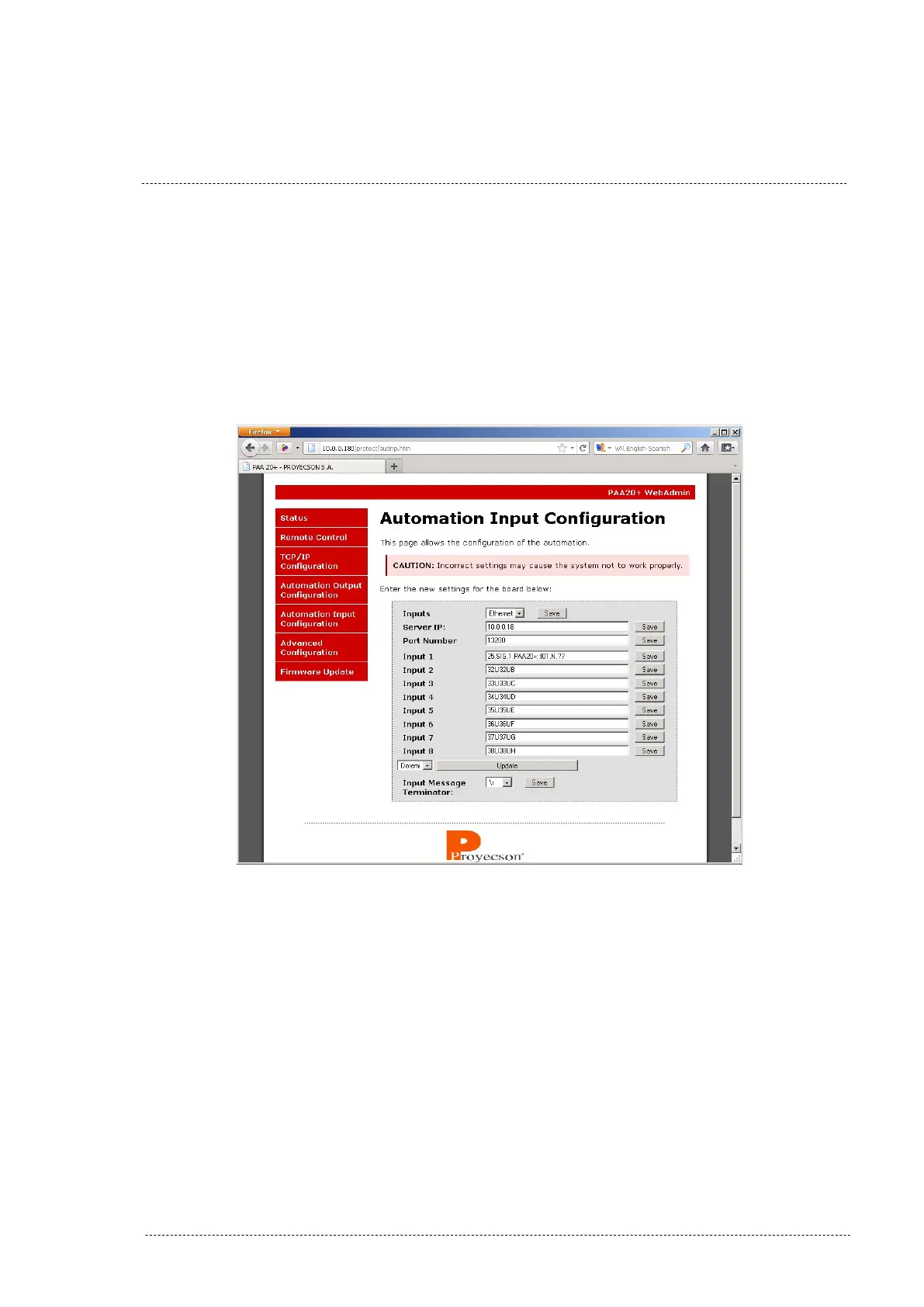
This “Update” button fills in the “Input n” fields with the Doremi server input
messages, but does not save them. You must save every input individually to
store the message string into the PAA20+ data memory.
Every time you save an Input field, the other ones return to their stored
values as you can see in the example showed in Figure 7.2.6F, where we
saved the Input 1 value. You will need to press the “Update” button each
time you need to save an Input field.
Figure 7.2.6F
Follow this procedure to set the Automation Input Configuration for other
servers listed in the server selection tab. Figure 7.2.6G shows the filled in
fields for a Qube XP-D server.
INSTALLATION MANUAL: PAA20+ V 2.0 (10/2021) 36



 To Next Page