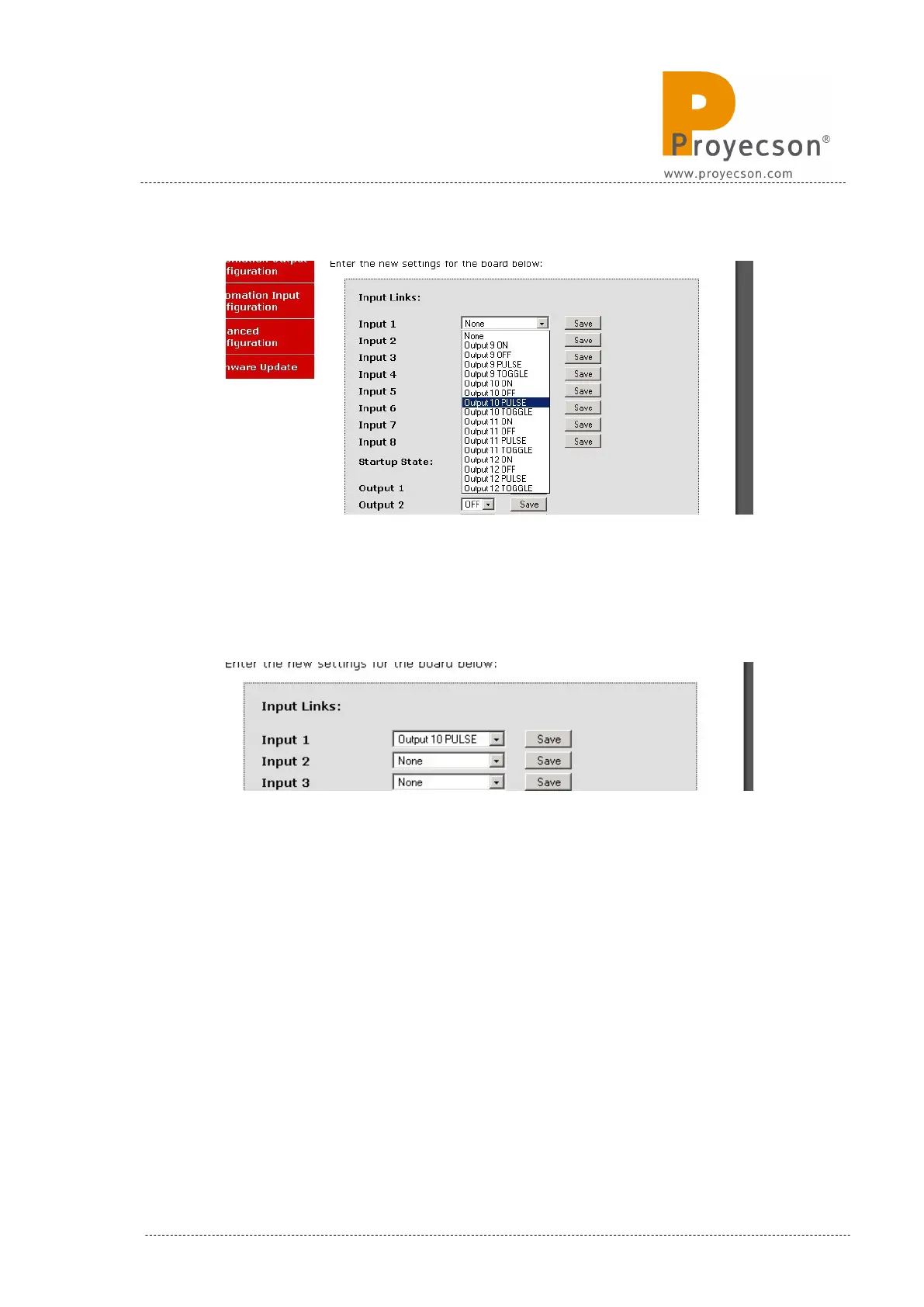
Figure 7.2.7B
Figure 7.2.7C shows you an example to activate a pulse in the Relay 10
when a valid input level is detected in the Input 1.
Figure 7.2.7C
StartUp State: This feature lets you choose the state of all the relays after
every boot of the PAA20+.
See Figure 7.2.7.D. To the right side of every Output you can choose, using
a selection tab, if the relay will boot up in the active state “ON” or in the non
active state “OFF”. Figure 7.2.7E shows the options of the selection tab and
Figure 7.2.7F an example of such.
INSTALLATION MANUAL: PAA20+ V 2.0 (10/2021) 39



 To Next Page