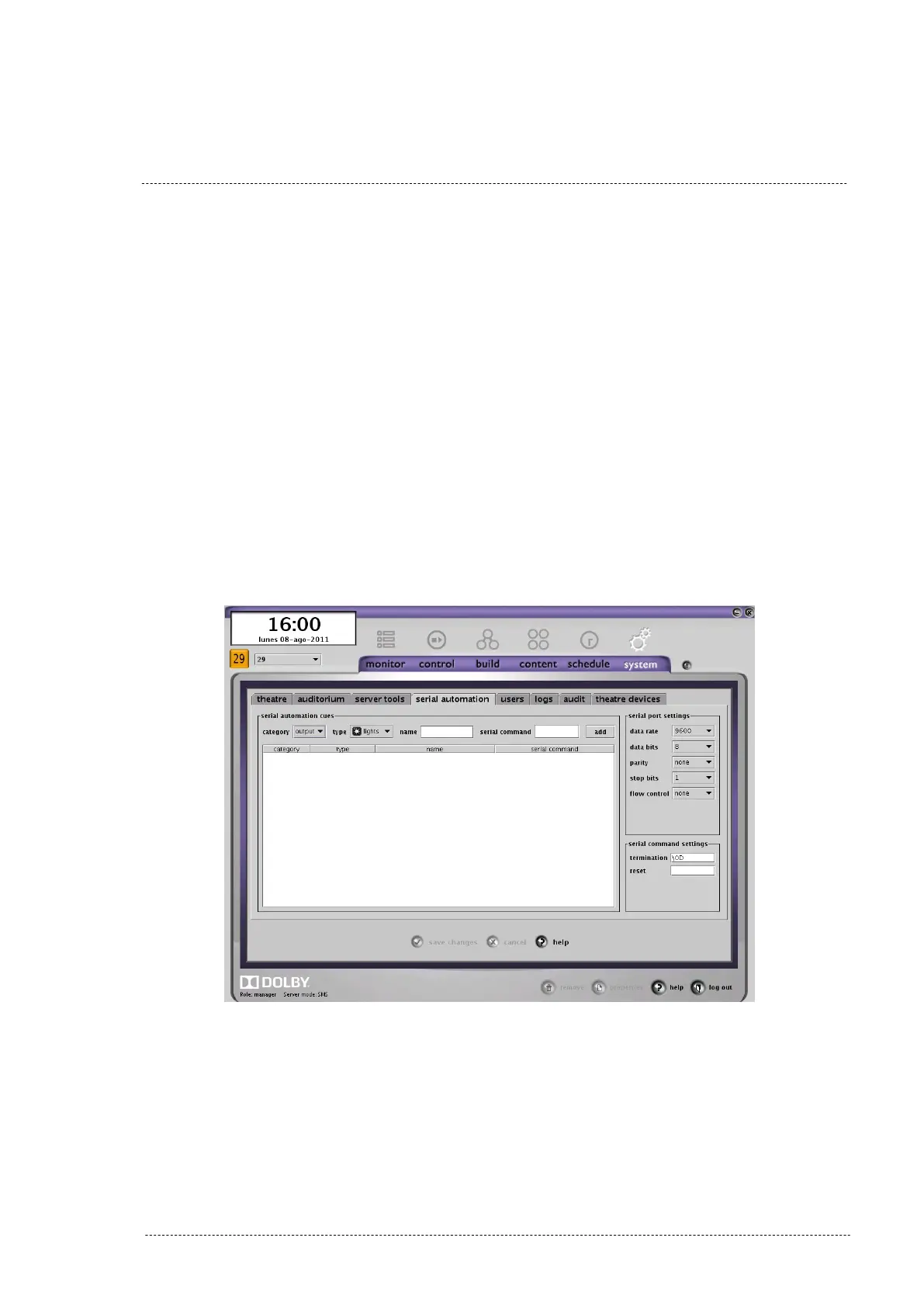
3. Select tab “SERIAL AUTOMATION” to configure the serial port server.
4. In the configuration box “SERIAL PORT SETTINGS” choose the follow-
ing parameters (Figure 8.1B):
• Data rate = 9600.
• Data bits = 8.
• Parity = none.
• Stop bits = 1.
• Flow control = none.
5. In the configuration box “serial command settings” write “\0D” in the
configuration box “termination” if you want to use the PAA20+ factory
default termination, \r. You can use the “\A” termination that corres-
ponds to the “\n” termination in the PAA20+. Leave the configuration
box “reset” in blank as you can see in the figure 8.1B example.
Figure 8.1B
6. Save changes.
INSTALLATION MANUAL: PAA20+ V 2.0 (10/2021) 44



 To Next Page