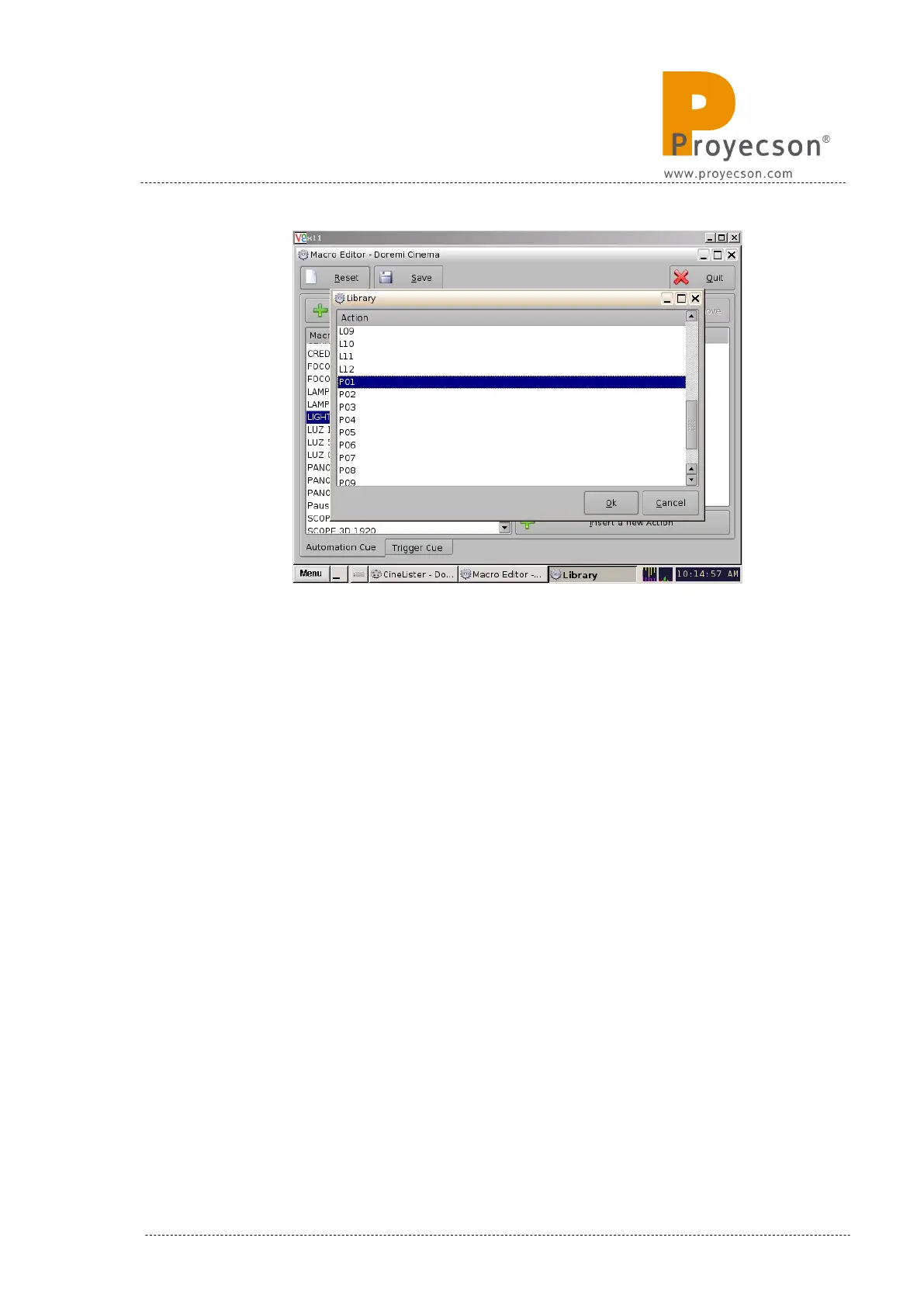
Figure 8.2.4D
9. On the “Send a Message” pop-up window ,figure 8.2.4E, write the fol-
lowing:
• Message Label: Short description of the operation (optional).
• Device Name: Select “PAA20+”.
• Message Type: Select “Text”.
• Message: Leave untouched, it is read from the PAA20+ library
previously selected.
INSTALLATION MANUAL: PAA20+ V 2.0 (10/2021) 59



 To Next Page