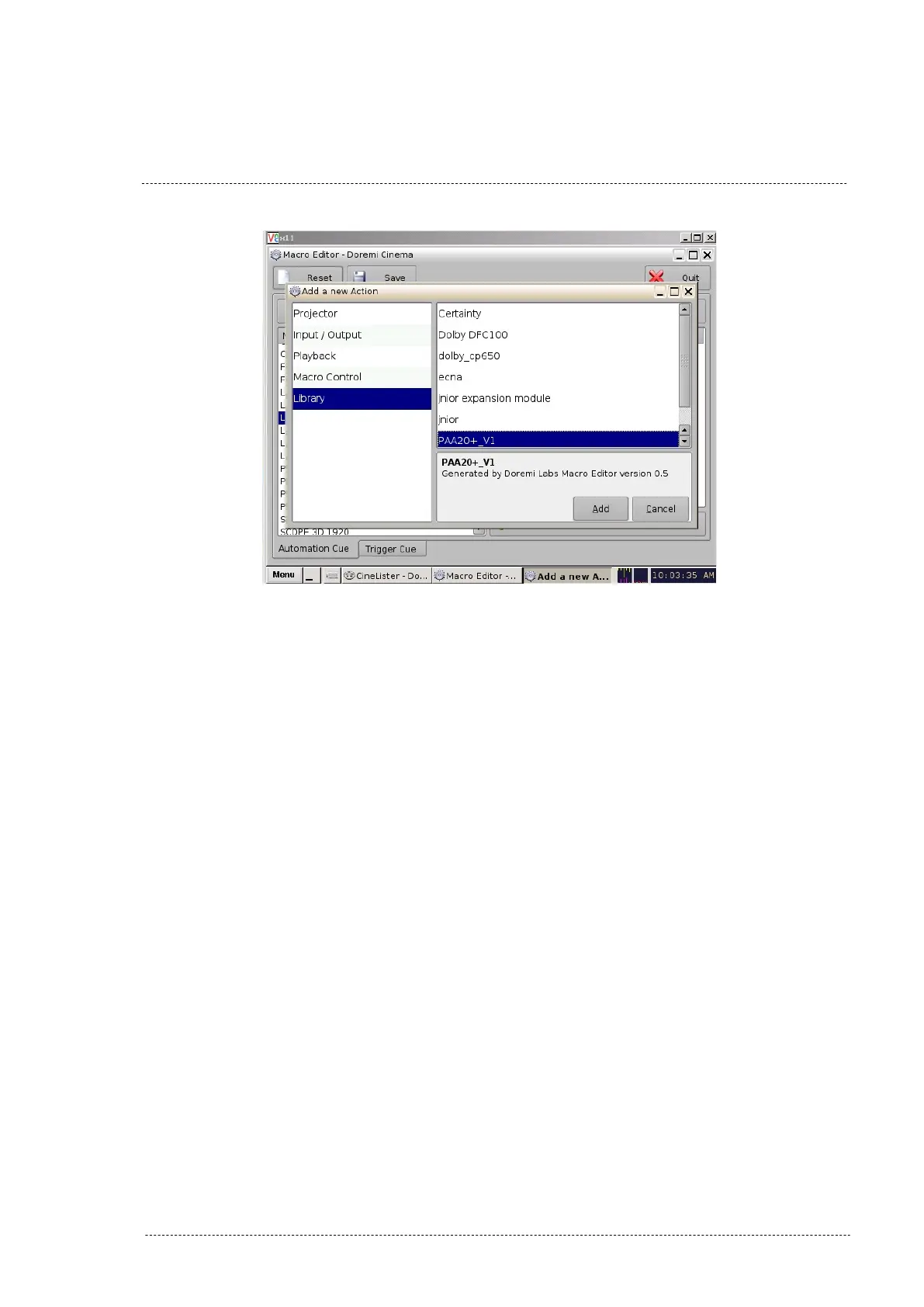
Figure 8.2.4C
8. On the “Library” pop-up window select the action needed and validate
with the OK button as you can see in figure 8.2.4D. Keys for the ac-
tion are these:
• Actions from H1 to H12 activate (High) and maintain active the
corresponding output.
• Actions from L1 to L12 deactivate (Low) and maintain inactive
the corresponding output.
• Actions from P1 to P12 generate a momentary pulse (500ms) in
the corresponding output.
INSTALLATION MANUAL: PAA20+ V 2.0 (10/2021) 58



 To Next Page