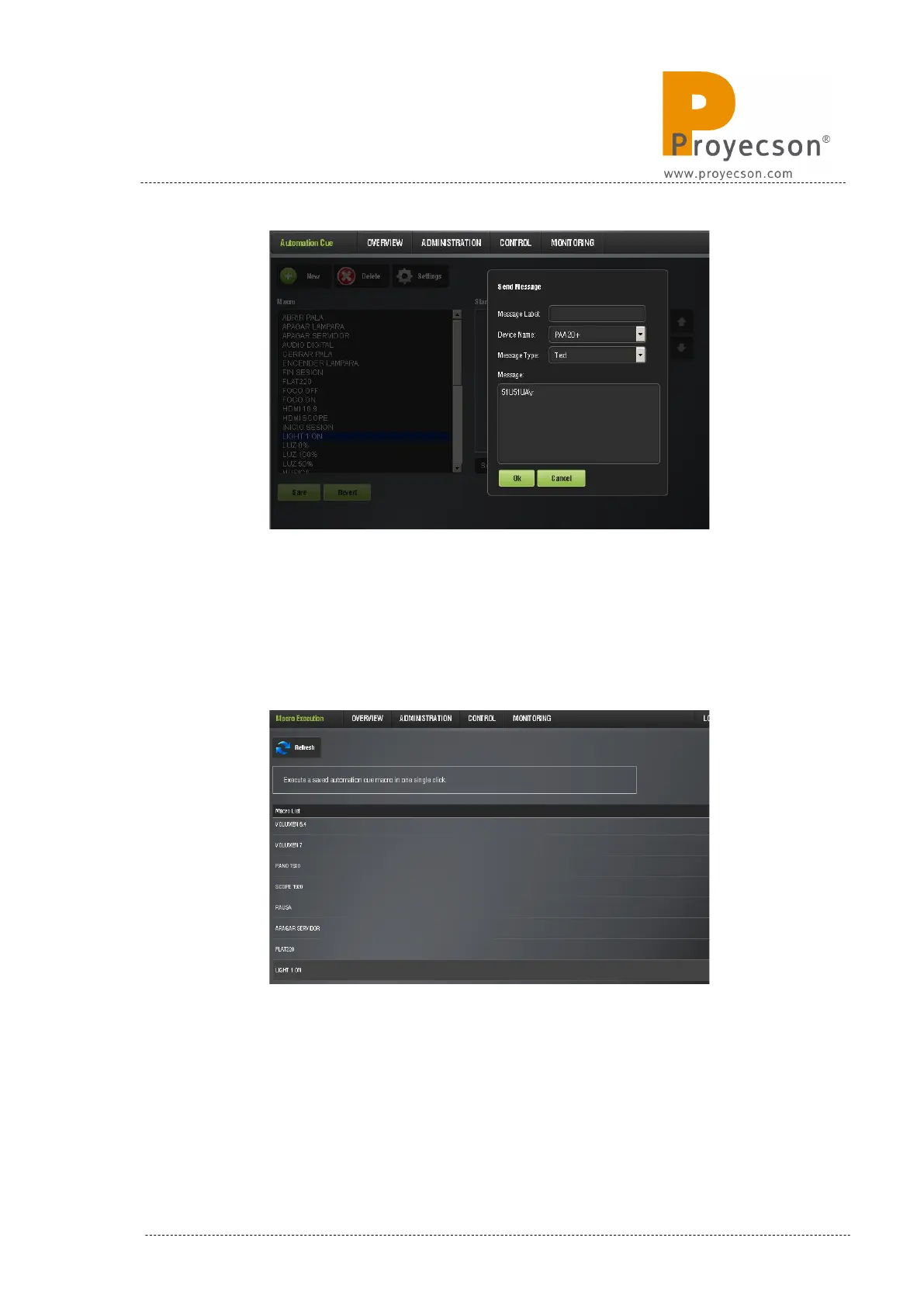
Figure 8.3.2C
6. Once the required macros are added, save changes. If you are not
logged as admin, you will need to authenticate in order to save them.
New macros will appear in “Cinelister”.
7. To check in advance the macros, use the “MACRO EXECUTION”
program in the “CONTROL.” menu. You can see a snapshot of the
“Macro Execution” program in figure 8.3.2D.
Figure 8.3.2D
8. If the command is successfully received by the PAA20+, a pop-up
message is shown.
INSTALLATION MANUAL: PAA20+ V 2.0 (10/2021) 69



 To Next Page