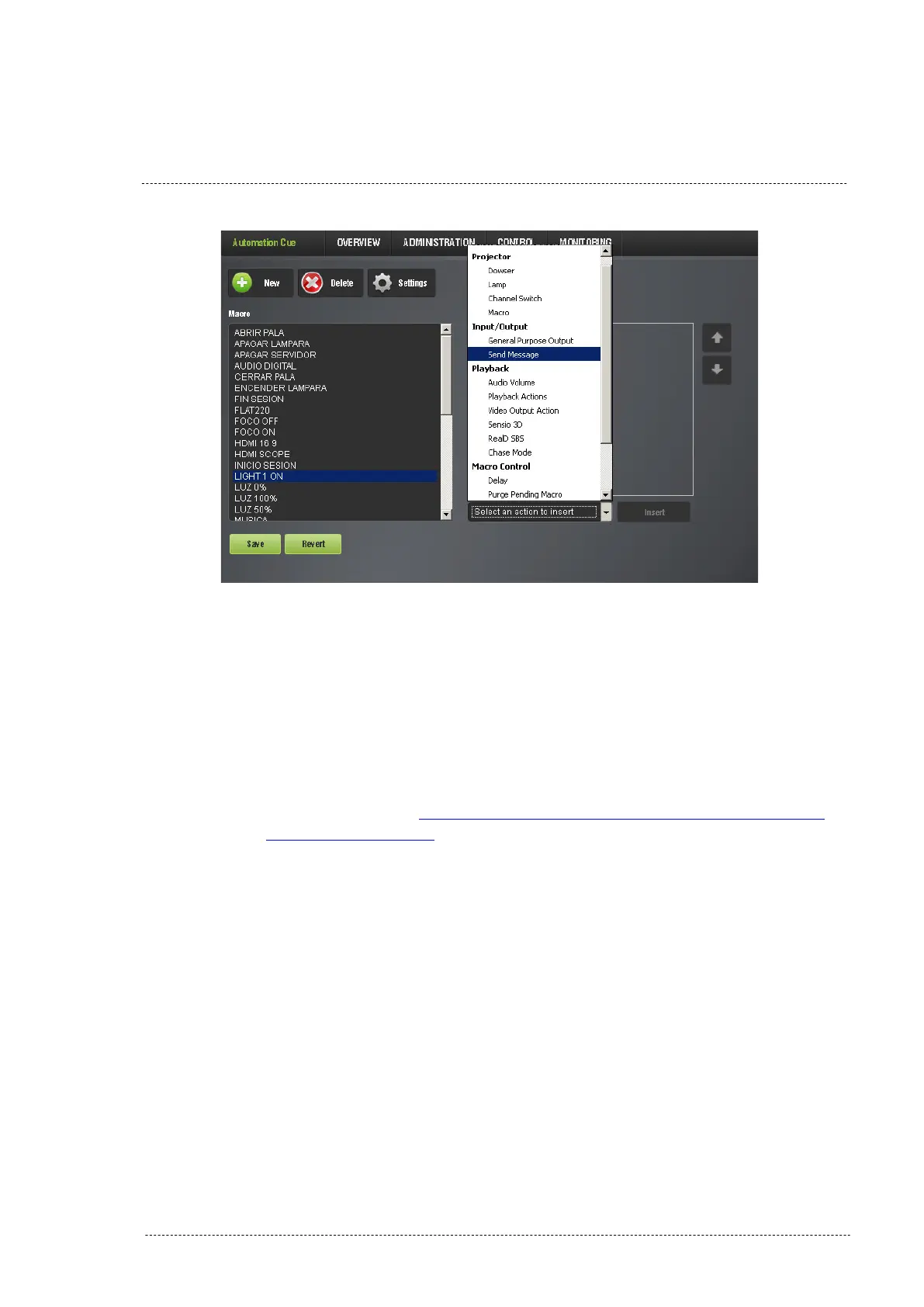
Figure 8.3.2B
4. On the “Send a Message” pop-up window write the following:
• Message Label: Short description of the operation (optional).
• Device Name: Select “PAA20+”.
• Message Type: Select “Text”.
• Message: Write the message in ASCII that will be sent to the
PAA20+ when the macro cue gets executed. See the ASCII
commands on APPENDIX B: ASCII COMMANDS FOR
DOREMI SERVER if you want to use the factory default
commands. You must write the codes exactly as shown in the
table, otherwise the PAA20+ may not recognize them. If you
want to use your own messages be careful with their length
which, it’s limited to 7 bytes and a \r terminator in this
firmware version.
5. See an example of this from in the Figure 8.3.2C.
INSTALLATION MANUAL: PAA20+ V 2.0 (10/2021) 68



 To Next Page