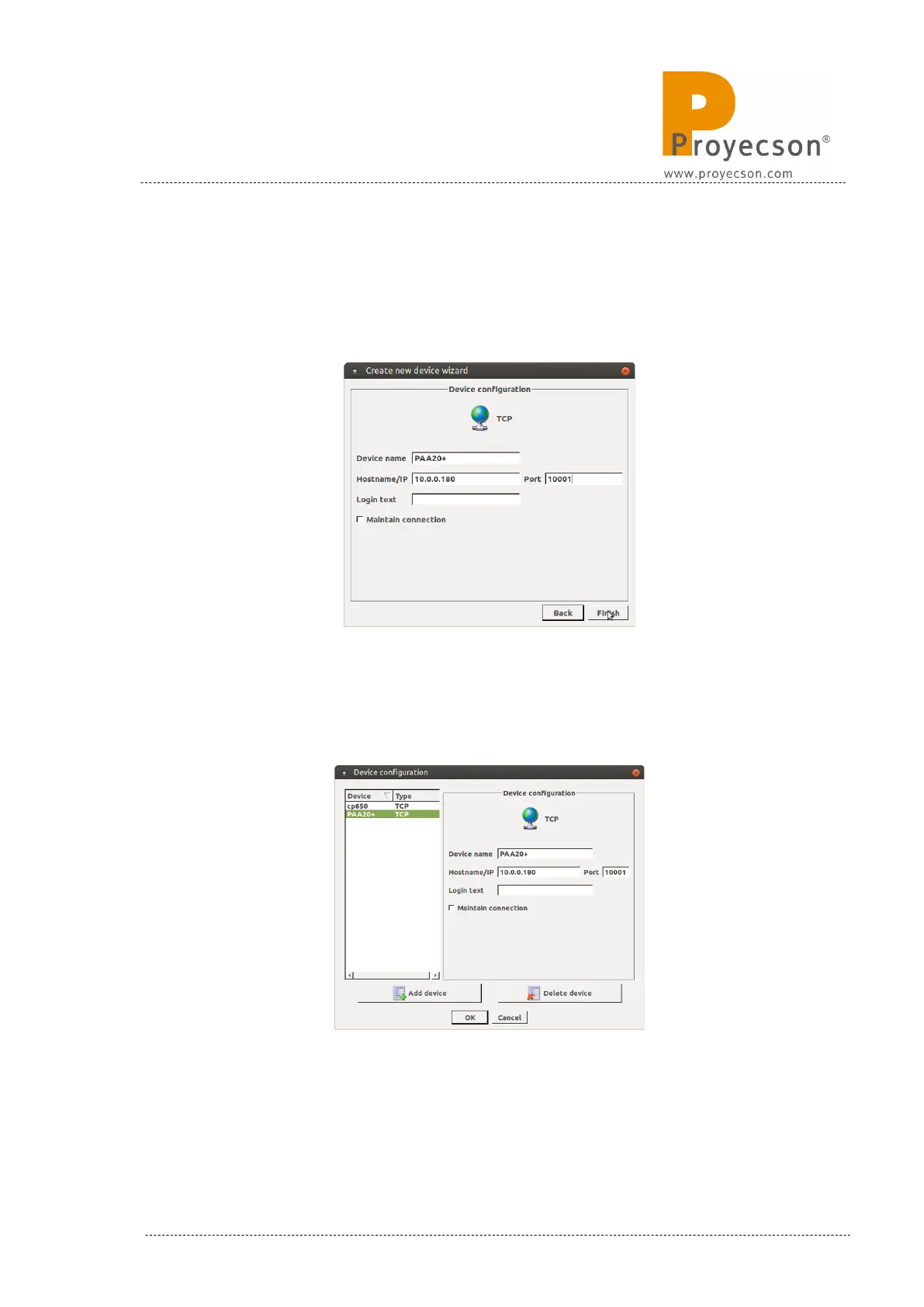
6. In the “Device Configuration” window set the name, IP address and
port for the PAA20+ device. The Figure 8.4.1D shows the factory IP
configuration for the PAA20+. Click on the “Finish” button.
Figure 8.4.1D
7. The PAA20+ device is now configured, ready to add cues and triggers.
Figure 8.4.1E
Figure 8.4.1E
INSTALLATION MANUAL: PAA20+ V 2.0 (10/2021) 79



 To Next Page