8.4.2 Setting up the output cues for the Barco Alchemy server.
Once the device is added, set up the “cues” in order to manage the PAA20+
outputs. To add some cues manually follow these steps:
1. Using the Barco Communicator software connect to the projector as
Service Technician.
2. Click on the “Cues” button on MEDIA SERVER AUTOMATION→
menu.
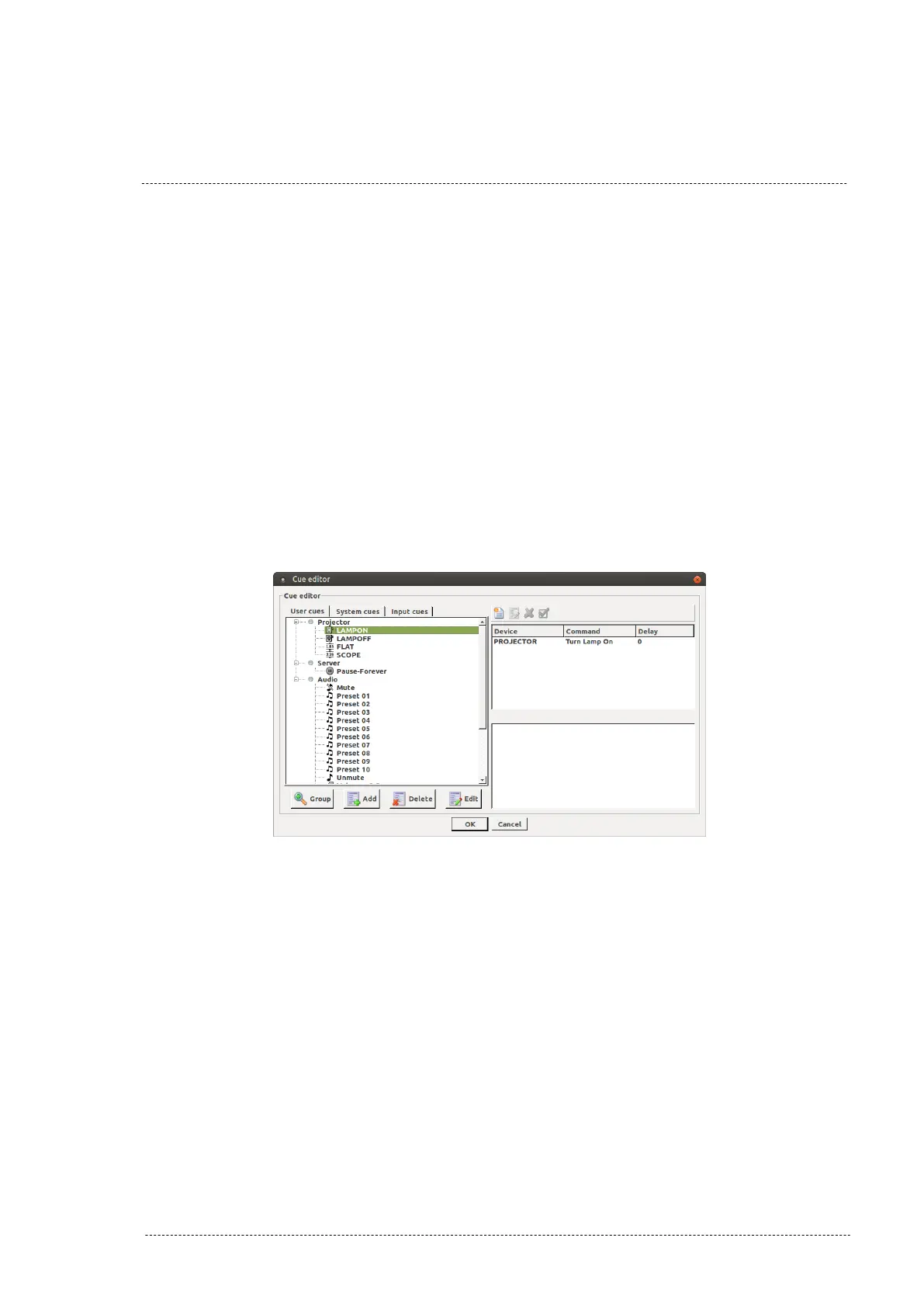
3. In the “Cue editor” pop-up window it is possible to create a group of
cues to simplify the cues organization. To do it, click on the “Group”
button. Figure 8.4.2A.
Figure 8.4.2A
INSTALLATION MANUAL: PAA20+ V 2.0 (10/2021) 80



 To Next Page