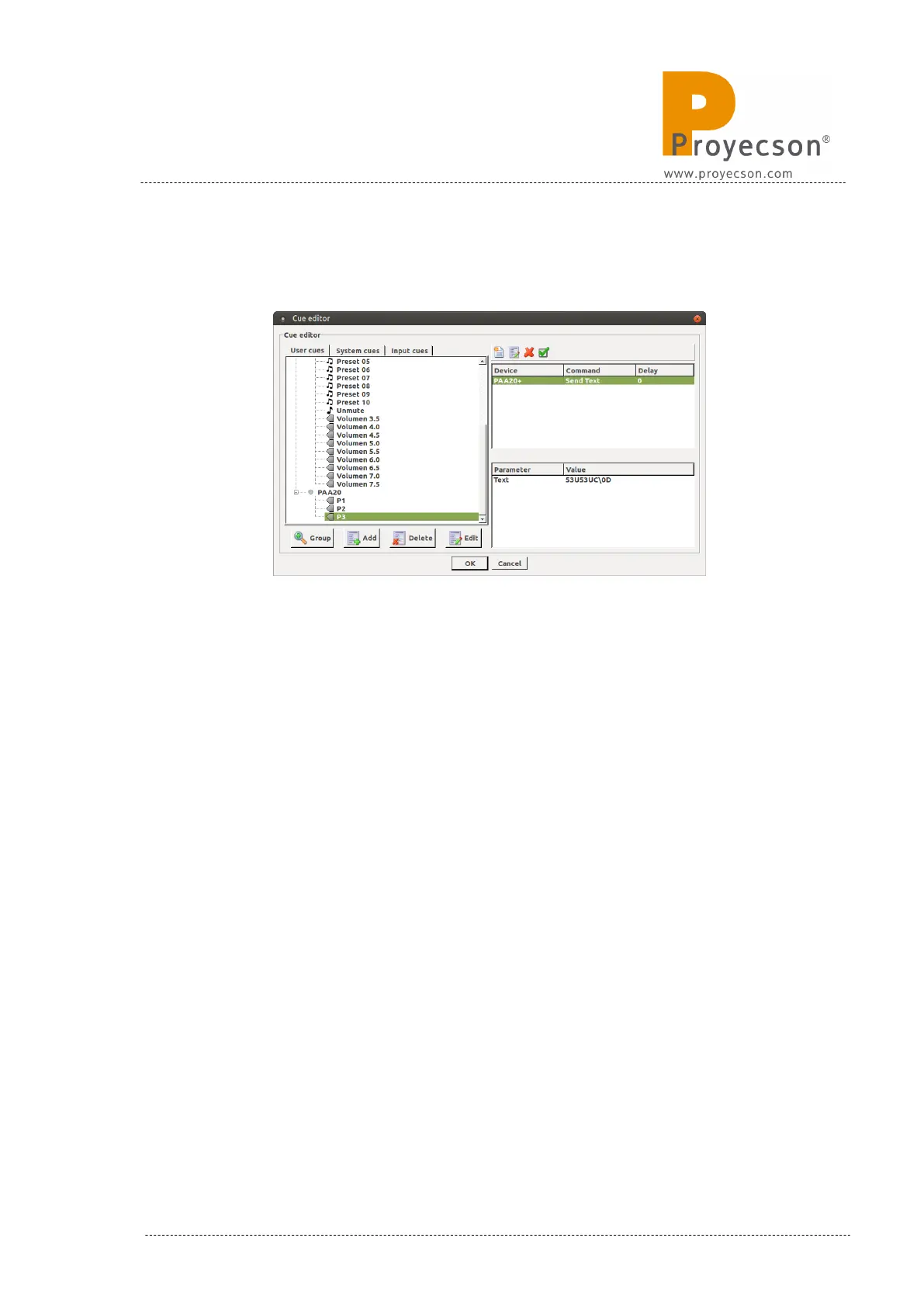
8. Create all the cues you need and click “Ok” on the “Cue editor” window
to save the cue settings. Figure 8.4.2F.
Figure 8.4.2F
9. Once you have all the cues created and saved, it is possible to add any
cue to your shows or trigger it manually as a standard output cue.
INSTALLATION MANUAL: PAA20+ V 2.0 (10/2021) 83



 To Next Page