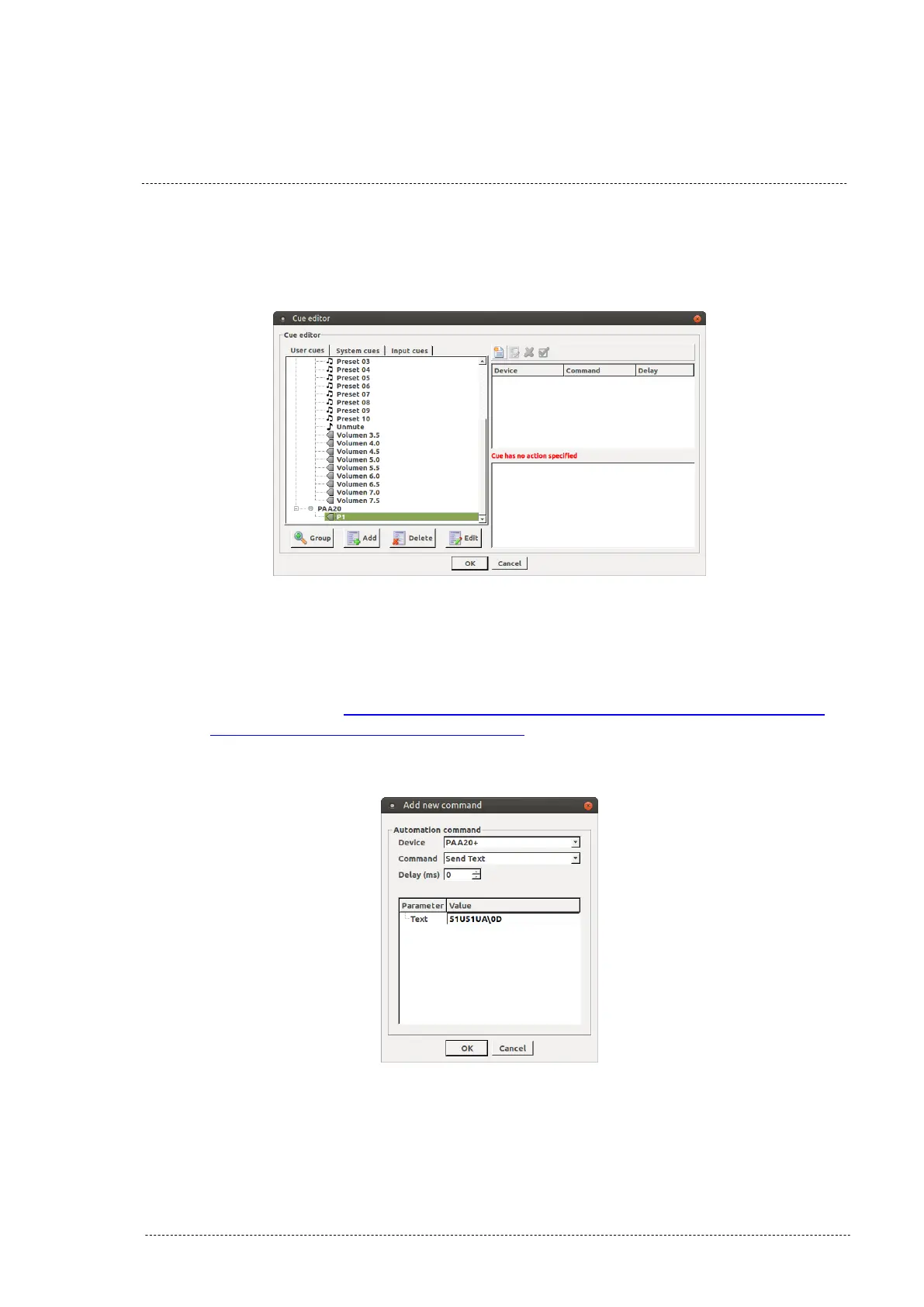
6. The cue is created, now you have to associate commands to it. Select
the cue and click on the “Add action” icon. Figure 8.4.2D.
Figure 8.4.2D
7. In the pop-up window select the PAA20+ from the “Device” selection
tab, the “Send Text” option from the “Command” selection tab and
write the ASCII text string command in the text field. See the ASCII
commands on APPENDIX H : COMMANDS FOR BARCO ALCHEMY
(ICMP) AND CHRISTIE IMB S2 if you want to use the factory
default commands. After that click on the “Ok” button.
Figure 8.4.2E
INSTALLATION MANUAL: PAA20+ V 2.0 (10/2021) 82



 To Next Page