Unlocking the PSD (Postal Inspection)5.2
To Clear A PSD Postal Inspection Required message:
Note: A LAN connection must be plugged into the mailing system to perform a Postal
Inspection.
1. Press the "MENU" button.
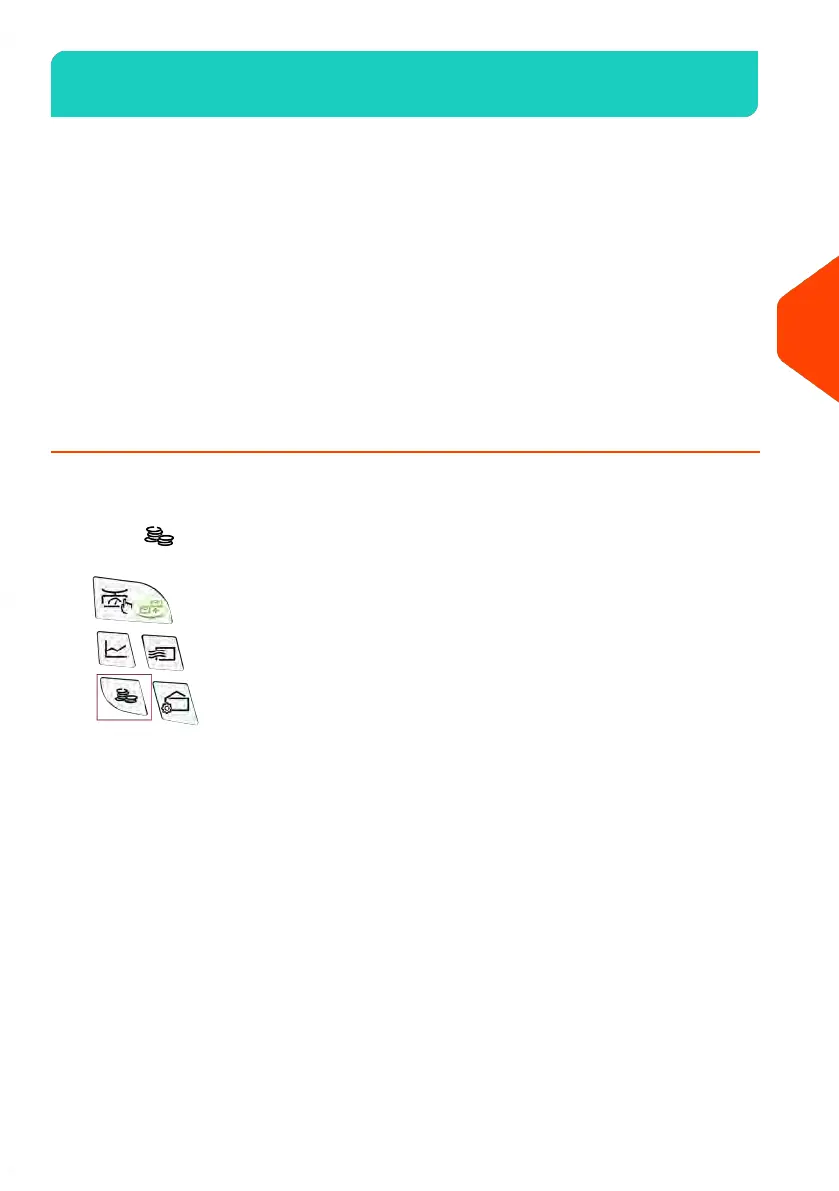
2. Select, "My Credit".
3. Select, "Postal Inspection" or "Audit".
4. Press the "OK" button to confirm.
5. The mailing system will contact the server to perform the inspection. - The mailing
machine will indicate when the call is complete.
6. Press the "Home" button to return to the home screen.
How to Unlock the PSD
To unlock the PSD and manually connect to the Postal Server:
1.
Press .
99
| Page 99 | | Jun-21-2021 09:24 |
5
Money Operations















 To Next Page