How to Change the 'Soft Off Timeout'
Soft Off Timeout: Period of inactivity after which the system
automatically turns to 'Soft off' mode (see Power Management
on page 23).
To change the 'Soft Off Timeout':
1. From the home screen:
Press and select the path: Advanced Settings Settings Timeout
Setting Soft Off Timeout
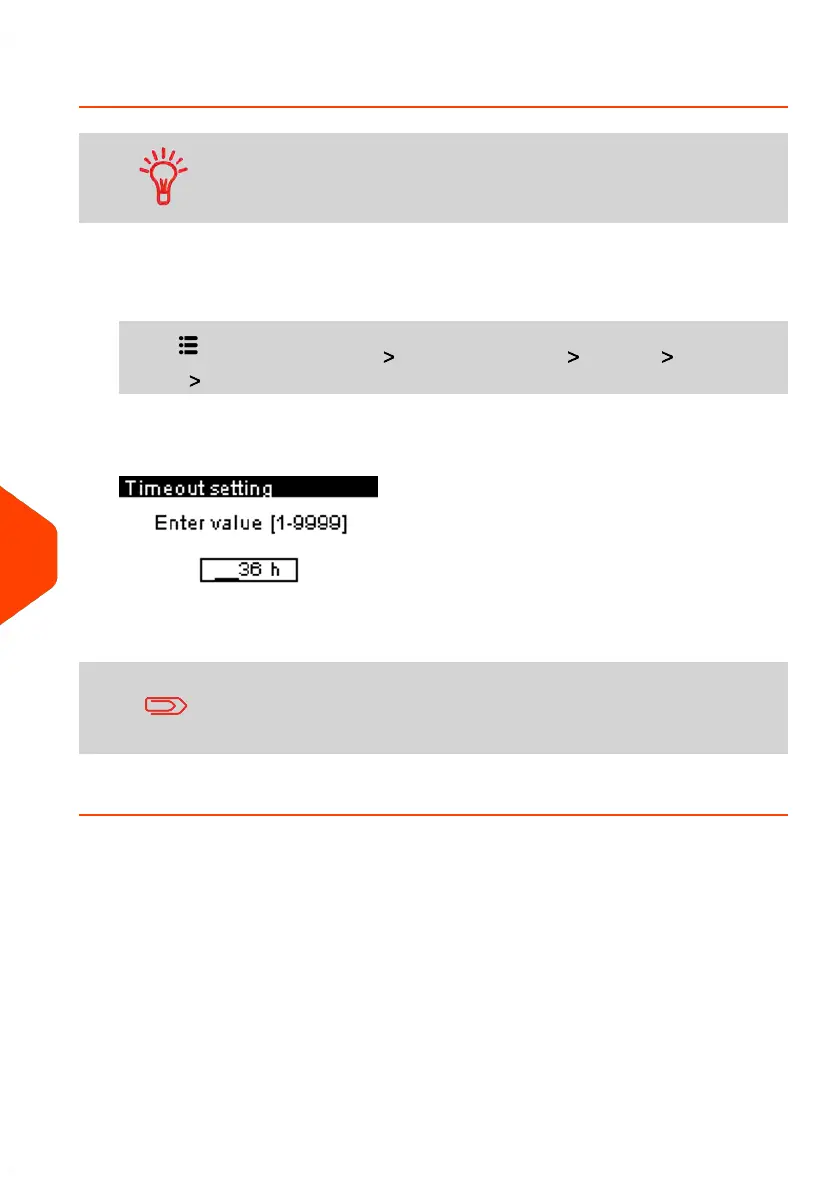
The Soft Off Timeout screen is displayed.
2. Enter the new value of the 'Soft off time-out'.
Use the [C] key to clear old settings then enter a new value.
3. Press [OK] to validate.
188
| Page 188 | Jun-21-2021 09:24 |
10
Configuring your Mailing System















 To Next Page