IP Config Diagnostic Test
Displays current parameters related to IP Configuration.
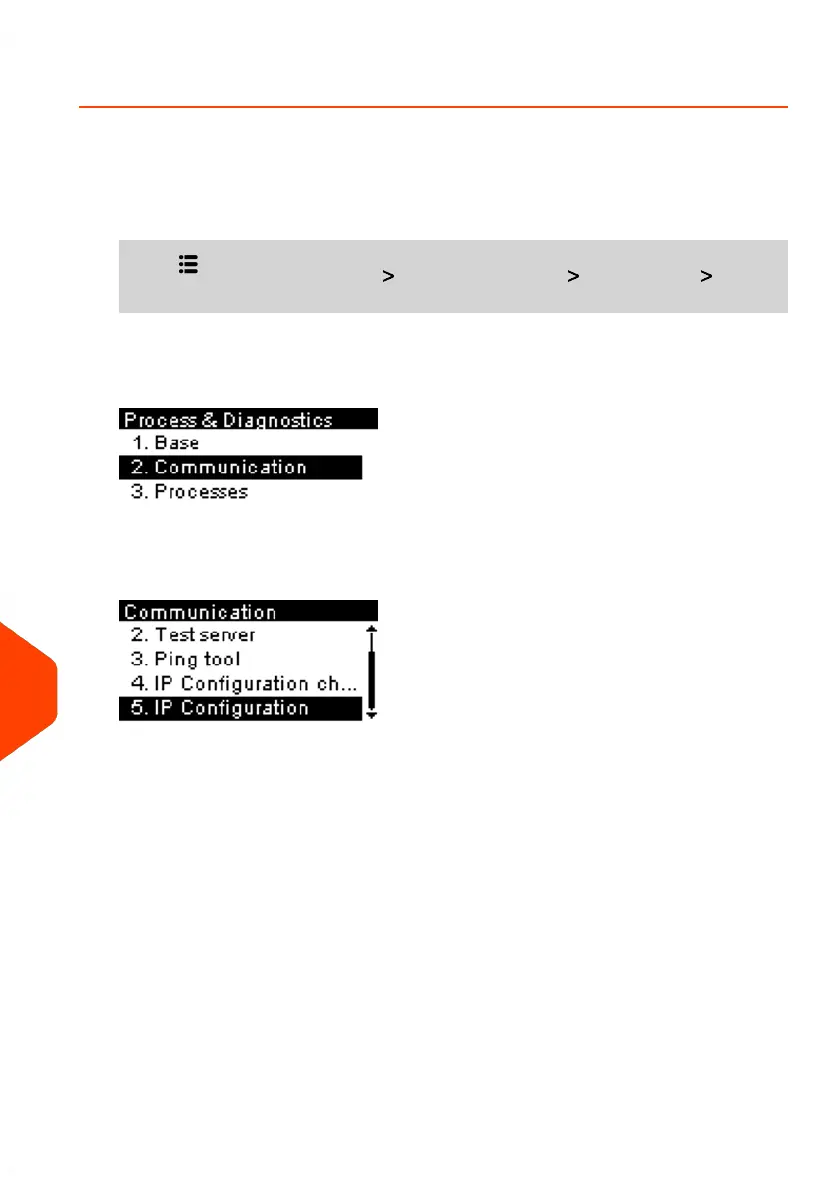
To gain access to a diagnostic display test:
1. From the home screen:
Press and select the path: Advanced Settings Maintenance Process
& Diagnostics
2. Select Communication from the list displayed on the screen.
3. Select IP Configuration from the list displayed on the screen.
266
| Page 266 | Jun-21-2021 09:24 |
13
Troubleshooting















 To Next Page